Many computer users have wondered whether software alone can transform their PC into a faster, more powerful machine. With countless optimization tools, registry tweaks, and performance boosters advertised online, the line between real upgrades and clever marketing can become blurry. The truth, however, depends on understanding the difference between hardware and software—and what each can realistically achieve.
TLDR: Software cannot physically change your PC’s hardware specifications such as RAM size, CPU model, or GPU capability. However, it can optimize performance, unlock certain features, and in rare cases enable disabled components. Most claims that software can “increase” hardware specs are exaggerations or scams. Real hardware improvements require physical upgrades.
Understanding What PC Specifications Really Mean
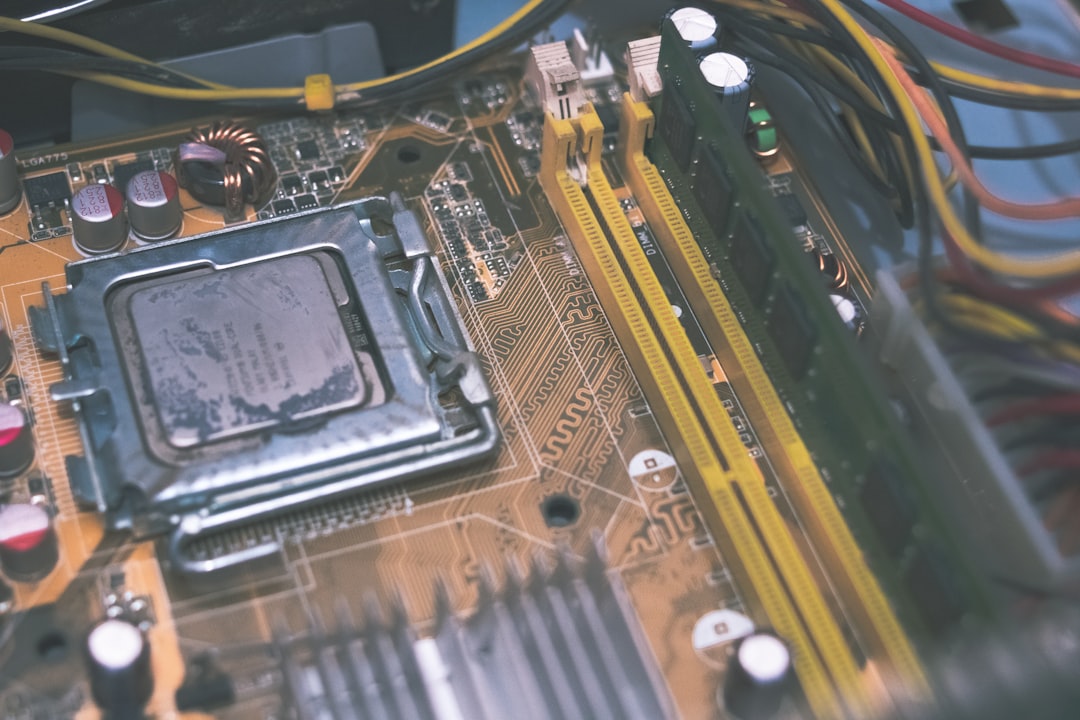
PC specifications refer to the physical components that make up a computer. These include:
- Processor (CPU)
- Graphics card (GPU)
- Random Access Memory (RAM)
- Storage (SSD or HDD)
- Motherboard
Each of these is a tangible piece of hardware installed inside the machine. When someone asks whether software can “change” PC specs, what they usually mean is whether programs can increase RAM, improve processor speed, or upgrade the graphics card without physically replacing components.
The short answer remains: software cannot turn 8GB of physical RAM into 16GB of physical RAM. Hardware capacity is limited by actual chips, circuits, and silicon inside the system.
What Software Can Change
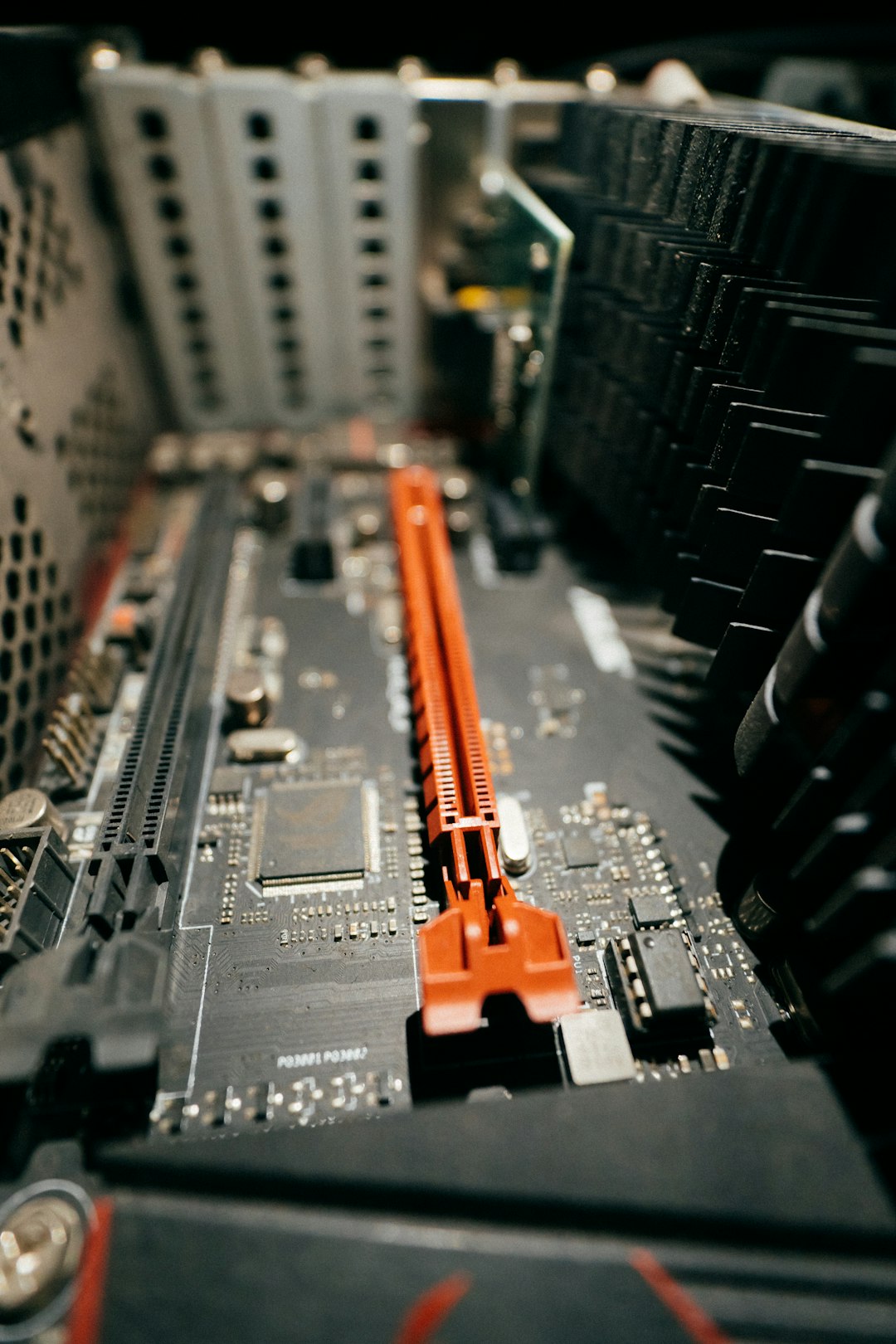
While software cannot alter physical hardware, it can influence how efficiently that hardware performs. This distinction is important. Optimization is not the same as upgrading.
1. Performance Optimization
Operating systems and utilities can:
- Close background processes
- Manage startup programs
- Adjust system priorities
- Defragment storage (HDD only)
- Free up RAM usage
These improvements can make a system feel faster, but the underlying hardware remains unchanged.
2. Overclocking
One of the few legitimate ways software interacts with hardware limits is through overclocking. Specialized software tools can increase:
- CPU clock speed
- GPU frequencies
- Memory clock speeds
However, overclocking does not change the physical specifications of the chip. It simply pushes the component to operate at higher speeds than factory defaults. This process increases heat generation, power consumption, and potential wear.
Importantly, overclocking:
- Requires compatible hardware
- Often depends on motherboard support
- May void warranties
- Can cause instability if done improperly
This is enhancement—not transformation.
3. Unlocking Disabled Features
In rare cases, manufacturers release hardware with disabled cores or features that can be enabled via firmware updates or BIOS modifications. For example:
- CPUs with disabled cores (historically possible on some models)
- GPUs with locked features
- Motherboard BIOS updates enabling higher RAM capacity
These situations are exceptions rather than the rule. Even then, the physical hardware already contains those capabilities—the software merely unlocks them.
Virtual RAM and the Illusion of More Memory
One common myth is that software can “increase RAM.” What actually happens is the use of virtual memory.
Operating systems allocate part of storage space (SSD or HDD) to simulate additional RAM. This is called a:
- Page file (Windows)
- Swap space (Linux)
- Swap memory (macOS)
While virtual memory allows the system to handle more tasks, it is much slower than physical RAM. Storage drives—even SSDs—cannot match RAM speed.
So although system settings may allow increasing virtual memory size, this does not change the computer’s true memory specification.

Firmware and BIOS Updates
Another gray area involves BIOS or firmware updates. These updates can:
- Improve hardware compatibility
- Enhance power management
- Fix performance bugs
- Add support for newer CPUs (sometimes)
For example, a motherboard might support a newer processor model after a BIOS update. However, installing that processor still requires physically replacing the CPU. The software update only prepares the board for compatibility.
This highlights a crucial difference: software can enable compatibility, but it cannot fabricate hardware capability.
What About “PC Booster” Programs?
Many websites advertise software that promises to:
- Double RAM instantly
- Increase GPU power by 300%
- Transform old PCs into gaming machines
These claims are misleading at best and fraudulent at worst. Most so-called booster programs do little more than:
- Clear temporary files
- Adjust startup items
- End background processes
Tasks that users can often perform manually without third-party tools.
In some cases, such programs introduce malware or unnecessary system changes. Users should treat dramatic performance claims with skepticism.
Cloud Computing and Spec “Upgrades”
An interesting modern workaround is cloud computing. Services such as cloud gaming or remote desktops allow users to:
- Stream games from powerful servers
- Run high-performance applications remotely
- Access virtual machines with better specs
From the user perspective, it may appear as though their PC has improved graphics or processing power. In reality, the heavy lifting occurs on remote servers.
This is not a software upgrade to the physical PC—it is outsourcing performance to another machine.

Driver Updates and Performance Gains
Drivers act as translators between hardware and the operating system. Updating drivers can sometimes improve:
- Gaming performance
- Hardware stability
- Power efficiency
For instance, GPU manufacturers frequently release driver updates that boost performance in new games. Still, the graphics card remains physically identical. The improvement comes from better software optimization.
Can Software Change System Information?
Technically, software can alter how system information is displayed. Certain tools can:
- Modify reported system values
- Spoof hardware identifiers
- Alter registry entries
However, this does not actually change the hardware. It merely changes the label. For example, renaming a processor in system settings does not convert it into a more powerful CPU.
This is cosmetic, not functional.
When Physical Upgrades Are the Only Solution
True specification changes require hardware replacement. Examples include:
- Installing additional RAM modules
- Replacing an HDD with an SSD
- Upgrading the CPU
- Installing a new graphics card
These changes directly increase measurable system capabilities.
In many cases, replacing an HDD with an SSD provides one of the most noticeable performance improvements—far beyond most optimization tools.
Why the Myth Persists
The belief that software can change PC specs continues because:
- Performance optimization feels dramatic on slow systems
- Marketing exaggerates technical terminology
- Users confuse efficiency with capacity
- Cloud services blur the line between local and remote performance
A cleaned-up system can feel like a “new computer,” even when no hardware components were upgraded.
The Final Verdict
Software plays a powerful role in how efficiently a PC operates, but it does not possess the ability to physically transform hardware components. It can optimize, unlock limited features, and improve compatibility. It can even enhance performance through better resource management or overclocking.
But it cannot add silicon, expand memory chips, or upgrade processors out of thin air.
Understanding this distinction helps users make informed decisions. When performance problems arise, the right solution may be system cleanup—or it may be time for a hardware upgrade.
FAQ
Can software really increase RAM?
No. Software can only allocate virtual memory using storage space, which is slower than physical RAM. To truly increase RAM, additional memory modules must be installed.
Does overclocking count as changing PC specs?
Not exactly. Overclocking increases operating speeds but does not change the hardware’s physical characteristics or core design.
Can BIOS updates upgrade my processor?
No. BIOS updates may allow your motherboard to support newer processors, but you must physically install the new CPU yourself.
Are PC optimization tools worth it?
Some legitimate tools can help manage startup programs and clear junk files. However, they cannot dramatically increase hardware performance beyond its physical limits.
Is cloud gaming the same as upgrading my PC?
No. Cloud gaming runs games on remote servers and streams the output to your device. Your PC hardware remains unchanged.
Why does my PC feel faster after using a cleaner program?
Cleaner programs remove temporary files and reduce background processes, freeing up system resources. This improves efficiency but does not alter physical specifications.
Can software upgrade my graphics card?
No. Drivers can improve performance and compatibility, but upgrading a graphics card requires installing new hardware.