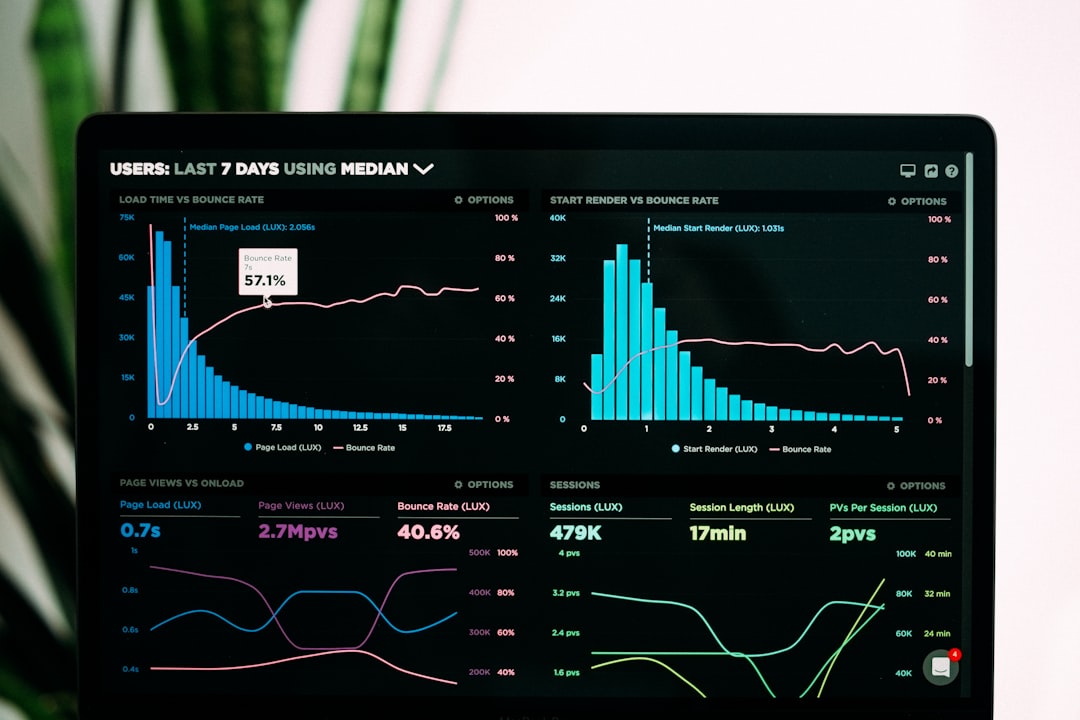
Fonts are powerful. They shape how your website feels. They guide the reader’s eye. They build trust. But they can also slow everything down. Heavy font files can hurt load times. And slow websites lose visitors fast. The good news? You can fix this. With the right tools, you can keep beautiful typography and still enjoy blazing-fast performance.
TLDR: Fonts can slow down your website if they are not optimized. Font optimization tools compress files, remove unused characters, and load fonts smarter. This improves speed and user experience. In this article, you’ll learn about three simple and powerful tools that make font optimization easy and effective.
Let’s break it down in a fun and simple way. Ready? Let’s go.
Why Font Optimization Matters
Before we jump into the tools, let’s talk about why this even matters.
When someone visits your website, their browser downloads everything it needs. Images. Scripts. Stylesheets. And yes, fonts.
Some font files are huge. Especially if they include:
- Multiple weights (light, regular, bold, extra bold)
- Italic versions
- Special characters
- Multilingual glyphs
If you load all of that at once, your site slows down. And users don’t wait. Studies show people leave if a page takes more than a few seconds to load.
Font optimization does three things:
- Reduces file size
- Removes unused characters
- Improves loading behavior
The result? Faster performance and happier visitors.
Now let’s explore the tools that make this easy.
1. Google Webfonts Helper
If you use Google Fonts, this tool is a lifesaver.
Google Fonts are convenient. But directly linking to them is not always the fastest approach. Google Webfonts Helper allows you to download only what you actually need.
What it does:
- Lets you search for any Google Font
- Choose specific styles (like regular or bold)
- Select specific character sets (like latin only)
- Download optimized font files
- Provide ready-to-copy CSS
Instead of loading everything from Google’s server, you host the fonts yourself. That gives you more control.
Why is this important?
Because many fonts include massive character sets. If your site is only in English, you don’t need Cyrillic. Or Greek. Or Vietnamese. Removing them shrinks the file size dramatically.

Key Benefits:
- Smaller font files
- Better privacy control
- Fewer external requests
- Improved load time
Pro tip: Always download only the weights you actually use. If your design uses regular and bold, don’t install five more “just in case.”
Simple. Clean. Effective.
2. Font Squirrel Webfont Generator
Now let’s say you have a custom font. Maybe you bought it. Maybe your designer created it. How do you optimize it for the web?
That’s where Font Squirrel shines.
The Webfont Generator transforms desktop fonts into web-ready formats. And it gives you extra optimization options.
What makes it great?
- Converts fonts to web formats like WOFF and WOFF2
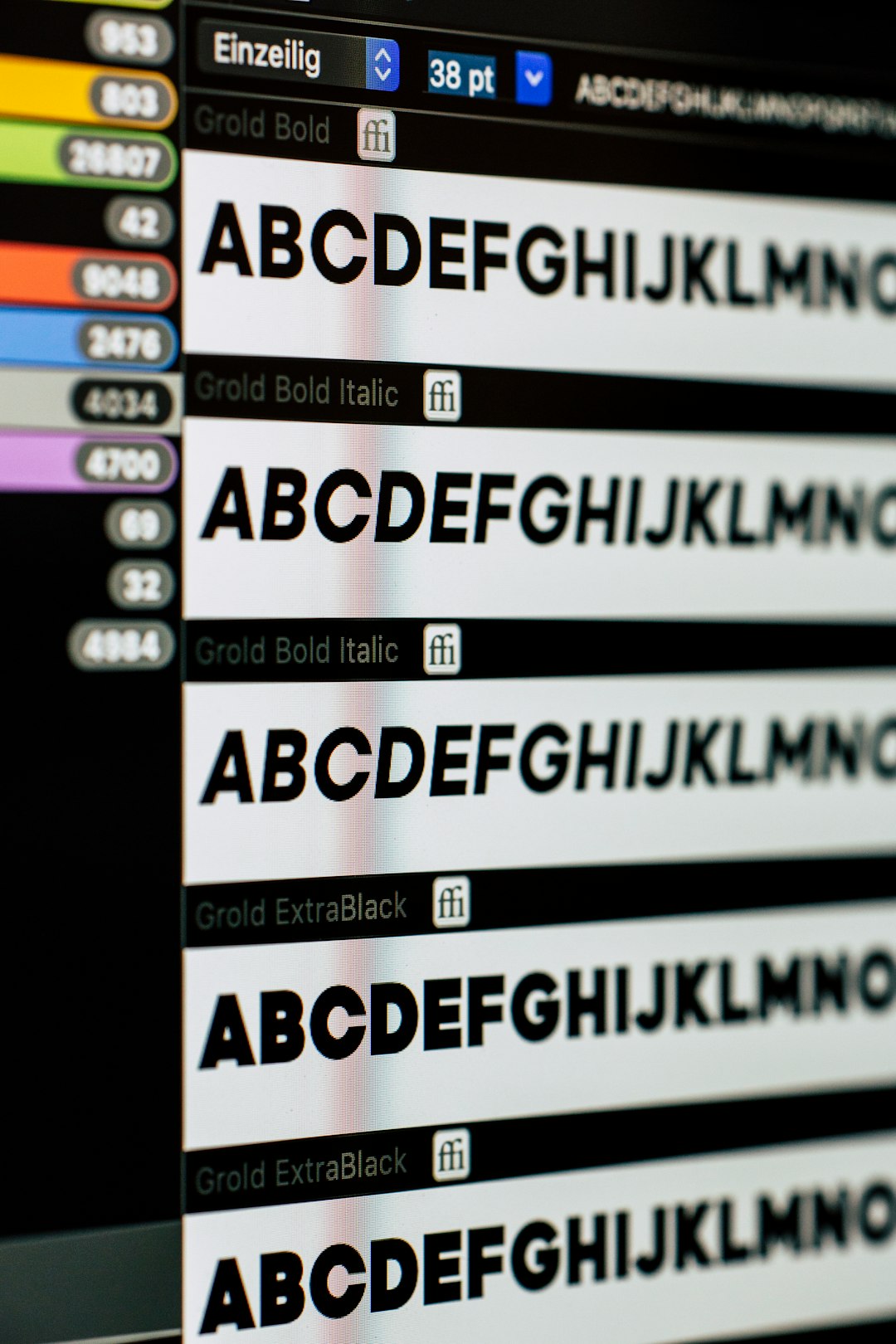
- Allows glyph subsetting
- Supports advanced optimization settings
- Generates ready-to-use CSS
What is glyph subsetting?
It means removing characters you don’t use.
For example:
- If your website is English-only, remove extra alphabets.
- If you don’t use special symbols, remove them too.
This can reduce a font file from hundreds of kilobytes to a fraction of that size.
Why WOFF2 Matters
WOFF2 is highly compressed. It is supported by modern browsers. And it is usually much smaller than older font formats.
Font Squirrel ensures your files are in the best possible format for speed.
Best for:
- Custom brand fonts
- Agencies managing multiple clients
- Developers who want fine control
Quick advice: Always test the final result. Make sure the characters you removed are not used somewhere hidden, like in forms or metadata.
3. Transfonter
Transfonter is another fantastic tool. And it’s extremely easy to use.
If you want control without complexity, this is your friend.
What it offers:
- Drag-and-drop interface
- Automatic format conversion
- Subsetting options
- Hinting and kerning controls
- CSS generation
One feature that stands out is font-display settings.
This controls how text appears while the font is loading.
Ever seen invisible text for a few seconds? That’s called FOIT (Flash of Invisible Text).
Transfonter allows you to set:
- swap – Show fallback font instantly, then swap.
- fallback – Short block period, then fallback.
- optional – Prioritize performance over custom font.
This small tweak improves perceived speed. Visitors see text immediately. Even if your font loads a split second later.

Why developers love it:
- Clean interface
- Advanced controls available
- Produces production-ready files
- Saves time
Transfonter balances power and simplicity beautifully.
Extra Tips for Even Faster Font Performance
The tools above are powerful. But a few extra tricks can boost performance even more.
1. Limit Font Weights
Do you really need thin, light, regular, medium, semibold, bold, and extra bold?
Probably not.
Stick to two or three weights max.
2. Use System Fonts When Possible
System fonts load instantly. They are already on users’ devices.
Examples include:
- Arial
- Helvetica
- Georgia
- Verdana
They may not be flashy. But they are fast.
3. Preload Important Fonts
If a font is critical for above-the-fold content, preload it. This tells the browser to fetch it early.
4. Use Modern Formats Only
Most modern browsers support WOFF2. You often don’t need outdated formats anymore.
5. Test Everything
Use performance testing tools to measure impact. Don’t guess.
Choosing the Right Tool
Not sure which one to pick?
- Using Google Fonts? Choose Google Webfonts Helper.
- Using custom commercial fonts? Choose Font Squirrel.
- Want advanced control with ease? Choose Transfonter.
All three tools aim for one thing: faster websites through smarter typography.
Final Thoughts
Fonts are design magic. They set the mood. They express personality. They build brand identity.
But performance matters just as much as beauty.
A slow site frustrates users. A fast one delights them.
The good news is this: you don’t have to choose between style and speed.
With tools like:
- Google Webfonts Helper
- Font Squirrel Webfont Generator
- Transfonter
You can reduce file sizes. Remove unnecessary glyphs. Control loading behavior. And dramatically improve page speed.
Small changes create big results.
Optimized fonts mean faster pages. Faster pages mean better SEO. Better SEO means more visitors.
So take a few minutes today. Audit your fonts. Optimize them. Compress them. Clean them up.
Your users will feel the difference. Even if they never know why.
And that’s the beauty of great performance. It works quietly in the background. Making everything better.