Preventive maintenance program software keeps machines from ruining your Tuesday. It reminds teams to inspect, clean, lube, test, and fix equipment before it fails. A good CMMS turns “Who forgot this?” into “Done last Friday.” The U.S. Department of Energy says predictive maintenance can cut downtime by 35% to 45% and cut maintenance costs by 25% to 30% [source: U.S. Department of Energy].
TLDR: Preventive maintenance software helps teams plan work before things break. Fiix is strong for asset-heavy teams that want deep reporting and structured maintenance workflows. MaintainX is great for teams that need fast mobile work orders and simple checklists. For example, a factory with 100 monthly work orders might cut surprise repairs from 30 to 18 by moving repeat tasks into scheduled PMs.
What is preventive maintenance software?
Think of it as a friendly alarm clock for your machines.
It says:
- Change this filter every 30 days.
- Inspect this motor every 500 hours.
- Check this belt before it snaps and makes everyone grumpy.
That software is usually called a CMMS. That means Computerized Maintenance Management System. Yes, the name sounds like it was built in a basement in 1994. But the idea is simple.
A CMMS helps you manage:
- Assets
- Work orders
- Parts
- Technicians
- Inspections
- Repair history
- Recurring maintenance tasks
Why teams use it
Spreadsheets are fine for pizza orders. They are not fun for plant maintenance.
Whiteboards also get messy. Someone wipes off the wrong note. Someone forgets to update a task. Then a pump dies. Then everyone points at everyone else. Great. Love that.
Preventive maintenance software gives the team one place to work. No mystery. No sticky notes hiding under a coffee mug.
Common benefits include:
- Less downtime. Machines get care before failure.
- Better planning. Teams know what is due this week.
- Cleaner records. Every repair has a history.
- Safer work. Checklists reduce missed steps.
- Smarter buying. Parts usage becomes easier to track.
Fiix: great for structure and reporting
Fiix is one of the better-known CMMS platforms. It fits teams that want order, reports, and asset control.
It is often a good match for factories, plants, and larger maintenance teams. It can track equipment, schedule work, manage parts, and show trends. That matters when you have hundreds or thousands of assets.
Fiix feels like a strong back-office system. Managers can see what is late. They can check costs. They can review asset history. They can spot repeat problems.
Best for:
- Manufacturing teams
- Facilities with many assets
- Maintenance managers who need reports
- Teams moving away from messy spreadsheets
The small gripe? Setup can take time. If your asset list is a disaster, Fiix will not magically fix that in one afternoon. Expect to spend time cleaning names, locations, parts, and schedules. Annoying? Yes. Worth it? Usually.
MaintainX: fast, mobile, and easy to like
MaintainX feels more like a modern work app. It is simple. It is mobile-friendly. Technicians can get work orders, add photos, chat, and complete checklists from a phone.
That is a big deal.
Maintenance work rarely happens at a desk. It happens beside noisy machines, on roofs, in storage rooms, and next to equipment that smells like burnt dust. A phone-first tool makes sense.

Best for:
- Small and mid-sized teams
- Facility managers
- Teams that need quick rollout
- Technicians who hate clunky software
The small gripe? It can feel light if you need very deep asset analysis or complex reporting. It drives me crazy when a tool is easy on day one but makes power users click around more later. MaintainX is friendly, but larger teams should test the reporting before going all in.
Fiix vs MaintainX in plain English
Here is the simple version.
- Pick Fiix if your team needs detailed asset tracking, reports, and stronger maintenance planning.
- Pick MaintainX if your team needs speed, mobile work orders, and easy checklists.
- Pick either if your current system is “ask Dave where the binder is.”
Both tools can help with preventive maintenance. Both can schedule tasks. Both can store history. Both can make technicians less annoyed. That last one matters more than vendors admit.
What should good CMMS software include?
Do not get dazzled by shiny dashboards. Start with basics.
- Recurring work orders for regular tasks.
- Asset records with repair history.
- Mobile access for technicians.
- Checklists for inspections.
- Parts tracking so stock does not vanish.
- Photos and notes for proof of work.
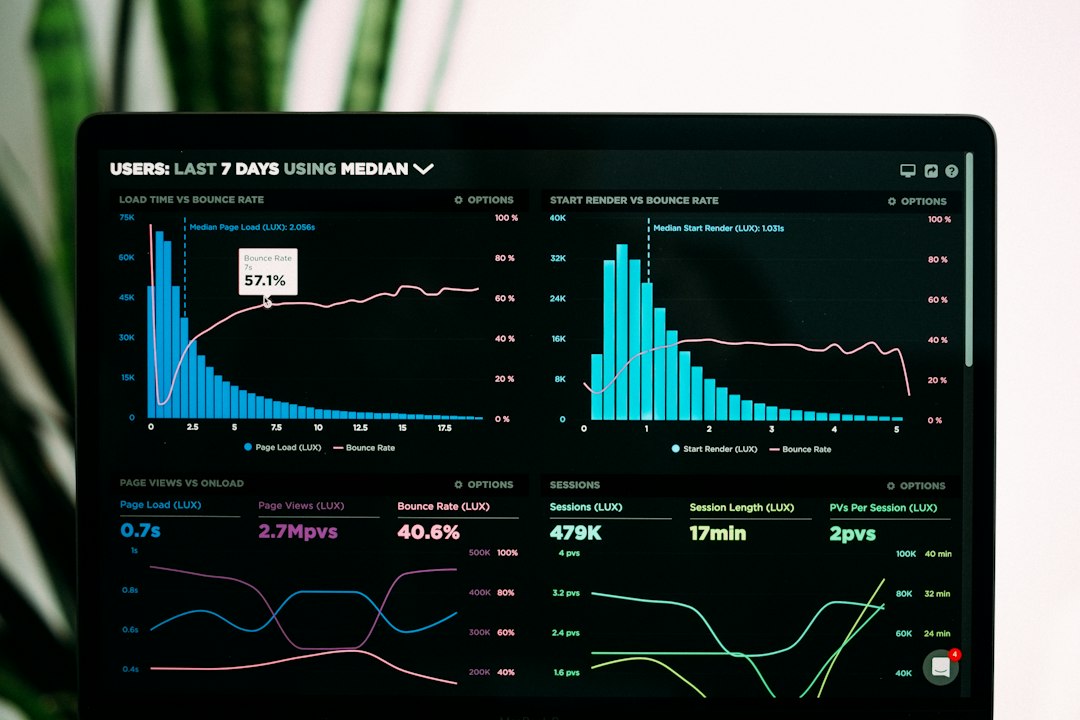
- Reports that normal humans can read.
A quick use case
Say a food packaging plant has 40 machines. Each machine needs weekly checks. Before CMMS software, the team misses about 8 checks per month. One missed check leads to a jammed conveyor. Production stops for 3 hours.
With preventive maintenance software, each check becomes a scheduled task. The technician gets a phone alert. The manager sees overdue work. Photos prove the job was done.
No drama. No hunt for paper. No “I thought Mike did it.”
Final thought
Preventive maintenance program software is not magic. It will not tighten bolts by itself. Sadly.
But it will help your team plan, track, and finish the work that keeps equipment alive. Fiix is a strong choice for deeper maintenance control. MaintainX is a strong choice for fast mobile work.
Pick the one your team will actually use. That is the real win.