A video montage is a short sequence of clips that compresses time, shows change, or builds emotion fast. It is the “training scene,” the “falling in love scene,” the “city waking up scene,” or the “we built the thing” scene. It says a lot without making the viewer sit through every tiny step.
TLDR: A video montage is a group of short shots edited together to show progress, mood, or a big idea quickly. For example, a fitness creator might show 30 days of workouts in a 45-second montage. In a small social video test, cutting a 3-minute process into a 50-second montage can raise completion rates from about 35% to 60%. The secret is simple: clear story, tight clips, good music, and smart pacing.
What Is a Video Montage?
A video montage is a set of clips placed together in a planned order. Each clip gives a small piece of information. Together, they make one bigger point.
Think of it like a visual snack plate. A quick shot of shoes. A close-up of a clock. A sweaty face. A jump rope. A final shot of someone smiling. Boom. You understand the story. Someone trained hard and improved.
Montages are used in films, ads, YouTube videos, wedding films, travel reels, sports edits, music videos, and business promos. They work because the brain likes patterns. It fills in the gaps.
You do not need to show every step. You only need to show the right steps.
Why Montages Work So Well in Storytelling
Montages are powerful because they save time. They also add feeling. A normal scene might show one full event. A montage can show a whole week, year, or life shift in under a minute.
That is useful. Viewers get bored fast. Honestly, it feels like people can sense a slow edit from six rooms away.
A montage can help you:
- Show progress: A beginner becomes better.
- Show change: A messy room becomes a studio.
- Build emotion: A couple gets closer over time.
- Compress time: A long project feels quick.
- Create energy: Fast cuts make things feel exciting.
- Set mood: Soft shots can feel calm, sad, or dreamy.
In a movie, a montage may show a boxer training. In a cooking video, it may show chopping, mixing, baking, and plating. In a startup video, it may show sketches, meetings, prototypes, late nights, and launch day.
The viewer understands the grind. But they do not have to sit through the grind. Nice.
The Basic Structure of a Good Montage
A montage still needs structure. Random clips are just a folder having a panic attack. A good montage has a clear path.
Most strong montages follow this simple shape:
- Start: Show the problem, goal, or mood.
- Middle: Show action, effort, change, or contrast.
- End: Show the result, reveal, or emotional payoff.
Here is a simple example:
- A person looks at a messy garage.
- They pull out boxes.
- They sweep the floor.
- They paint a wall.
- They install shelves.
- The final shot shows a clean home gym.
That is a story. It has a problem. It has effort. It has a win.
The ending matters most. If the montage builds but does not pay off, it feels flat. Like opening a bag of chips and finding one sad chip inside.
Editing Structure: What Shots Should You Use?
A strong montage uses shot variety. Do not just use ten wide shots. That gets dull. Mix it up.
Try using:
- Wide shots to show the full place.
- Medium shots to show action.
- Close-ups to show details.
- Reaction shots to show feeling.
- Motion shots to add life.
- Before and after shots to show change.
Match clips by action when you can. A hand reaches in one shot. The next shot shows the result. A door opens. Cut to a new location. A runner steps forward. Cut to another running angle.
This makes the edit feel smooth. It also hides jumps. Editors love hiding jumps. It is half the job.
It drives me crazy when editing software adds a tiny lag every time you drag a clip by one frame. That extra two seconds feels silly. Still, careful trimming is worth it. A montage lives or dies in those tiny cuts.
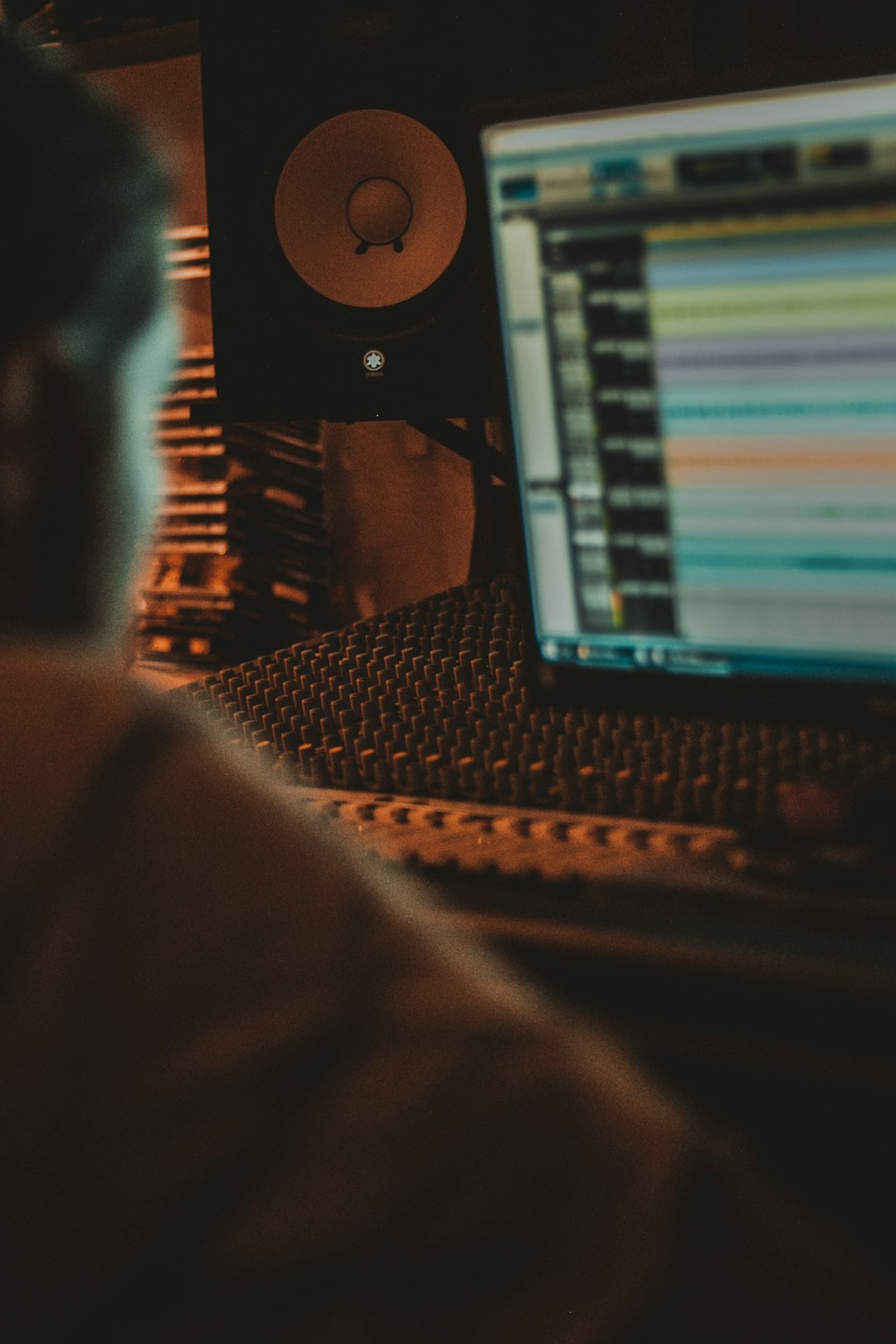
Music: The Secret Sauce
Music can make a montage feel funny, epic, romantic, strange, or sad. The same clips can feel totally different with a new track.
A dog running through a park with soft piano feels sweet. The same dog with heavy drums feels like it is training for battle. Both are valid. Especially if the dog is wearing a tiny vest.
Pick music that matches the goal:
- Upbeat pop: Great for travel, fitness, and fun brands.
- Piano: Good for memory, love, and reflection.
- Hip hop beats: Good for fashion, sports, and cool edits.
- Orchestral music: Good for big emotion and hero moments.
- Lo fi: Good for study, art, and calm process videos.
Cutting to the beat is a classic trick. When the drum hits, change the shot. When the song drops, reveal the final result. When the music softens, slow the clips down.
Pacing: Fast, Slow, or Somewhere in Between?
Pacing is the speed of the montage. It tells the viewer how to feel.
Fast pacing creates energy. Use quick cuts. Show action. Keep clips short. This works well for sports, events, fashion, and hype videos.
Slow pacing creates feeling. Hold shots longer. Use smooth movement. Let faces and small details breathe. This works well for weddings, memories, nature, and art films.
Mixed pacing is often best. Start slow. Build speed. End with a strong moment. This gives the viewer a ride instead of a blur.
A simple pacing rule:
- For social reels, try clips around 0.5 to 2 seconds.
- For emotional videos, try clips around 2 to 5 seconds.
- For reveal moments, hold the final shot a little longer.
Do not cut fast just to look fancy. If viewers cannot understand the picture, the edit is too fast. Cool is useless if nobody knows what happened.
Creative Uses for Video Montages
Montages are not just for movie training scenes. They can help almost any type of video.
- Travel videos: Show airports, food, streets, beaches, and tiny disasters.
- Wedding films: Show flowers, rings, hugs, dancing, and happy tears.
- Business promos: Show planning, making, packing, shipping, and happy clients.
- Education videos: Show steps in a process without dragging it out.
- Fitness content: Show training progress across days or weeks.
- Home projects: Show the messy start and the satisfying finish.
- Event recaps: Show the crowd, speakers, food, laughs, and big moments.
Montages also work well for humor. A “failed attempts” montage can be gold. Burnt pancakes. Dropped tools. Bad dance moves. A cat refusing to cooperate. It is painful. It is also content.
Common Montage Mistakes
Some montages feel messy because they try to show everything. Do not do that. Pick the best clips. Kill the weak ones. Yes, even the clip you love. If it does not help the story, it has to go.
Avoid these common mistakes:
- No clear point: The viewer should know why the montage exists.
- Too many similar shots: Variety keeps attention.
- Bad music fit: The wrong song can ruin the mood.
- Messy audio: Loud random sounds can feel harsh.
- Overused effects: Not every cut needs a spin, flash, or zoom.
- No payoff: Show the result or emotional turn.
How to Plan a Montage Before Editing
Planning saves pain. A quick plan can stop you from staring at 147 clips while questioning your life choices.
Before you edit, ask:
- What changed from start to finish?
- What should the viewer feel?
- What are the best three moments?
- What music matches the mood?
- What shot should end the sequence?
Then build around those answers. Start with the ending if needed. A great final shot gives the montage a target.
Final Thought
A video montage is a shortcut with style. It turns time, effort, and emotion into a clean visual sequence. It can make a simple story feel bigger. It can make a long process feel fun.
Keep it clear. Keep it tight. Match the music. Respect the pace. Do that, and your montage will not feel like random clips stitched together. It will feel like a story that knows exactly where it is going.