Simply Draw is the best pick for true beginners who want lessons, not a blank canvas and 47 buttons. If you are learning how to draw faces, animals, objects, or basic shapes, it gives you a clearer path than Procreate, Sketchbook, ibis Paint X, Adobe Fresco, or Krita. Those apps are stronger for making finished digital art, but they often assume you already know what to do. For context, Procreate is a paid iPad app listed on the App Store, which makes it powerful but not always the easiest first step for casual learners [source: Apple].
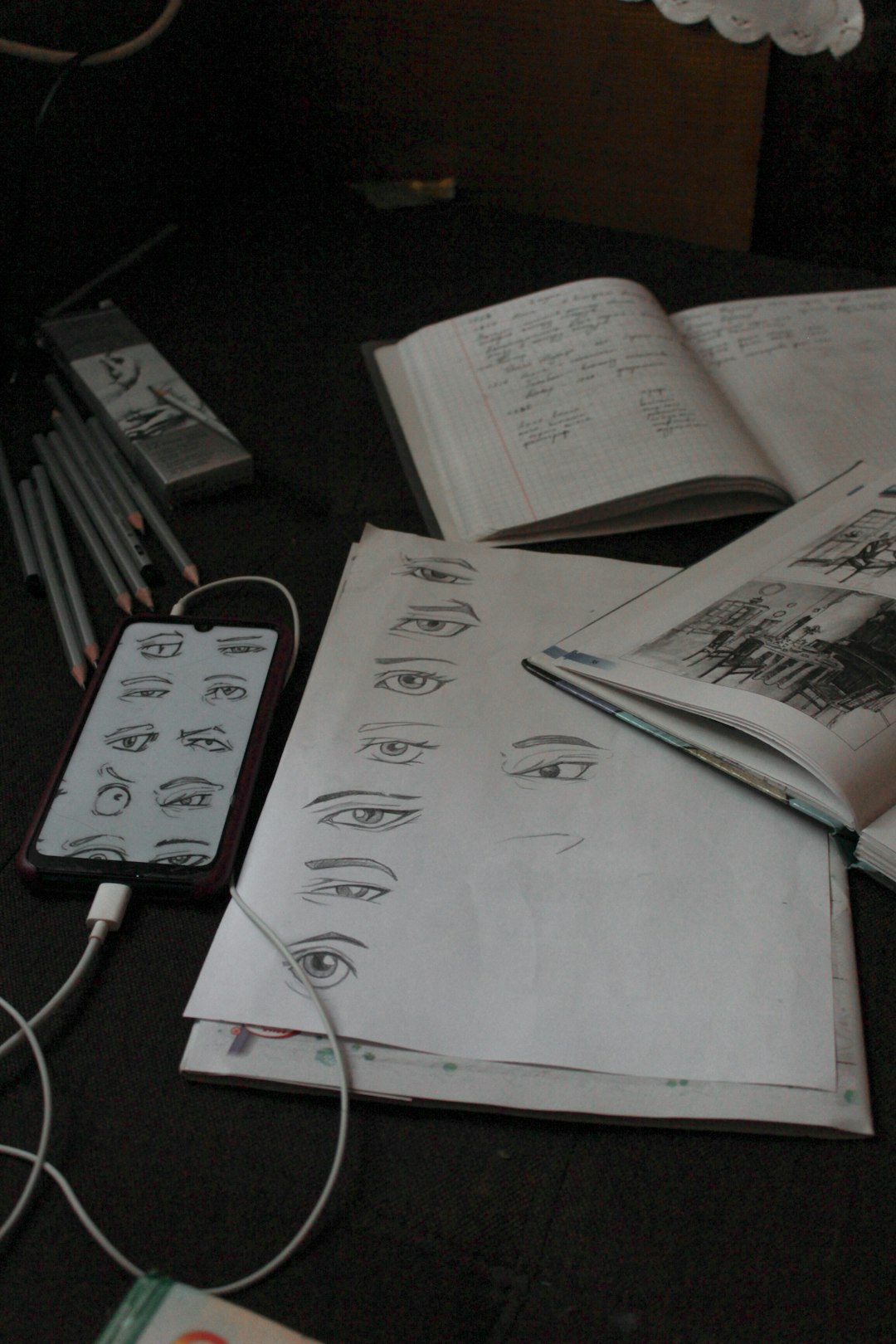
TLDR: Simply Draw is best for beginners who need step-by-step instruction. For example, if you have 20 minutes a day, you can follow one short lesson and practice one skill, such as shading a cup or sketching eyes, instead of spending half that time hunting through menus. Other drawing apps are better once you want layers, brushes, exports, and full control. A good path is: use Simply Draw for your first 30 days, then move to Procreate, Sketchbook, or ibis Paint X when you feel ready.
What Simply Draw Gets Right
Simply Draw is built like a drawing teacher. That matters. Many drawing apps give you tools. Simply Draw gives you a starting point.
The app focuses on guided drawing lessons. You follow instructions, copy shapes, and build up a picture piece by piece. This is helpful if you often stare at a blank page and think, “Great, now what?”
- Clear lessons: You are shown what to draw next.
- Beginner topics: Faces, animals, objects, and simple sketches are common practice areas.
- Less tool stress: You are not buried under brush settings on day one.
- Good habit building: It pushes practice, not perfection.
Honestly, it feels like a relief. Some art apps open with giant toolbars, tiny icons, and settings that sound like they were made for professional illustrators only. Simply Draw skips most of that noise.
Where Other Drawing Apps Are Better
Simply Draw is not trying to be a full studio. That is both its strength and its limit.
If your goal is to paint a fantasy character, design stickers, make comics, or create polished digital portraits, apps like Procreate, ibis Paint X, Sketchbook, Adobe Fresco, and Krita offer more power.
- Procreate: Great for iPad users who want a smooth drawing feel and strong brush tools.
- Sketchbook: Clean, simple, and friendly for sketching without too much clutter.
- ibis Paint X: Popular for anime, manga, and social media art.
- Adobe Fresco: Good for painting, especially if you like watercolor and vector brushes.
- Krita: A strong free option for desktop users who want serious art tools.
The catch is that these apps often expect more from you. You need to understand layers, brushes, opacity, selection tools, canvas size, and file formats. That can be annoying when all you wanted was to learn how to draw a hand without making it look like a bunch of bananas.
Simply Draw vs Procreate
Procreate is the better art app. Simply Draw is the better learning app.
Procreate gives you brushes, layers, color tools, animation features, and export options. It is excellent once you know the basics. But if you are brand new, the first 10 minutes can feel oddly unhelpful. You open the app, create a canvas, pick a brush, and then you are alone with your own panic.
Simply Draw works better if you want small wins. Draw a cat. Draw an eye. Shade a simple object. Repeat. That rhythm is useful for beginners because progress feels visible.
Simply Draw vs Sketchbook
Sketchbook is one of the friendliest “real” drawing apps. It has a clean interface and feels less intense than some pro tools. If you already like doodling, Sketchbook may be enough.
But it still does not teach much by itself. It gives you a nice space to draw. Simply Draw gives you a reason to keep going when your first sketch looks rough. And yes, it will look rough. Everyone’s does.
Simply Draw vs ibis Paint X
ibis Paint X is great for beginners who already know they want digital art. It has many brushes, layer tools, manga features, and a large user base. It is often a favorite for anime-style art.
Still, it can feel busy. Expect to waste time on brush choices if you are not careful. One minute you are practicing hair. Five minutes later you are testing sparkle pens, texture brushes, and screen tone effects. Fun? Yes. Productive? Not always.
Simply Draw keeps your attention on drawing fundamentals. That is less exciting, but often more useful at the start.
Simply Draw vs Adobe Fresco and Krita
Adobe Fresco is polished and strong for painting. It works well with stylus input and has lovely brush effects. Krita is powerful, especially on desktop, and is popular with illustrators who want a free tool.
Both are better for people who want to create serious digital pieces. Neither is as simple as Simply Draw for a nervous beginner. Krita, in particular, can feel like walking into an art supply store where every shelf is labeled with technical terms.
Who Should Choose Simply Draw?
Choose Simply Draw if you match any of these:
- You are starting from zero.
- You want lessons, not just tools.
- You get stuck when facing a blank page.
- You want to practice for 10 to 30 minutes a day.
- You care more about learning than making finished art right away.
It is also a good fit for kids, casual hobbyists, and adults returning to drawing after years away. The structure helps. You do not need to plan every practice session yourself.
Who Should Pick Another App?
Pick another drawing app if you already understand basic sketching and want more control.
- Pick Procreate if you use an iPad and want premium digital art tools.
- Pick Sketchbook if you want a clean sketching app with fewer distractions.
- Pick ibis Paint X if you love anime, manga, or social art trends.
- Pick Krita if you want a free desktop app with deep features.
- Pick Adobe Fresco if you like painterly brushes and already use Adobe apps.
Final Verdict
For absolute beginners, Simply Draw is the best place to start. It teaches you what to do next, which is the thing most drawing apps fail to provide.
For long-term digital art, you will probably outgrow it. That is fine. Use it as training wheels. Build confidence. Learn basic shapes, shading, and proportions. Then move into a fuller app when you are ready.
The best beginner app is not the one with the most features. It is the one that gets you drawing today. By that measure, Simply Draw wins for first-time learners.