Use the Open External Links in a New Window plugin to keep your photography portfolio open while visitors view client features, magazine credits, awards, and press mentions. It is a practical fix for a common WordPress problem: a visitor clicks a publication link, leaves your site, and may never come back. The plugin is listed on WordPress.org with 100,000+ active installations, which is a useful trust signal for a small but serious site feature [source: WordPress.org].
TLDR: Install Open External Links in a New Window so external press links open in a new tab while your portfolio stays open. For example, if 1,000 people view your “Press” page and 9% click out to client publications, that is 90 visitors who still keep your site available in the original tab. This is especially useful for wedding, editorial, and commercial photographers who link to magazines, agencies, galleries, and brand campaigns. It reduces avoidable exits without hiding credit or proof.
Why this matters for photography portfolios
A photography portfolio is not a normal blog. Visitors often judge you in seconds. They open galleries, scan client names, check whether your work has been published, and compare you with other photographers.
External links help build trust. A feature in a magazine, a gallery exhibition page, or a client case study can make your work feel proven. But those same links can pull people away from booking you.
The goal is not to trap visitors. The goal is to avoid a clumsy exit. Your site should remain open while the visitor reviews the external proof in another tab.
The plugin this article is about
The plugin is called Open External Links in a New Window. It does one main job: external links open in a new browser tab or window. That makes it a good match for photographers who have links to:
- client publication pages
- magazine features
- newspaper interviews
- award listings
- gallery or exhibition pages
- brand campaign credits
- agency profiles
It drives me crazy when a simple portfolio update turns into editing 80 old posts by hand. This plugin helps avoid that. You do not need to open every past post and manually change each external link.
How to set it up in WordPress
The setup is simple, but treat it like a site-wide change. Test before you assume everything looks right.
- Go to Plugins in your WordPress dashboard.
- Click Add New.
- Search for Open External Links in a New Window.
- Install and activate the plugin.
- Open a private browser window and test key pages.
- Click your publication links, press links, and client credits.
- Confirm that outside sites open in a new tab while your portfolio stays open.
Start with your most valuable pages. Test your homepage, portfolio galleries, about page, press page, and contact page. If you run paid ads or send traffic from Instagram, test those landing pages first.
Where this helps most
The best place to use this plugin is on pages where trust links sit close to booking actions. For example, a visitor may view your fashion portfolio, click a magazine feature, then return to contact you. If your portfolio tab is still open, that return feels natural.
This works well on a page structure like this:
- Hero section: your strongest image and positioning statement
- Selected work: short, focused galleries
- Press mentions: external links to publications
- Client proof: logos, quotes, or campaign credits
- Contact section: simple inquiry form and email link
Keep the user experience clean
Opening every external link in a new tab is helpful. Opening too many tabs is annoying. Be selective with how your pages are built.
Use clear labels. Do not write vague link text like “click here.” Use text such as “View the Vogue feature” or “Read the gallery interview”. Visitors should know they are going to another site.
You should also avoid stuffing a page with every mention you have ever received. A serious portfolio feels edited. Five strong press links are often better than 30 weak ones.
Measure whether it works
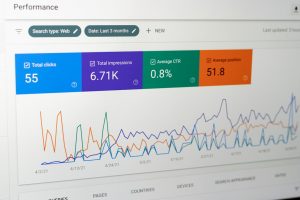
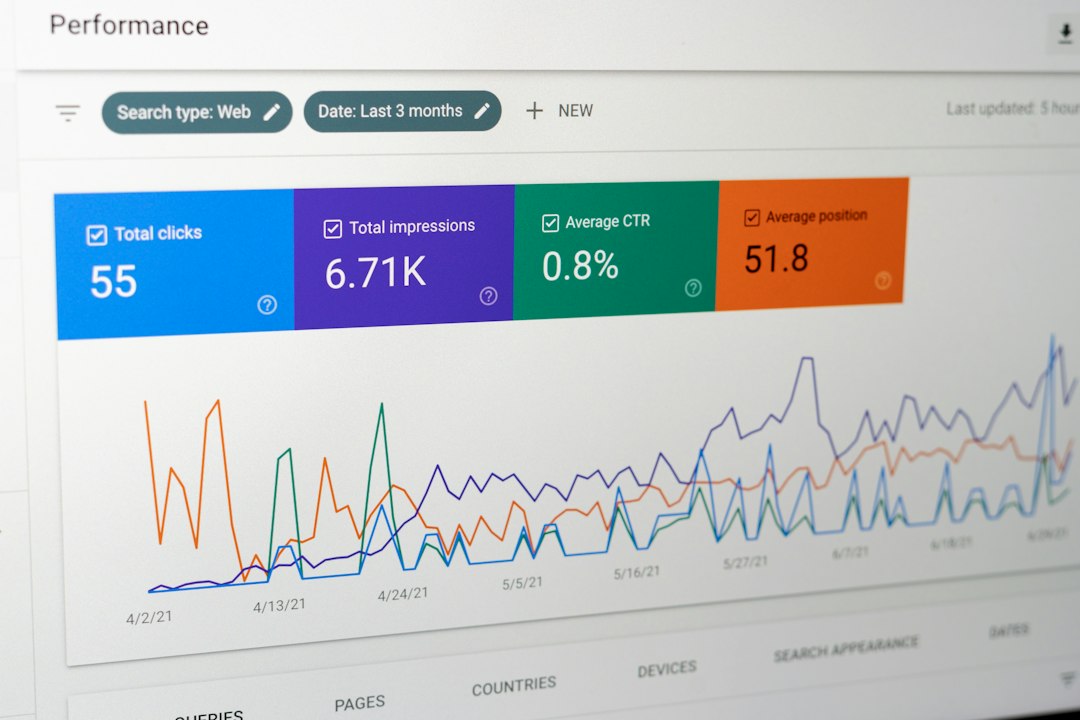
After installing the plugin, check your analytics. In GA4, look at outbound clicks, contact page views, and form submissions. Compare at least 14 to 30 days before and after the change if your traffic allows it.
Watch for these signals:
- Contact page visits: Did they rise after press links began opening in a new tab?
- Outbound clicks: Are people still checking your publication proof?
- Inquiry form starts: Are visitors returning after viewing press?
- Average engagement time: Does your portfolio hold attention longer?
If you care about broader site interaction, it may also help to review website chat and customer engagement tools. A booking question often happens right after someone checks your credibility.
Use it with a stronger content plan
The plugin solves one technical issue. It does not replace good page design, strong captions, or a clear offer. Your press links should support the story of your work.
If you get traffic from short-form video, connect that traffic to a clean portfolio page. A guide on getting more engagement on TikTok can help shape that flow. Send viewers to one focused page, not a messy archive.
For photographers covering conferences, launches, or branded events, external schedules and event pages can also pull visitors away. In that case, ideas from event management and attendee engagement tools may help you plan cleaner follow-up pages.
Final checks before you trust it
After activation, test on desktop and mobile. Check Chrome, Safari, and Firefox if you can. Make sure contact forms still work. Make sure internal links do not open in new tabs by mistake.
A good photography portfolio should prove your credibility without losing the visitor. The Open External Links in a New Window plugin is a small tool, but it fixes a real leak. For press-heavy portfolios, that small fix can protect attention when it matters most.