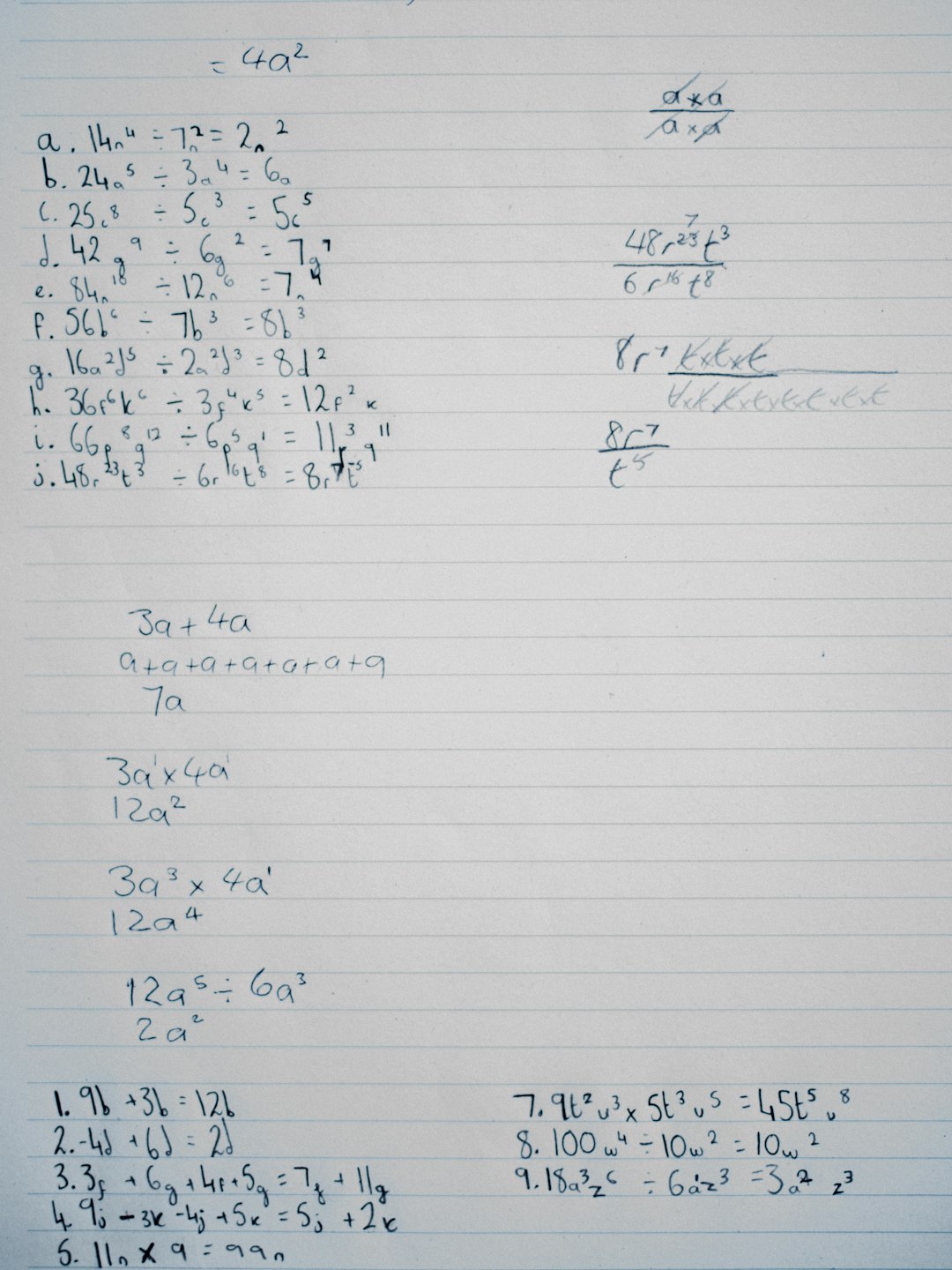
Handwriting recognition technology has evolved rapidly, moving from experimental research labs into practical, everyday applications. Today, open source handwriting recognition software offers developers, educators, researchers, and businesses powerful tools to convert handwritten notes into digital text without expensive licensing fees. With the growing popularity of tablets, styluses, and mobile devices, open tools are more relevant than ever for digitizing notes, automating form processing, and building intelligent archives.
TLDR: Open source handwriting recognition software allows users to convert handwritten text into digital content using freely available tools. Popular frameworks such as Tesseract OCR, Kraken, and MyScript alternatives offer flexible, customizable solutions. Choosing the right software depends on language needs, handwriting style, performance requirements, and integration goals. With proper setup and training, open source tools can deliver surprisingly accurate and scalable results.
Understanding Handwriting Recognition Technology
Handwriting recognition refers to the process of converting handwritten input into machine-readable text. It generally falls into two categories:
- Offline handwriting recognition – Processes scanned images of handwritten text.
- Online handwriting recognition – Captures pen movements in real time from touchscreens or styluses.
Most open source solutions focus on offline recognition using Optical Character Recognition (OCR) combined with machine learning models. More advanced tools integrate deep learning and neural networks for improved accuracy across varied handwriting styles.
The core workflow typically includes:
- Image preprocessing (noise removal, thresholding, skew correction)
- Segmentation (line, word, or character identification)
- Feature extraction
- Text recognition using trained models
- Post-processing with language models
Benefits of Open Source Handwriting Recognition Software
Open source solutions offer several advantages over proprietary platforms:
- Cost efficiency – No licensing fees.
- Customization – Models can be retrained for specific handwriting styles or languages.
- Transparency – Source code is publicly available.
- Community support – Continuous improvement from developers worldwide.
- Data control – Sensitive documents can be processed locally.
For organizations handling private data such as medical notes, legal documents, or academic research, the ability to run recognition tools on-premise is a major advantage.
Popular Open Source Handwriting Recognition Tools
1. Tesseract OCR
Tesseract is one of the most widely used open source OCR engines. Originally developed by HP and later maintained by Google, it supports over 100 languages and integrates with custom machine learning models.
- Best for: Structured handwritten text with clear scans
- Strength: Strong language model support
- Limitation: Requires preprocessing for messy handwriting
2. Kraken OCR
Kraken is an advanced OCR system designed for complex scripts and historical documents. Built on deep learning frameworks, it excels at recognizing varied handwriting styles.
- Best for: Archival and historical manuscripts
- Strength: Highly trainable neural network models
- Limitation: Steeper learning curve
3. Calamari OCR
Calamari utilizes deep neural networks and focuses on high recognition accuracy. It is frequently used in academic and research contexts.
- Best for: Custom-trained handwriting datasets
- Strength: Ensemble prediction support
- Limitation: Requires computational resources
4. OCRopy
OCRopy is another open source system particularly useful for historical texts. It emphasizes layout analysis and line recognition.
Choosing the Right Software
Selection depends on several practical factors:
- Language support – Does it handle your target language and character set?
- Training data availability – Can you supply labeled samples?
- Deployment requirements – Cloud-based or local processing?
- Accuracy needs – Is minor error acceptable?
- Technical skill level – Does your team have machine learning experience?
Organizations processing standardized forms may find simpler OCR solutions sufficient. In contrast, projects involving cursive handwriting or multilingual archives often require deeper customization.
Installation and Setup Overview
Though specific steps vary by tool, the general setup process includes:
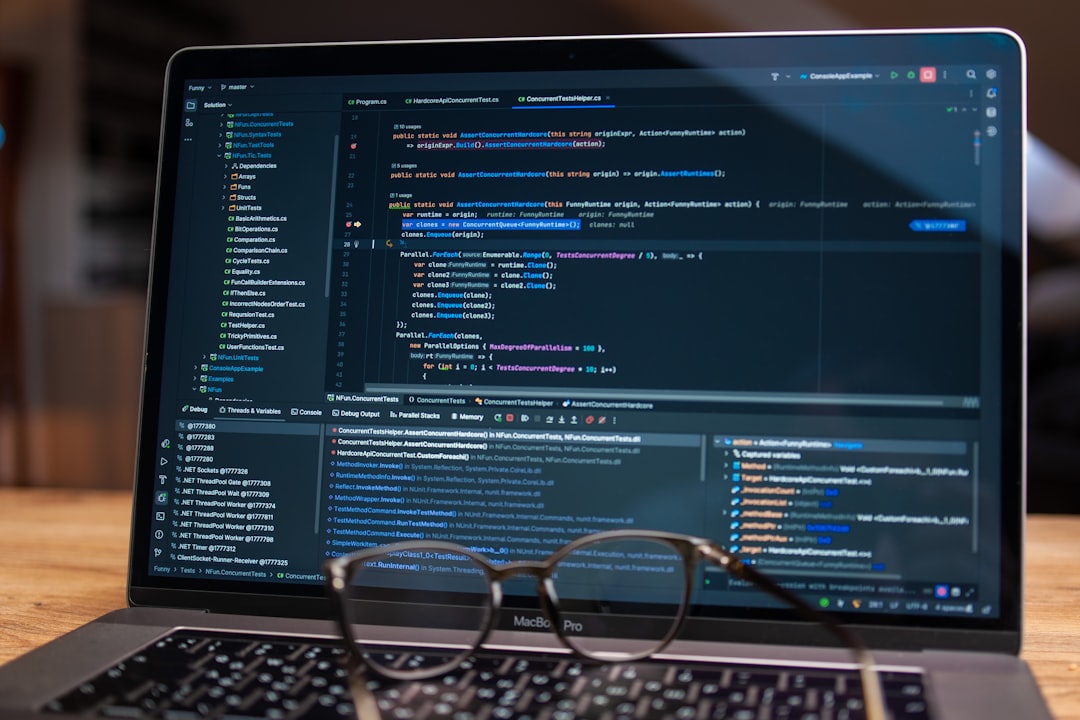
- Installing dependencies (Python, libraries, GPU drivers if needed)
- Cloning or downloading the repository
- Installing required packages
- Testing sample images
- Training or fine-tuning models
For example, Tesseract installation on Linux typically involves package managers, while advanced tools like Kraken require Python environments and deep learning frameworks.
Improving Recognition Accuracy
Accuracy is heavily influenced by image quality and preprocessing. Key improvement strategies include:
1. Image Preprocessing
- Adjust brightness and contrast
- Remove background noise
- Correct skewed images
- Convert to grayscale or binary formats
2. Custom Model Training
Training on domain-specific samples significantly improves performance. For example, recognizing doctors’ handwritten prescriptions requires tailored datasets.
3. Post-processing Techniques
- Spell-check integration
- Language modeling
- Dictionary matching
Combining OCR results with natural language processing tools can drastically reduce transcription errors.
Use Cases and Applications
Open source handwriting recognition software supports a wide variety of practical applications:
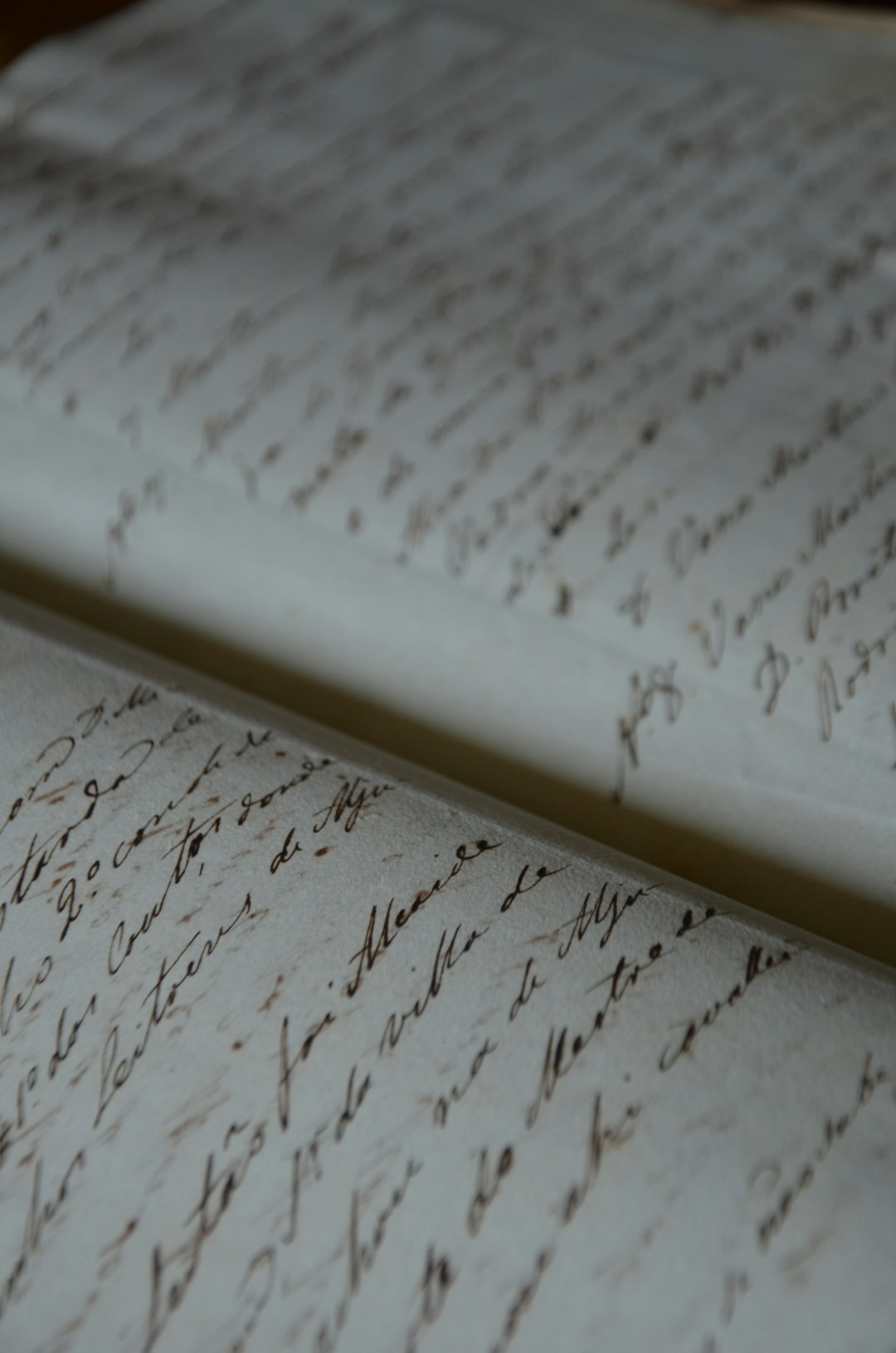
- Digitizing historical archives
- Automating form entry
- Educational note digitization
- Medical document transcription
- Banking and financial verification
Many universities use tools like Kraken for manuscript preservation projects. Small businesses rely on Tesseract to automate invoice processing. Researchers frequently train custom models to process handwritten surveys.
Hardware and Performance Considerations
Basic OCR can run efficiently on standard CPUs. However, deep learning-based handwriting recognition benefits significantly from:
- GPUs for model training
- High RAM capacity
- Fast storage for large datasets
Small projects may function on consumer hardware, while enterprise-level applications often require dedicated servers or cloud infrastructure.
Common Challenges
Despite their capabilities, open source tools face several challenges:
- Highly variable handwriting styles
- Cursive and connected characters
- Overlapping or crowded text
- Low-resolution scans
- Multilingual switching within a single document
Addressing these issues typically involves iterative testing, retraining, and model tuning. Patience and experimentation are part of the implementation process.
Best Practices for Implementation
- Start with clean, high-quality scans.
- Collect representative handwriting samples.
- Test multiple engines before committing.
- Automate preprocessing workflows.
- Monitor error rates continuously.
Incremental improvement is more effective than attempting perfect recognition immediately. Many successful deployments rely on hybrid approaches that combine automation with manual verification.
The Future of Open Source Handwriting Recognition
The future looks promising as transformer models and advanced neural architectures continue to improve recognition accuracy. Integration with artificial intelligence platforms enables context-aware transcription, making systems smarter over time.
Additionally, community-driven datasets are expanding language support globally. Emerging tools are beginning to merge handwriting recognition with semantic analysis, document classification, and entity extraction.
As hardware becomes more powerful and AI frameworks more accessible, open source solutions are closing the gap with commercial offerings.
Frequently Asked Questions (FAQ)
1. Is open source handwriting recognition software free to use?
Yes, most open source tools are free under licenses such as Apache or GPL. However, deployment costs such as hardware, cloud hosting, and development time should be considered.
2. How accurate is open source handwriting recognition?
Accuracy depends on image quality, model training, and handwriting complexity. With proper tuning, many tools achieve high accuracy rates, especially for structured documents.
3. Can these tools recognize cursive handwriting?
Yes, but cursive recognition often requires advanced neural network models and customized training datasets.
4. Do I need programming skills to use these tools?
Basic OCR tools may require minimal configuration, but advanced customization and training typically require familiarity with Python and machine learning frameworks.
5. Can handwriting recognition software run offline?
Yes. One major advantage of open source solutions is the ability to run entirely offline, ensuring better data privacy and control.
6. What languages are supported?
Many tools support dozens or even hundreds of languages, though availability varies by engine and training dataset.
7. Is GPU hardware required?
GPU acceleration is not mandatory for basic usage, but it significantly speeds up model training and processing large datasets.
Open source handwriting recognition software provides accessible, flexible, and powerful tools for converting handwritten text into digital form. With proper implementation and iterative improvements, organizations and individuals alike can achieve reliable, scalable solutions tailored to their unique needs.