Yes, you can boost many Instagram Collab posts, but only when the post, account setup, music rights, and ad permissions all qualify. A Collab post is not automatically easier to promote just because it appears on two profiles. Paid promotion still runs through Instagram’s ad rules, Meta’s ad system, and the permissions tied to the creator and brand accounts.
TLDR: Instagram Collab posts can often be boosted, but the original poster usually has the clearest control, and some collaborator accounts may see the boost option blocked. For example, a skincare brand partnering with a creator with 52,000 followers could boost a shared Reel for $300 over five days and see 41,000 paid reach, a 28% rise in profile visits, and a $6.40 cost per email signup. If a brand wants to promote creator content from the creator’s handle, it may need partnership ad permissions first. Check eligibility before posting, because fixing permissions afterward can waste a lot of time.
What Is an Instagram Collab Post?
An Instagram Collab post is a feed post or Reel published with another account as a collaborator. Once accepted, it appears on both profiles. It also shares public engagement, such as likes, comments, and views.
This format is useful for:
- Brand and creator partnerships
- Product launches
- Event promotions
- Podcast guests and expert interviews
- Retail collaborations
The appeal is clear. One post can reach two existing audiences before any ad spend is added. That said, paid reach is not automatic. Organic collaboration and paid promotion are treated as separate layers.
Can You Boost an Instagram Collab Post Directly?
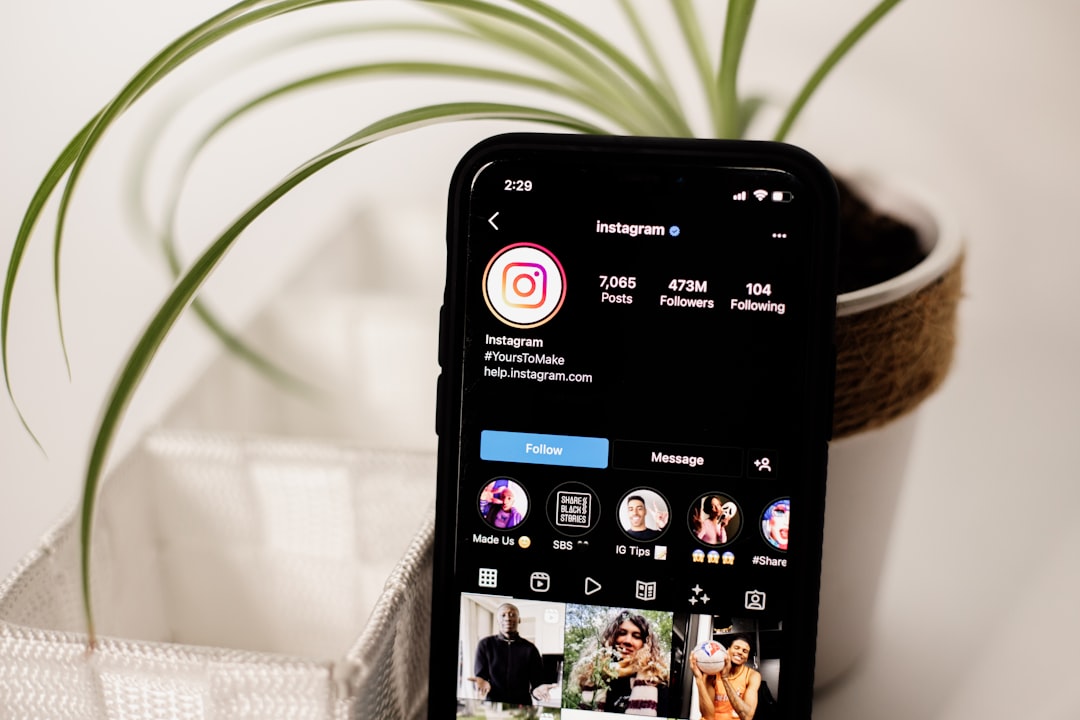
In many cases, yes. If the Collab post appears on your professional Instagram account and meets ad requirements, you may see the Boost post button. You can then choose an objective, audience, budget, and duration.
Still, the button may not appear or may fail during setup. Honestly, it feels like Instagram hides the real reason half the time. You may spend 20 minutes checking the post, only to find the issue is a song, a permission, or a missing account connection.
Common reasons a Collab post cannot be boosted include:
- The account is not a professional account.
- The post uses music or media that is not cleared for advertising.
- The post includes restricted products or claims.
- The collaborator has not approved the post yet.
- The account lacks access to the connected ad account.
- The content violates Meta advertising policies.
- The post format is not supported for boosting in your region.
Who Can Boost the Collab Post?
This is where many teams get confused. A Collab post lives on two profiles, but ad control is not always equal.
The original publisher usually has the most direct path to boosting. If the brand created the post and invited the creator, the brand may be able to boost it from its profile. If the creator created the post and invited the brand, the creator may have the simpler boost flow.
The invited collaborator may see the content on their grid but not always have the same promotion controls. Instagram does not treat every shared surface as full ownership for advertising.
For serious campaigns, do not rely only on the blue Boost post button. Use Meta Ads Manager when possible. It gives better control over targeting, placements, budget, tracking, and reporting.
Boosting vs Partnership Ads
There are two main ways to pay for reach on collaborative content:
- Boosting the Collab post: This is the simpler option inside Instagram. It works well for basic awareness, profile visits, messages, or website clicks.
- Running a partnership ad: This is the stronger option for brand and creator campaigns. It allows advertiser permissions, creator identity, and more structured reporting.
Partnership ads are useful when a brand wants to run paid media using a creator’s content or identity with permission. The ad may show the creator’s handle, the brand’s handle, or both, depending on the setup.
If the goal is sales, lead generation, or retargeting, partnership ads usually make more sense than a simple boost. Boosting is fast. Ads Manager is more precise.
What You Need Before Promoting a Collab Post
Before publishing the Collab post, confirm the campaign setup. It drives me crazy that this is often handled after the post goes live. By then, a deadline is close, the creator is offline, and the ad is stuck in review.
Use this checklist:
- Professional account: The promoting account should be a business or creator account.
- Ad account access: The person setting up the promotion needs the right role in Meta Business Suite or Ads Manager.
- Payment method: The ad account must have a valid payment method.
- Creator permission: If using creator content in ads, get approval inside Instagram or Meta tools.
- Usage rights: Your contract should say how long the content can be promoted, where it can run, and from which account.
- Music rights: Avoid trending audio unless it is cleared for ads. Use licensed commercial audio or original sound.
- Tracking: Add UTM tags, pixels, conversion events, or product catalog links before launch.
How Paid Promotion Works After the Collab Goes Live
Once the Collab post is live and accepted, the promoting account can try to boost it. The usual steps are simple:
- Open the Collab post on Instagram.
- Tap Boost post, if available.
- Select a goal, such as profile visits, website visits, messages, or engagement.
- Choose an audience: automatic, custom, or saved.
- Set budget and duration.
- Submit for review.
Approval can be quick, but not always. Ads tied to health, finance, politics, alcohol, employment, housing, or sensitive claims may face tighter checks. Some are rejected outright.
Once approved, the paid campaign starts showing the post to people outside the organic audience. The post may continue collecting organic engagement at the same time. Reporting can separate paid reach from organic reach, but public engagement may appear combined on the post.
What Metrics Should You Watch?
Do not judge a boosted Collab post only by likes. Likes can be cheap and still mean little. Track the metric tied to the campaign reason.
For awareness, watch:
- Reach
- Impressions
- Video plays
- Cost per thousand impressions
For consideration, watch:
- Profile visits
- Link clicks
- Message starts
- Saves and shares
For sales or leads, watch:
- Cost per conversion
- Conversion rate
- Revenue from paid traffic
- Return on ad spend
A strong creator post may beat a polished brand ad because it feels more natural. But that is not guaranteed. Test different hooks, captions, thumbnails, and audiences.
Best Practices for Boosting Collab Posts
Plan the paid campaign before the creator posts. This avoids broken permissions and unsuitable creative.
- Keep the first three seconds sharp. Reels need a fast reason to keep watching.
- Use a clear call to action. Tell people to shop, book, message, sign up, or learn more.
- Match the landing page to the post. Do not send users to a generic homepage if the post promotes one product.
- Set a small test budget first. Try $20 to $50 per day before scaling.
- Review comments daily. Paid reach can bring questions, complaints, and spam.
- Separate creator pay from ad spend. They are different costs and should be measured separately.

Legal and Contract Points
If money or free product is involved, disclosure matters. Use Instagram’s paid partnership label when required. The caption should also be clear if the post is sponsored.
Your creator agreement should cover:
- Paid usage rights
- Ad duration
- Allowed platforms
- Whitelisting or partnership ad permission
- Content edits
- Exclusivity
- Reporting access
Do not assume a creator has agreed to paid media usage just because they agreed to post. Organic usage and paid usage are different. Paid usage usually costs more because the creator’s image is being used in advertising.
The Practical Answer
You can boost Instagram Collab posts when the post is eligible and the right account has promotion access. For a quick awareness push, the Instagram boost tool can work. For a serious brand and creator campaign, use partnership ads through Meta’s ad system.
The safest path is simple: decide who publishes, confirm ad rights, avoid restricted audio, connect the right ad account, and test with a modest budget. A Collab post can be a strong paid asset, but only if the setup is done before the campaign is already under pressure.