Freelancers often enjoy the freedom of working on their own terms, but that freedom comes with a unique set of challenges—especially when it comes to managing time. Without a traditional manager overseeing their hours, freelancers must track projects, deadlines, and billable time themselves. The right time tracking tool can make the difference between chaotic workdays and a streamlined, profitable workflow.
TLDR: Freelancers rely on effective time tracking tools to stay productive, organized, and profitable. Toggl Track, Harvest, and Clockify stand out for their user-friendly interfaces, powerful reporting features, and invoicing capabilities. Each tool offers unique strengths tailored to different freelancing styles. Choosing the right one depends on budget, team size, and workflow complexity.
Time tracking tools not only help freelancers understand how they spend their time, but they also provide insights that improve pricing, efficiency, and client transparency. Below are three powerful time tracking tools that consistently help freelancers stay on top of their work.
Why Time Tracking Matters for Freelancers
Before diving into the tools themselves, it’s important to understand why time tracking is essential. Many freelancers underestimate how much time is lost to distractions, administrative tasks, or underpriced projects.
- Accurate billing: Ensures every billable minute is recorded.
- Improved productivity: Identifies time-wasting habits.
- Better project estimates: Helps create realistic proposals.
- Financial clarity: Provides insight into hourly earnings.
- Client transparency: Builds trust with detailed reports.
With these benefits in mind, here are three tools that consistently perform well for freelancers across industries.
1. Toggl Track
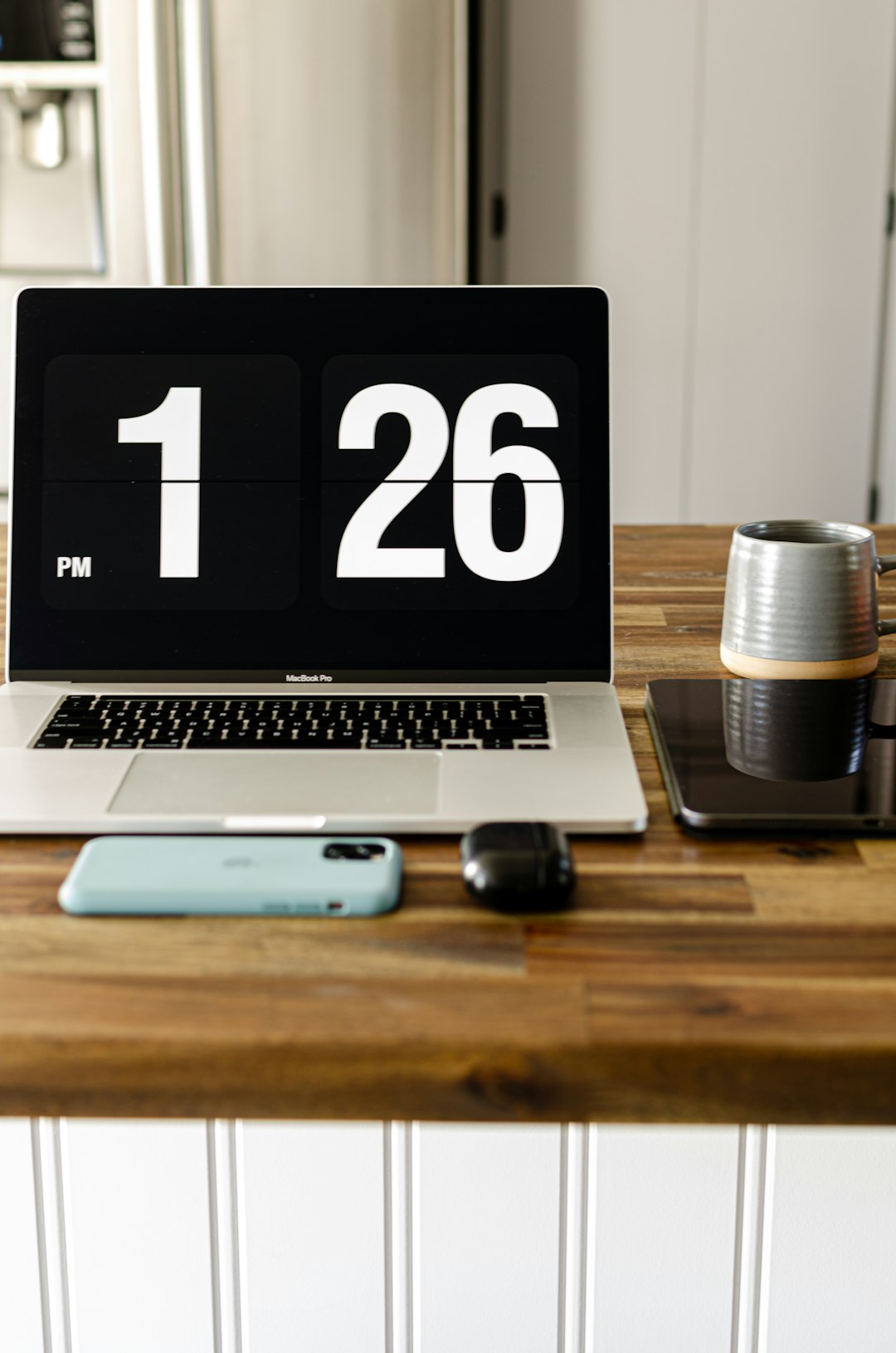
Toggl Track is widely regarded as one of the simplest and most intuitive time tracking tools available. It is especially popular among solo freelancers who value ease of use and minimal setup time.
Key Features
- One-click time tracking via desktop, mobile, or browser extension
- Project and client categorization
- Detailed reporting dashboards
- Idle time detection
- Integration with tools like Trello, Asana, and Slack
One standout aspect of Toggl Track is its clean interface. Freelancers can start and stop timers with just one click, minimizing friction between tasks. The reporting system uses visual breakdowns to show how many hours are spent per client or project, making it easy to assess profitability.
Best For
Solo freelancers and small teams who want simplicity without sacrificing insight.
While Toggl offers advanced features in paid tiers, many freelancers find the free version sufficient in the early stages of their business.
2. Harvest
Harvest goes beyond simple time tracking by combining time logs with invoicing and expense tracking. For freelancers juggling multiple clients and regular billing cycles, this tool can function as both a time tracker and a lightweight accounting assistant.
Key Features
- Time and expense tracking in one platform
- Automatic invoice generation from tracked hours
- Online payment integrations
- Budget monitoring for projects
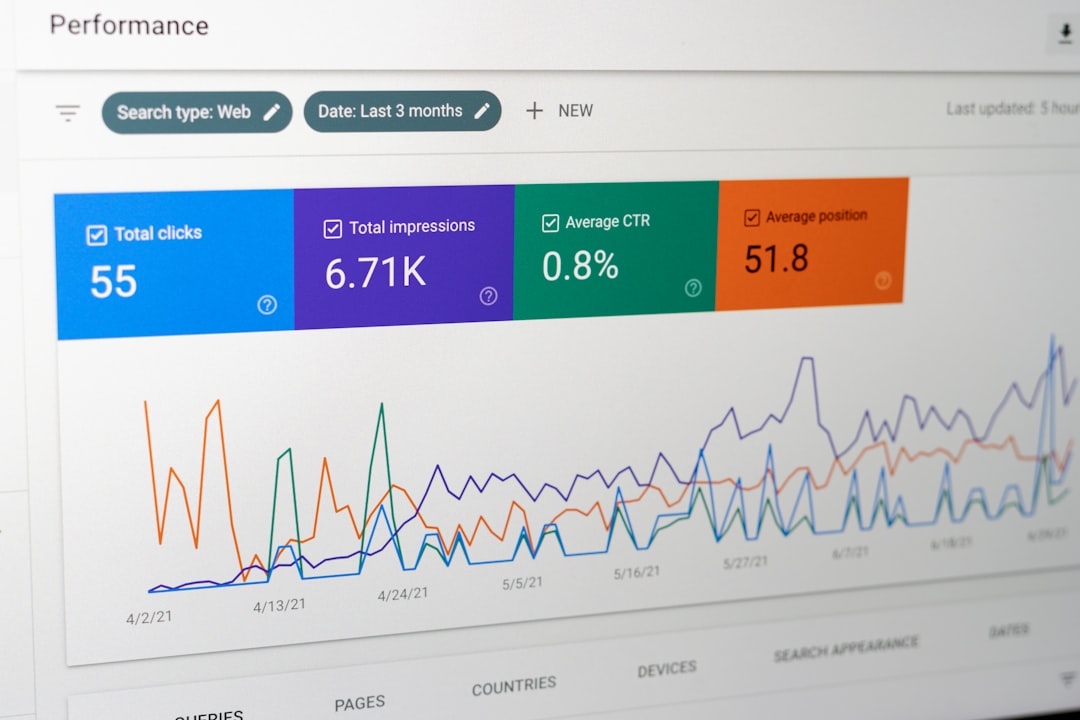
- Visual reporting tools
Harvest is particularly helpful for freelancers who charge hourly rates. After tracking time against a project, users can instantly convert those hours into professional invoices. This reduces manual calculations and billing errors.
Another advantage is the budgeting feature. Freelancers can set project hour limits and receive alerts as they approach deadlines or cost caps. This prevents scope creep and ensures profitability.
Best For
Freelancers who want time tracking and invoicing combined in a single system.
3. Clockify
Clockify has grown rapidly in popularity due to its extensive free plan. It offers unlimited tracking for unlimited users, making it attractive for freelancers who collaborate with subcontractors or small teams.
Key Features
- Unlimited time tracking (free plan)
- Manual and automatic timers
- Timesheets and calendar view
- Project forecasting in paid plans
- Team management capabilities
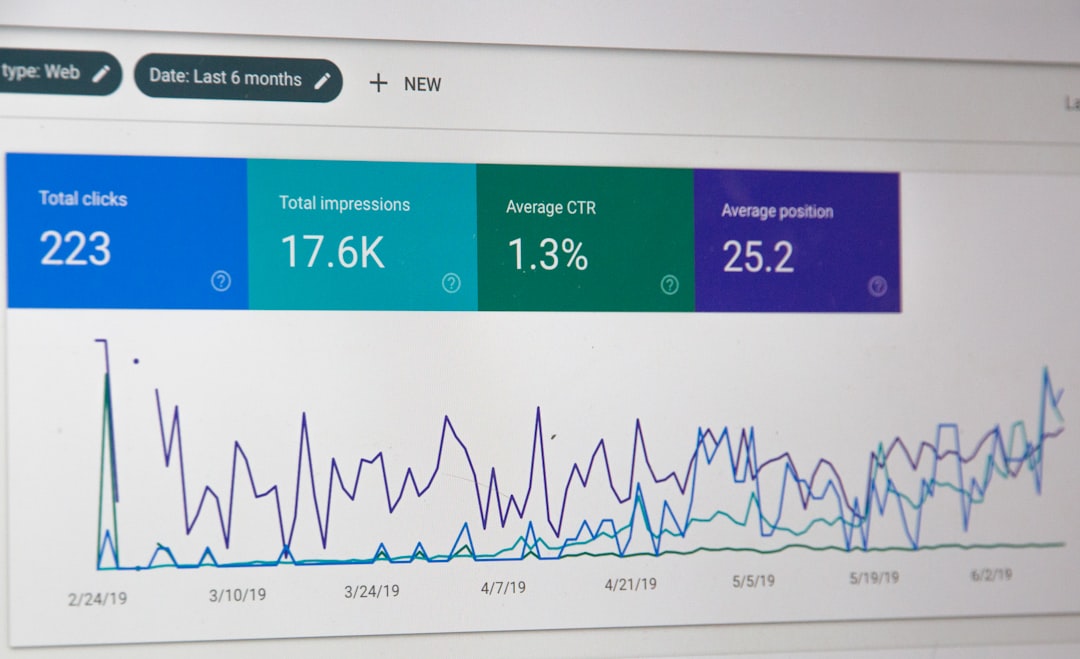
Unlike some tools that restrict free usage, Clockify allows freelancers to log unlimited hours without upgrading immediately. Its reporting tools provide breakdowns by project, user, and date range.
Clockify is also ideal for freelancers who prefer backfilling time entries manually. The calendar view simplifies adding or adjusting work sessions, especially when switching between tasks frequently.
Best For
Freelancers who need robust free tracking or collaborate with others regularly.
Comparison Chart
| Feature | Toggl Track | Harvest | Clockify |
|---|---|---|---|
| Free Plan | Yes (limited features) | Limited free plan | Yes (unlimited tracking) |
| Invoicing | Paid plans only | Yes (built-in) | Available in paid plans |
| Ease of Use | Very simple interface | User-friendly | Moderately simple |
| Team Features | Yes (paid tiers) | Yes | Strong team support |
| Best For | Solo freelancers | Billing-focused freelancers | Budget-conscious or team-based freelancers |
How to Choose the Right Tool
Each freelancer’s workflow is different, so selecting the right tool depends on specific professional needs.
Consider Your Billing Structure
If charging hourly and sending frequent invoices, Harvest offers time-to-invoice efficiency. For strictly tracking hours without billing features, Toggl or Clockify may suffice.
Evaluate Budget Constraints
New freelancers often prioritize free options. Clockify’s unlimited free tracking can be highly appealing, while Toggl’s free plan works well for basic needs.
Assess Reporting Needs
Freelancers who rely on data to optimize productivity may prefer Toggl’s visual reports or Harvest’s profitability insights.
Think About Scalability
Those planning to grow their freelance business into an agency or collaborative team should consider tools with stronger team management capacities.
Tips for Getting the Most Out of Time Tracking Tools
- Track in real time: Start timers immediately when beginning a task.
- Categorize consistently: Use standardized project names.
- Review weekly reports: Adjust pricing or schedules accordingly.
- Set project budgets: Avoid exceeding client expectations.
- Analyze non-billable time: Identify opportunities to automate or delegate.
Consistency is key. Even the best tool becomes ineffective if not used daily. Freelancers who commit to tracking every work session gain clearer insights into their true earning potential.
Final Thoughts
Time is a freelancer’s most valuable asset. Without proper tracking, underbilling and poor planning can quickly undermine profitability. Toggl Track, Harvest, and Clockify each offer compelling advantages tailored to different freelancing styles.
By implementing one of these tools and consistently reviewing time data, freelancers can make smarter pricing decisions, improve productivity, and maintain better control over their workload. The result is not just better organization—but a more sustainable and profitable freelance career.
Frequently Asked Questions (FAQ)
1. Why should freelancers track their time if they charge per project?
Even project-based freelancers benefit from tracking time because it reveals whether rates are profitable. Time data helps refine future pricing and identify tasks that consume excessive hours.
2. Are free time tracking tools reliable?
Yes, many free plans—especially Clockify’s—provide robust functionality. However, advanced reporting, invoicing, and integrations may require paid upgrades.
3. How detailed should time entries be?
Entries should clearly specify the client, project, and task category. Detailed descriptions improve transparency and simplify invoicing discussions.
4. Can time tracking tools help prevent burnout?
Yes. By reviewing weekly hour totals, freelancers can monitor workload levels and avoid overbooking themselves.
5. What is the biggest mistake freelancers make with time tracking?
The most common mistake is inconsistency—forgetting to start timers or neglecting to log time daily. This leads to inaccurate records and lost income.
6. Is it better to use automatic or manual tracking?
It depends on work style. Automatic timers are ideal for structured tasks, while manual logs work better for freelancers who multitask frequently. Many professionals use a mix of both methods.