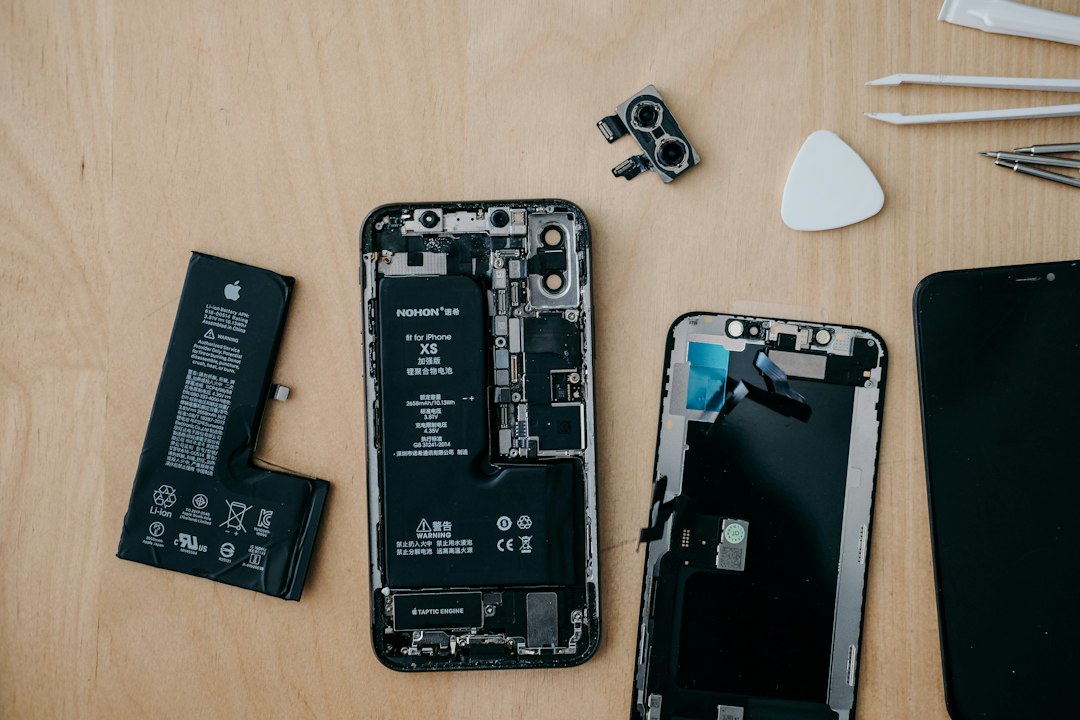
If your iPhone screen turns purple, test before you pay. A purple tint, purple lines, or a purple blob can mean a display fault. It can also be a software glitch. Start with simple checks. Then decide between Apple Display Diagnostics and a repair shop.
TLDR: A purple iPhone screen is often caused by OLED damage, pressure, liquid, or a bad display connection. First, restart the phone, update iOS, and take a screenshot to see if the purple shows on another device. For example, if 8 out of 10 purple marks do not appear in screenshots, the screen hardware is likely the problem. Apple diagnostics are safest for warranty, while third-party repair can be cheaper and faster.
What does purple on an iPhone screen mean?
Purple on an iPhone screen is not one single problem. Annoying, right?
It may look like:
- Purple lines down one side.
- A purple tint over the whole screen.
- Purple spots that grow over time.
- Flickering purple flashes after a drop.
- A purple shadow near the edge.
On OLED iPhones, purple often points to display damage. OLED pixels can fail after pressure or impact. A small fall can do it. So can sitting on the phone. Yes, pockets betray us.
On LCD iPhones, purple can come from pressure damage, backlight issues, or a loose connector. Liquid can also cause strange colors. Even a tiny splash can start trouble later.
Do this first: the quick purple screen test
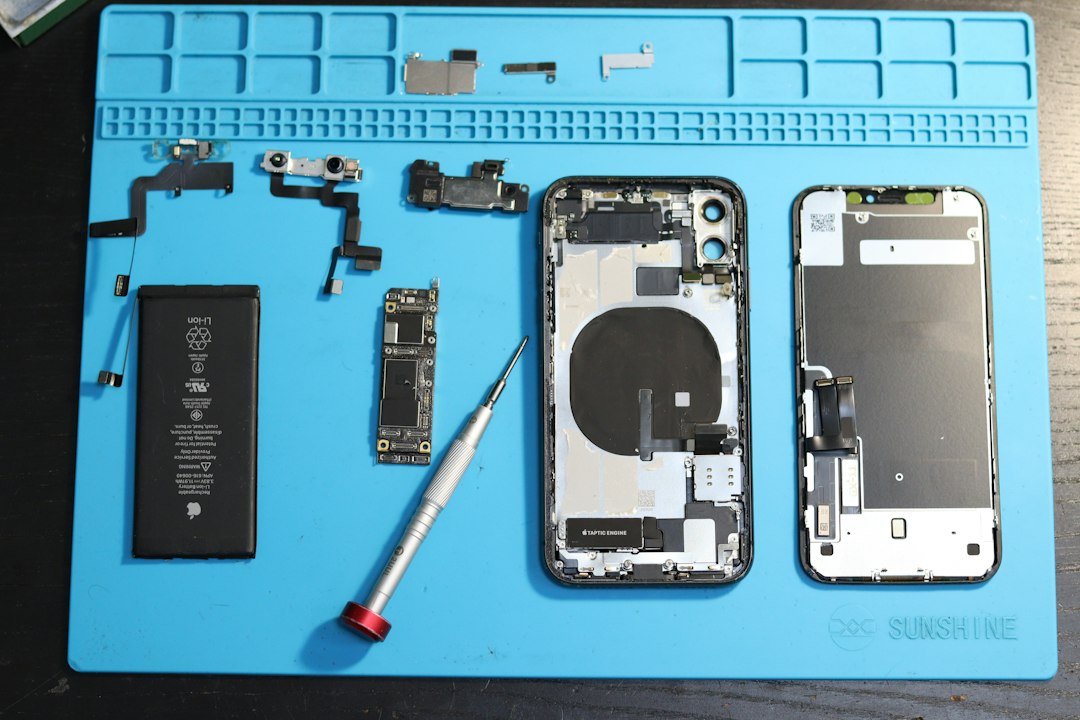
Before booking a repair, try a few checks. They take minutes. They can save cash.
- Restart the iPhone. This clears temporary display glitches.
- Update iOS. Go to Settings > General > Software Update.
- Remove the case. A tight case can press on the display edge.
- Turn off True Tone. Go to Settings > Display & Brightness.
- Turn off Night Shift. It can make colors look odd.
- Check color filters. Go to Settings > Accessibility > Display & Text Size.
Now try the screenshot trick.
Take a screenshot of the purple area. Send it to another phone or computer. Open it there.
- If the purple appears in the screenshot, it may be software or graphics related.
- If the purple does not appear, the physical screen is likely bad.
This test is not perfect. But it is useful. It quickly separates “screen problem” from “image problem.”
What are Apple Display Diagnostics?
Apple Display Diagnostics are tests used by Apple Support, Apple Stores, and Apple Authorized Service Providers. They check the iPhone for hardware problems. They may review display behavior, touch input, sensors, battery data, and error logs.
Some checks can be started through Apple Support. Others need a store visit. A technician may also inspect the phone by hand. That matters a lot. Diagnostics may not “see” every purple line. Human eyes still win sometimes.
The catch is, you may spend 20 minutes running checks, only to hear, “We need to inspect it in person.” That feels slow when your screen looks like grape soda.
When Apple Diagnostics are the best choice
Choose Apple first if your iPhone is still under warranty or AppleCare+.
Apple is also the better route if:
- The phone has no visible damage.
- The purple appeared after a normal iOS update.
- You want official parts.
- You plan to trade in the iPhone later.
- You care about Face ID, True Tone, and resale value.
Apple repair keeps things clean. Parts are matched properly. The repair history is official. That can help with future support.
But Apple is not always cheap. Without AppleCare+, screen replacement can cost a lot, especially on Pro models. Prices vary by model and country. Always check Apple’s repair estimate tool before you commit.
When a screen repair alternative makes sense
A local repair shop can be a smart pick. Especially when the phone is older. Or out of warranty. Or you need it fixed today.
Third-party repair shops often offer:
- Lower prices than official repair.
- Same-day service in many cases.
- Different part grades, from budget to premium.
- Data-safe repairs, if the phone still powers on.
Ask questions before handing over the phone. Do not feel awkward. It is your device. It has your photos, passwords, and group chats full of chaos.
Ask these:
- Is the replacement screen OLED or LCD?
- Is it original, refurbished, or aftermarket?
- Will True Tone still work?
- Will Face ID be affected?
- What warranty comes with the repair?
- Will the phone stay water resistant?
Apple vs repair shop: simple comparison
| Option | Best for | Possible downside |
|---|---|---|
| Apple Store | Warranty, AppleCare+, official parts | May cost more without coverage |
| Authorized Service Provider | Official repair with more local options | Parts may need to be ordered |
| Independent repair shop | Fast fixes and lower prices | Part quality can vary |
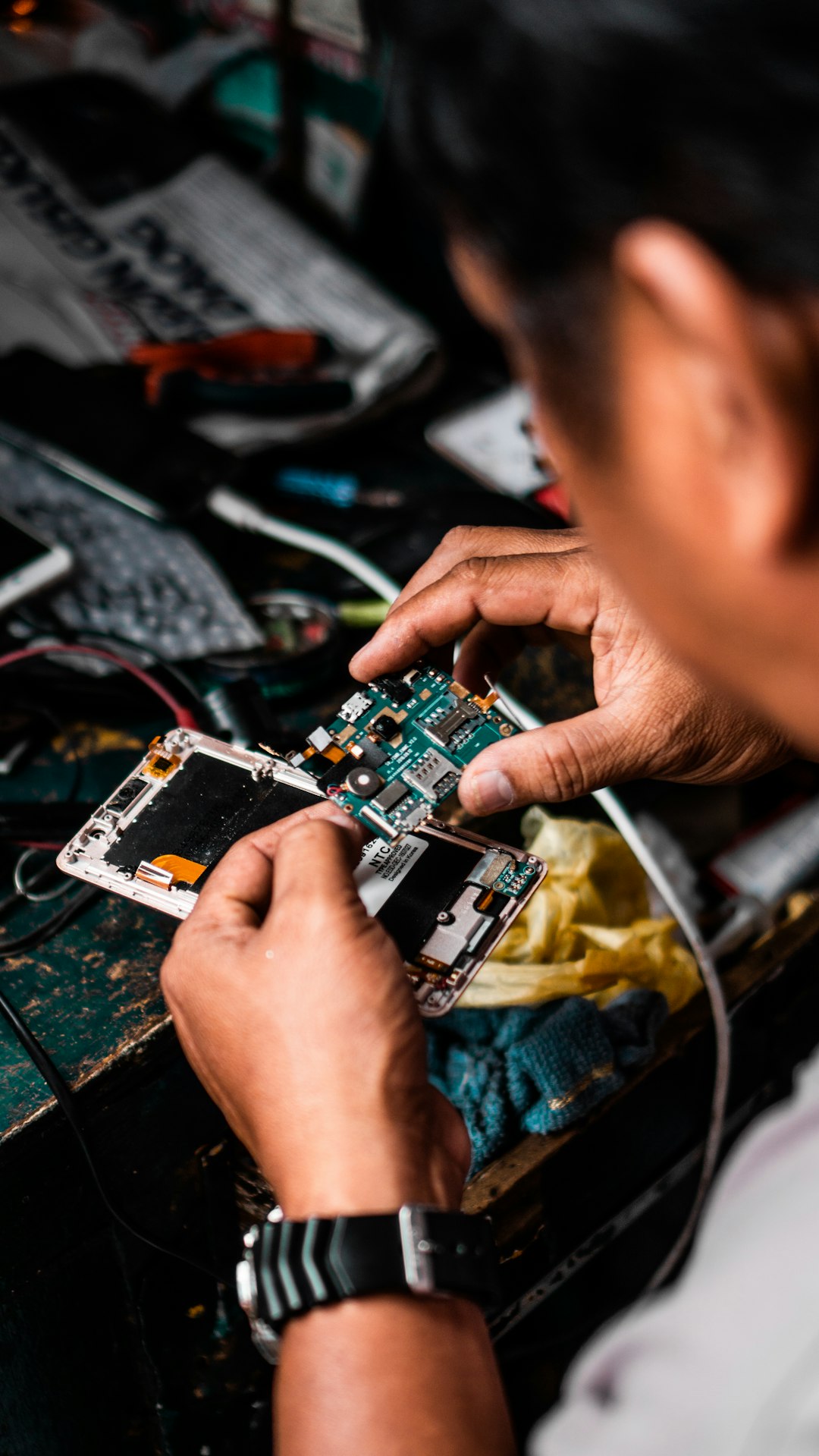
| DIY screen repair | Experienced repair fans | High risk, tiny screws, easy mistakes |
Should you try DIY repair?
DIY repair sounds fun until the screws escape. Then it becomes a tiny metal treasure hunt.
Only try DIY if you have repair experience. iPhones are packed tight. One torn cable can make the repair more expensive. Heat, adhesive, and delicate sensors are involved.
Newer iPhones are harder. Display swaps can trigger warnings about unknown parts. Some features may need calibration. If you just want the purple gone, a good repair shop is less stressful.
What if purple appears after a drop?
If the purple started right after a drop, assume hardware damage first. Even if the glass is perfect. Internal layers can crack. The OLED panel can fail under the glass.
Watch for these signs:
- The purple area grows larger.
- Touch stops working in one section.
- Green or white lines appear too.
- The screen flickers when pressed.
- The phone gets warm near the damaged area.
Back up the phone now. Do not wait. Purple spots can spread. Touch can fail without warning. Expect to waste time on passcodes if the display dies before backup.
What if purple appears after water exposure?
Power the phone off if you suspect liquid. Do not charge it. Do not use a hair dryer. Heat can push moisture deeper.
Liquid damage is sneaky. The screen may look fine for days. Then purple marks appear. Corrosion can also damage connectors. A repair shop may need to clean the inside before replacing parts.
Apple may treat liquid damage differently from a normal screen failure. AppleCare+ can help, but fees may apply.
How to pick the right path
Use this simple rule:
- Under warranty? Contact Apple first.
- Have AppleCare+? Use Apple or an authorized provider.
- Out of warranty and older iPhone? Compare local repair quotes.
- Purple appears in screenshots? Try software fixes before repair.
- Purple does not appear in screenshots? Plan for screen service.
Also compare repair cost to phone value. If a screen repair costs 45% of the phone’s used price, think carefully. A newer used iPhone may be a better move.
Final advice before you book
Back up your iPhone first. Use iCloud or a computer. Then remove private apps if you feel safer. Turn off Stolen Device Protection only if the repair process requires it, and turn it back on after.
Take photos of the phone before repair. Note every scratch. Confirm the price in writing. Ask about warranty length. A solid shop will answer clearly.
A purple iPhone screen is scary, but it is not a mystery monster. Test it. Check screenshots. Run Apple diagnostics if warranty matters. Choose repair only when the screen is truly the villain.