Creating a polished, professional presentation once required a strong eye for design and hours of manual formatting. Today, however, modern presentation apps make it possible for anyone to build visually impressive slide decks without advanced creative skills. With intuitive drag-and-drop editors, ready-made templates, AI-powered suggestions, and built-in visual assets, these tools eliminate the guesswork from layout, typography, and color selection. As a result, professionals, entrepreneurs, educators, and students can focus more on their message and less on design details.
TLDR: Several modern presentation apps allow users to build professional slide decks without design expertise. These tools offer customizable templates, AI-powered design assistance, drag-and-drop simplicity, and collaboration features. Popular options like Canva, Beautiful.ai, Visme, Prezi, and Microsoft PowerPoint simplify the design process while delivering high-quality results. Choosing the right platform depends on presentation style, collaboration needs, and customization preferences.
Below is a comprehensive look at the best presentation apps that help users create professional decks without needing formal design skills.
What Makes a Presentation App Beginner-Friendly?
Before exploring specific tools, it helps to understand what features make a presentation platform accessible to non-designers.
- Pre-designed templates: Professionally crafted slide layouts that require minimal customization.
- Drag-and-drop functionality: Easy movement of text, images, and graphics without technical knowledge.
- Smart layout adjustments: Automatic alignment and spacing corrections.
- Built-in design elements: Icons, photos, charts, and illustrations readily available.
- Collaboration tools: Real-time editing and sharing capabilities.
- Brand consistency tools: Preset color palettes and typography styling.
These features remove the complexity traditionally associated with presentation design.
Top Presentation Apps for Building Professional Decks
1. Canva
Canva is widely recognized for its intuitive interface and extensive library of templates. It is especially suitable for beginners who want visually engaging slides without crafting designs from scratch.
Key strengths:
- Thousands of pre-designed presentation templates
- Built-in stock photos, icons, and illustrations
- Simple drag-and-drop editor
- Brand kit features for consistent design
Users can replace placeholder content, tweak fonts and colors, and export presentations in various formats. The learning curve is minimal, making it ideal for small business owners, marketers, and students.
2. Beautiful.ai
Beautiful.ai lives up to its name by focusing on automated design intelligence. Instead of manually adjusting layout elements, the platform adapts slides automatically as users add content.
Key strengths:
- AI-powered layout formatting
- Smart templates that auto-adjust content placement
- Clean, modern slide aesthetics
- Team collaboration options
This tool is excellent for professionals who want sleek business presentations with minimal effort. It significantly reduces formatting inconsistencies.
3. Visme
Visme offers more than traditional slide design. It combines presentation capabilities with infographic creation and data visualization tools.
Key strengths:
- Interactive presentations
- Advanced charts and data widgets
- Custom animation options
- Extensive template categories
While slightly more feature-heavy, Visme still supports beginners through structured templates and visual guidance.
4. Prezi
Prezi stands apart due to its non-linear presentation style. Instead of static slides, users build zoomable canvases that move dynamically between points.
Key strengths:
- Zoom-based presentation format
- Engaging storytelling flow
- Cloud-based collaboration
- Ready-made presentation structures
Prezi works well for storytellers and presenters who want a more dynamic experience than traditional slide decks provide.

5. Microsoft PowerPoint
Although PowerPoint has existed for decades, modern versions include design enhancements that simplify the creative process. Features like Designer and built-in templates make it more beginner-friendly than ever.
Key strengths:
- AI-powered design suggestions
- Extensive template library
- Strong offline capabilities
- Universal compatibility
PowerPoint remains a dependable choice, particularly in corporate settings where file compatibility matters.
Comparison Chart of Top Presentation Apps
| App | Ease of Use | Design Automation | Best For | Collaboration |
|---|---|---|---|---|
| Canva | Very Easy | Moderate | Marketing, students, small business | Yes |
| Beautiful.ai | Easy | High | Corporate professionals | Yes |
| Visme | Moderate | Moderate | Data-rich presentations | Yes |
| Prezi | Moderate | Moderate | Storytelling, creative pitches | Yes |
| PowerPoint | Moderate | Moderate to High | Corporate and academic use | Yes |
How AI Is Changing Presentation Design
Artificial intelligence is transforming how presentations are built. Modern platforms now offer:
- Auto-formatting layouts that maintain visual balance
- Content suggestions for headlines and slide structure
- Image recommendations relevant to text
- Color palette harmonization
These features help prevent common design mistakes such as overcrowded slides, misaligned elements, or inconsistent fonts. For non-designers, AI acts like a built-in creative assistant.
Benefits of Using Templates Instead of Designing From Scratch
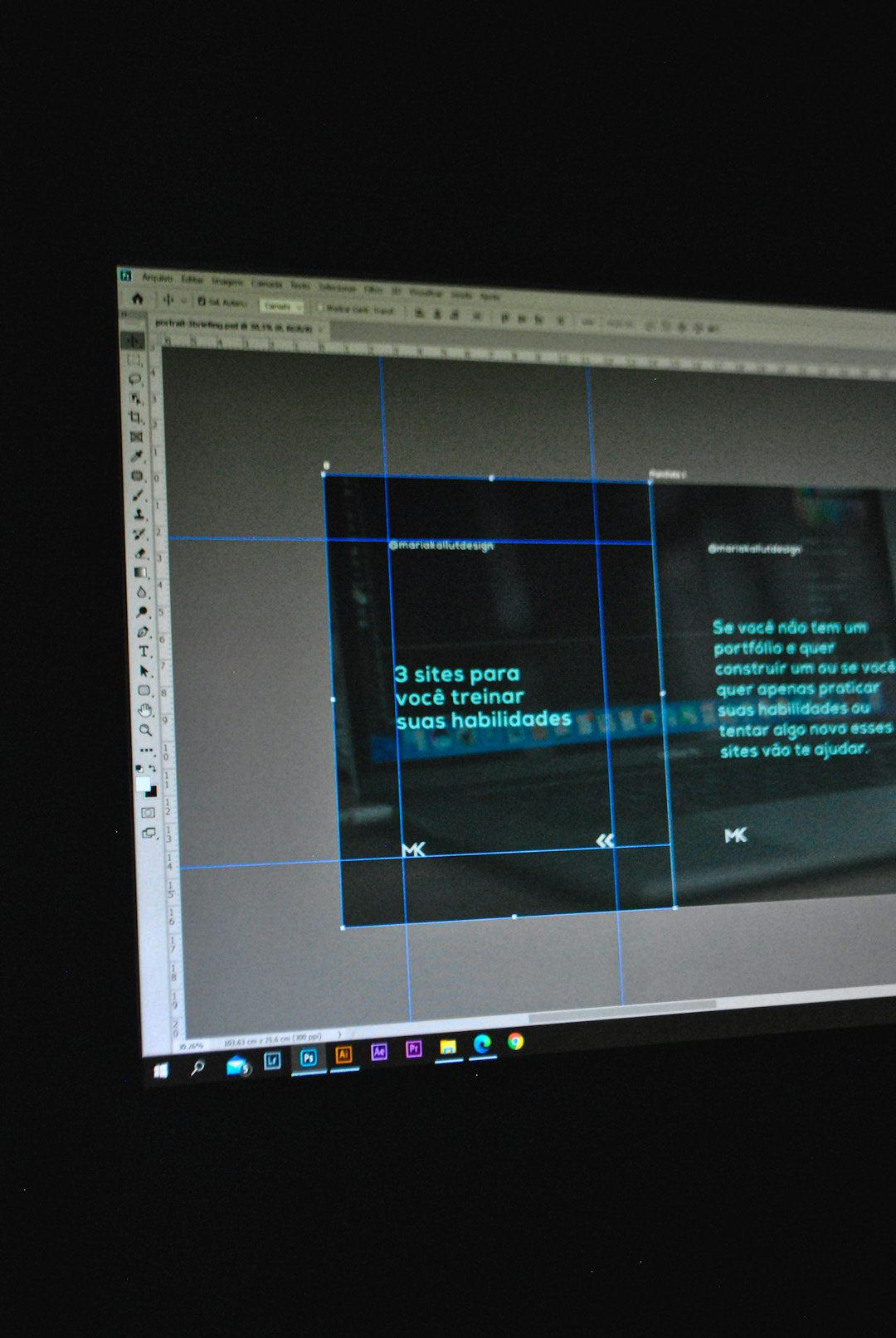
Templates are powerful tools, especially for users lacking design training. They provide:
- Visual consistency across all slides
- Time efficiency by reducing formatting work
- Professional typography selected by designers
- Balanced color schemes that enhance readability
Rather than experimenting with font sizes and layout grids, users simply replace sample content with their own information.
Tips for Building a Professional Deck Without Design Skills
Even with strong presentation software, following basic principles improves results:
- Keep slides minimal: Focus on one idea per slide.
- Use high-quality visuals: Avoid pixelated or distorted images.
- Limit fonts: Two complementary fonts are typically sufficient.
- Stick to one color palette: Avoid overwhelming contrasts.
- Maintain consistency: Reuse layouts throughout the deck.
Most beginner-friendly apps reinforce these best practices through preset design systems.
Choosing the Right App for Specific Needs
Not every tool fits every context. Professionals preparing investor pitches may prefer AI-optimized platforms like Beautiful.ai. Teachers creating classroom slides might lean toward Canva for its creativity and simplicity. Corporate teams working in established IT environments often rely on PowerPoint for compatibility.
The ideal platform depends on:
- Presentation format (static slides vs. animated storytelling)
- Collaboration requirements
- Data visualization needs
- Export and sharing preferences
- Budget constraints
Testing free versions of multiple tools can help determine the best fit.
The Future of Presentation Design
Presentation software continues evolving toward automation and simplicity. Increasingly, platforms integrate with productivity ecosystems, cloud storage, and video conferencing tools. Real-time analytics on viewer engagement may become more common, helping presenters refine future decks.
As AI improves, users may soon generate entire presentations from brief prompts. While design expertise will still matter for custom branding and complex storytelling, the barrier to creating polished slides is rapidly disappearing.
Frequently Asked Questions (FAQ)
1. Can someone really build a professional deck without design experience?
Yes. Modern presentation apps provide templates, smart layouts, and AI suggestions that handle most design decisions automatically.
2. Which app is best for corporate presentations?
Beautiful.ai and Microsoft PowerPoint are popular choices in corporate settings due to clean design templates and compatibility features.
3. Are free versions sufficient for professional use?
Free plans are often sufficient for basic presentations, though premium versions typically unlock advanced templates, branding tools, and export options.
4. How important are templates in building polished decks?
Templates are extremely important. They maintain visual consistency and reduce design errors, making professional results achievable without advanced skills.
5. Do these apps support team collaboration?
Most modern presentation platforms offer real-time collaboration, allowing multiple users to edit, comment, and share slides easily.
6. What is the main advantage of AI-powered design tools?
The main advantage is automation. AI-driven platforms adjust layouts, spacing, and formatting dynamically, ensuring visually balanced slides without manual intervention.
With the right presentation app and a clear message, anyone can create impressive professional decks—no formal design training required.