
Canceling an internet service can feel overwhelming, especially when hidden fees, equipment charges, and contract terms come into play. Customers who want to cancel WOW! Internet often worry about unexpected costs or prolonged billing cycles. Fortunately, with the right preparation and a clear understanding of the provider’s policies, the process can be smooth and predictable. This guide explains exactly how to cancel WOW! Internet while minimizing financial surprises and avoiding unnecessary stress.
TLDR: To cancel WOW! Internet without unexpected fees, customers should first review their contract for early termination fees and billing cycles. Contact WOW! customer service directly, request written confirmation of cancellation, and return equipment promptly. Always document conversations and track return shipments. Taking these proactive steps significantly reduces the risk of surprise charges.
Understanding WOW! Internet Service Agreements
Before initiating cancellation, customers should review their service agreement. Some plans operate on a month-to-month basis, while others may include promotional discounts tied to a contract term. Canceling before the end of a contract could result in an early termination fee (ETF).
Key items to review include:
- Contract length
- Promotional pricing expiration date
- Early termination fees
- Equipment rental agreements
- Billing cycle dates
If the customer is unsure about the terms, contacting customer support for clarification before canceling is recommended.
Common Fees to Watch For
Understanding potential fees is critical to avoiding surprises. Below is a breakdown of common charges customers may encounter:
| Fee Type | When It Applies | How to Avoid It |
|---|---|---|
| Early Termination Fee | Canceling before contract ends | Wait until contract expires or negotiate |
| Unreturned Equipment Fee | Failure to return modem or router | Return equipment promptly and track shipment |
| Partial Month Charges | Canceling mid-billing cycle | Time cancellation near billing end date |
| Installation Recovery Fee | Canceling shortly after new install | Review agreement before early cancellation |
Step-by-Step Guide to Cancel WOW! Internet
1. Review Account Details
Customers should log into their online account or review their latest billing statement. Verify the following:
- Account number
- Current balance
- Contract end date
- Next billing date
Having this information ready speeds up the cancellation process.
2. Contact Customer Service
WOW! typically requires customers to call their support line to initiate cancellation. When speaking with a representative:
- Clearly state the request to cancel service
- Ask about any final charges
- Request the exact service termination date
- Ask for confirmation via email
Tip: It is helpful to note the representative’s name, the date, and details of the conversation.

3. Ask About Retention Offers
Sometimes providers offer discounts or promotional rates to retain customers. While the goal may be cancellation, listening to available offers can help customers make informed decisions. However, agreeing to new terms often resets contract obligations, so careful evaluation is necessary.
4. Schedule the Cancellation Strategically
Many customers are billed through the end of their current billing cycle. Since prorated refunds are not always guaranteed, it may be beneficial to cancel close to the end of that billing period.
For example:
- If billing renews on the 15th of each month, schedule cancellation on the 13th or 14th.
- Avoid canceling immediately after a new billing cycle begins.
This step alone can prevent paying for an extra month of service.
5. Return Equipment Promptly
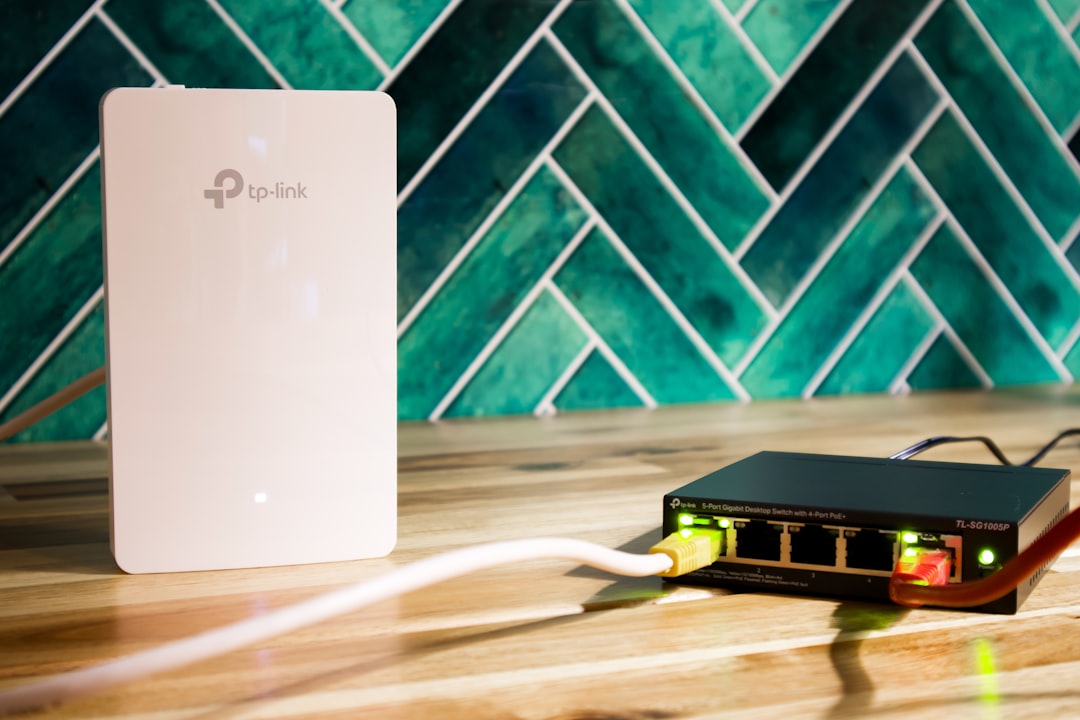
Returning rented equipment is one of the most important steps. WOW! may charge significant replacement fees for unreturned modems, routers, or cable boxes.
Equipment return checklist:
- Disconnect and pack all rented devices
- Include power cables and adapters
- Use original packaging if available
- Request a receipt if returning in person
- Track shipment if returning by mail
Always keep return receipts and tracking numbers for at least 90 days. Billing errors sometimes occur after cancellation, and proof of return protects customers from wrongful charges.
6. Confirm Final Bill
After cancellation is processed, customers should expect a final bill. This statement may include:
- Remaining service charges
- Unpaid balances
- Prorated adjustments (if applicable)
If discrepancies appear, contacting customer service immediately can prevent the account from being sent to collections.
How to Avoid Unexpected Charges After Cancellation
Document Everything
Maintaining a paper trail is crucial. Customers should store:
- Email confirmations
- Chat transcripts
- Equipment return receipts
- Billing statements
Digital screenshots can serve as additional protection.
Disable Autopay Carefully
Autopay settings should not be canceled until the final bill has been generated and paid. Turning off autopay too early could result in missed payments or late fees.
Monitor Bank Statements
Customers should monitor their credit card or bank statements for at least one to two billing cycles after cancellation. If unauthorized charges appear, they should contact WOW! immediately and dispute the transaction if necessary.
What If There Is an Early Termination Fee?
If an ETF applies, customers may have options:
- Negotiate: Sometimes representatives reduce or waive fees.
- Provide transfer documentation: Moving to an area without WOW! service may qualify for fee waivers.
- Check promotional fine print: Some agreements only require partial repayment of discounts.

Being polite yet firm during discussions increases the likelihood of a favorable outcome.
Special Situations
Moving to a New Address
If a customer is relocating, transferring service may be easier than canceling. However, if new residents do not require the service, cancellation procedures still apply.
Canceling Due to Service Issues
If ongoing technical issues are the reason for cancellation, documenting repair attempts can sometimes support fee disputes. Keeping records of service calls, outage reports, and technician visits is beneficial.
Canceling After a Recent Installation
Customers who recently signed up may fall within a limited satisfaction guarantee period. Reviewing agreement details quickly ensures eligibility for penalty-free cancellation.
How Long Does the Cancellation Process Take?
The phone call itself typically takes 15 to 30 minutes. However, full account closure may take one complete billing cycle. Equipment return processing can add additional time, depending on shipping speed.
Customers should not assume their account is closed until they receive:
- A final bill showing a zero balance
- Written confirmation of cancellation
- Equipment return acknowledgment
Signs the Cancellation Was Successful
Confirmation indicators include:
- No active service listed in online account
- Zero outstanding balance
- No further invoices generated
- Email summary stating termination date
If any uncertainty remains, contacting customer support one final time for verification provides peace of mind.
Frequently Asked Questions (FAQ)
1. Can WOW! Internet be canceled online?
Most cancellations require speaking with a customer service representative by phone. Online cancellation options may be limited or unavailable.
2. Is there a fee for canceling WOW! Internet?
Fees depend on the customer’s contract. Month-to-month plans typically do not include early termination fees, but contract-based plans may.
3. Does WOW! prorate the final bill?
Proration policies can vary. Customers should confirm billing details during the cancellation call and time the cancellation strategically near the billing cycle’s end.
4. What happens if equipment is not returned?
The company may charge the full replacement value of the device. Prompt returns and retained receipts prevent this issue.
5. How long should receipts be kept after cancellation?
It is advisable to keep all documentation for at least 90 days, though some customers prefer retaining records for six months.
6. Can early termination fees be waived?
Waivers may be possible in cases of relocation to a non-service area or documented service problems. Customers must request consideration directly from support.
7. When should autopay be turned off?
Autopay should remain active until the final bill has been processed and paid to avoid accidental late fees.
8. What if there is a charge after cancellation?
Customers should contact WOW! immediately, provide supporting documentation, and request correction. Disputing erroneous charges quickly increases the likelihood of resolution.
By carefully reviewing the agreement, timing the cancellation properly, documenting interactions, and returning equipment without delay, customers can cancel WOW! Internet confidently and avoid unexpected fees. Preparation and thorough follow-through remain the most effective tools for a smooth cancellation experience.