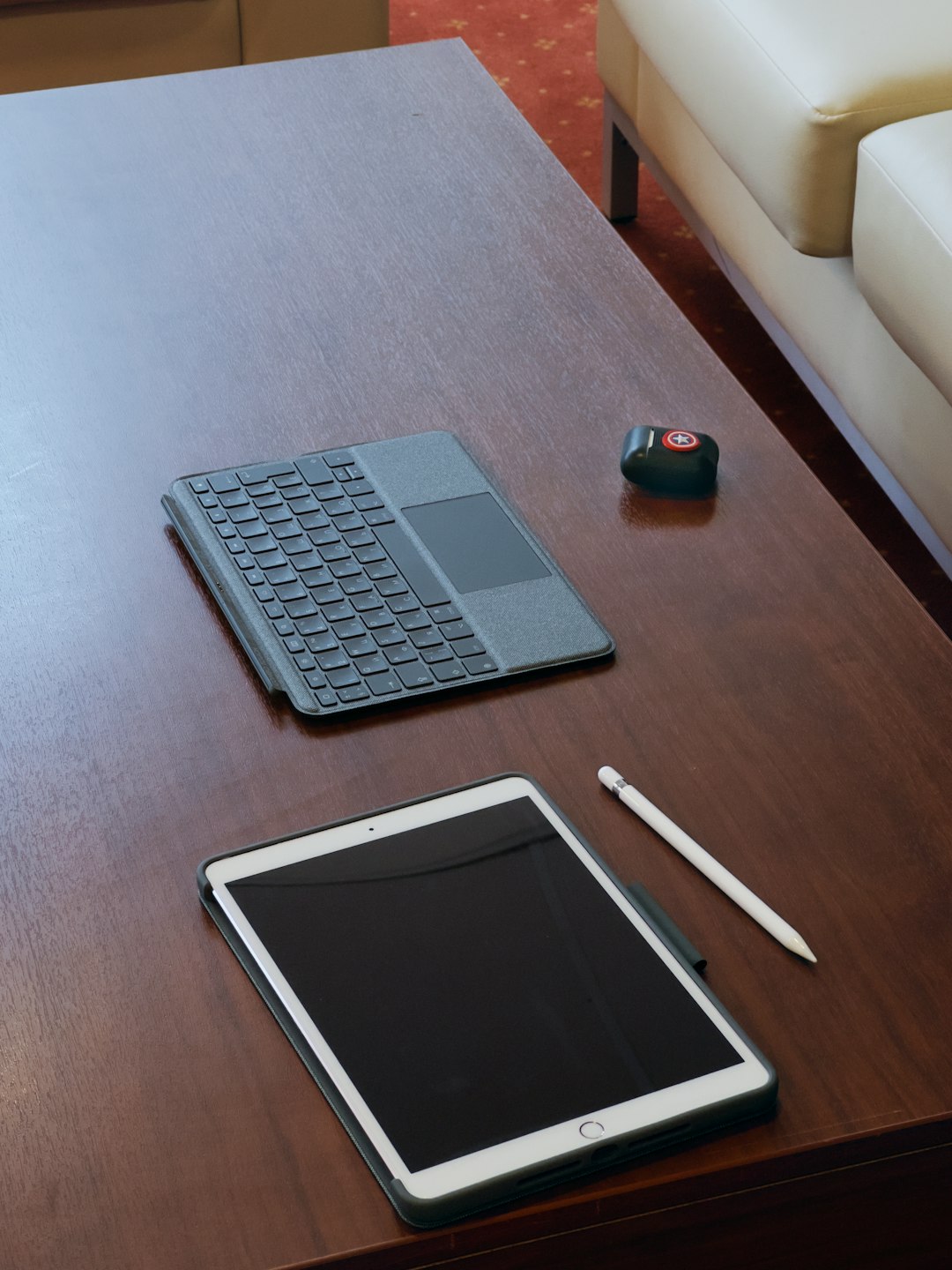
In today’s hyperconnected world, productivity extends beyond a single desktop setup. Whether working from a laptop in a café, reviewing projects on a tablet during a commute, or replying to emails on a smartphone at the airport, professionals rely on tools that function seamlessly across devices. The modern expectation is an uninterrupted workflow—regardless of location or platform.
TL;DR
Productivity tools have evolved to provide seamless integration across desktops, smartphones, and tablets, ensuring your data, notes, tasks, and files stay in sync. This article explores five top productivity tools that offer cross-device functionality, how they keep your workflow uninterrupted, and what features make them indispensable for modern professionals. From shared to-do lists to cloud-based documents, staying productive on the go has never been easier.
1. Notion: An All-in-One Digital Workspace
Notion has surged in popularity thanks to its versatility and collaborative capabilities. It combines note-taking, project management, document collaboration, and databases into one intuitive interface. Most importantly, it’s accessible across Windows, macOS, Android, iOS, and browsers, making it a favorite among individuals and teams alike.
Key cross-device features include:
- Real-time sync: Any note or database entry updated on one device is instantly reflected on all others.
- Offline access: Notes can be edited without an internet connection and will sync automatically once back online.
- Team collaboration: Share pages with teammates who can comment or edit concurrently from different platforms.
Whether you’re brainstorming ideas on a smartphone or outlining a project on a desktop, Notion ensures your workspace remains coherent and aligned no matter where you log in from.
2. Todoist: Task Management on the Go
Todoist is a powerful task manager that helps users organize work and life. Trusted by millions around the world, it is ideal for breaking down big goals into manageable tasks—all while keeping everything in sync across devices.
Core cross-platform strengths:
- Smart scheduling: Tasks can be scheduled or rescheduled with automatic reminders synced to all devices.
- Voice assistant integration: Use Siri, Google Assistant, or Alexa to add tasks while on the move.
- Collaboration: Assign tasks to others, add comments, and track progress from desktop to smartwatch.
Todoist’s clean interface and thoughtful integration allow users to stay productive whether they’re at their desk or navigating a busy day outdoors.
3. Google Workspace: The Power of the Cloud
Formerly known as G Suite, Google Workspace includes Gmail, Google Docs, Sheets, Drive, Calendar, and Meet. Its real-time collaboration tools are its biggest selling point. With cloud-native architecture, Google Workspace allows seamless access and editing of files from any device.
Cross-device highlights include:
- Auto-save and real-time collaboration: No more losing progress. Edits appear instantly, even as others join from different devices.
- Calendar syncing: All meetings and tasks are instantly accessible across devices.
- Offline functionality: Docs and Sheets can be accessed and edited offline, then synced when reconnected to the internet.
The suite is particularly popular among remote teams, freelancers, and education professionals who depend on uninterrupted collaboration.
4. Slack: Messaging that Moves with You
When consistent communication matters, Slack brings teams together across time zones and devices. This popular messaging platform allows users to jump into conversations, share files, and set reminders—all while keeping everything in sync.
Noteworthy features across platforms:
- Universal app interface: The UI adapts consistently between PC, smartphones, and tablets, easing usability.
- Persistent threads: Discussions remain intact regardless of where you sign in, making it easy to pick up where you left off.
- Mobile-friendly features: Swipe-based controls, file sharing, audio huddles, and push notifications offer full control even on mobile.
Slack integrates with hundreds of other tools like Zoom, Trello, and Google Drive to provide a central hub of operations for digital communication.
5. Dropbox: File Access, Anywhere
Beyond file backups, Dropbox has morphed into a full-fledged collaboration and productivity platform. With its intuitive design and strong cross-device capabilities, it allows professionals to store, share, and edit files no matter where they are working from.
Essential productivity features include:
- Smart sync: Files are accessible without taking up local storage, adapting to each device’s storage capacity.
- Real-time collaboration on documents: Dropbox Paper allows teams to co-edit text, manage task lists, and leave inline comments.
- Mobile scanning: Use a smartphone camera to scan documents and receipts directly into your Dropbox folder.
From freelancers digitizing receipts to graphic designers reviewing project files on a tablet, Dropbox closes the loop on location-based restrictions.
Why Integration Matters
Each tool in this list thrives not merely on its individual features, but on its ability to be everywhere the user is. In our remote-first work culture, apps that fail to bridge device gaps fall behind. The syncing capabilities of tools like Notion and Todoist ensure that deadlines, ideas, and conversations continue seamlessly, even when users switch from laptop to smartphone or from a smart speaker to tablet.
What’s more, integrations between these tools enhance productivity. For example:
- Create a Notion meeting agenda and link it in a Slack channel before a Google Meet call.
- Attach Dropbox files directly into a Todoist task for better organization.
- Schedule a calendar event in Google Calendar straight from Slack.

Final Thoughts
Modern productivity demands flexibility. Whether working remotely, traveling, or multitasking across different devices, the tools highlighted in this article provide comprehensive solutions that make multi-device usage not just possible, but seamless. Choosing the right combination of these can dramatically enhance day-to-day workflow, saving time, reducing stress, and improving collaboration.
Frequently Asked Questions
- Do I need a premium subscription to sync across devices?
- Most tools offer free versions that include cross-device syncing, such as Google Docs and Slack. However, some features—like advanced reminders or team collaboration—may require a premium plan.
- How secure are these tools when syncing data?
- Reputable tools use end-to-end encryption and secure data centers. Always ensure two-factor authentication is enabled for an added layer of safety.
- Can I use these tools offline?
- Yes. Tools like Google Docs, Notion, and Dropbox support offline mode, allowing you to work without internet and automatically sync once reconnected.
- What’s the best tool for team collaboration?
- It depends on the need. Slack is excellent for communication. Google Workspace shines in real-time documents, while Notion and Dropbox Paper offer structured collaborative environments.
- Are there tools that work well on wearables like smartwatches?
- Yes, Todoist and Slack have smartwatch apps that allow you to check tasks or messages directly from your wrist, maximizing convenience.