Hand Talk is the best everyday pick if you want a simple sign language translator app on your phone, while SignAll is better for serious business use, and new AI translation tools are still a bit hit or miss. Sign language access matters a lot, because the World Federation of the Deaf says there are more than 70 million deaf people worldwide [source: WFD].
TLDR: Pick Hand Talk for quick phrases, school practice, and basic chat help. Pick SignAll if you run a front desk, bank, clinic, or office and need a more controlled setup. AI tools can help, but they are not ready to replace human interpreters. For example, if a help desk gets 40 simple questions a day, Hand Talk may help with basic words, but a legal meeting still needs a real interpreter.
First, a tiny truth bomb
There is no magic app that understands every sign, every face, and every grammar rule. That would be lovely. We are not there yet.
Sign languages are full languages. They use hands, face, body, space, timing, and culture. Also, there is not one global sign language. ASL is not the same as BSL. Libras is not the same as Auslan.
So when an app says it “translates sign language,” ask this first:
- Which sign language?
- Does it translate signs to text?
- Or text to signs?
- Is it for learning, chatting, or public service?
Hand Talk: the friendly phone buddy
Hand Talk is the easiest one to understand. You type or speak a word. Then a 3D avatar signs it. The app is known for avatars like Hugo and Maya. It supports sign language learning and simple translation, including Libras and ASL options in some products.
It feels friendly. It is colorful. It is not scary. That matters.
Best for:
- Students learning signs.
- Families who want basic practice.
- Teachers making lessons more visual.
- Quick words like “bathroom,” “water,” or “thank you.”
Where it shines: It makes sign language less intimidating. You can test a phrase in seconds. Kids often like the avatar style. It feels more like a game than homework.
Where it gets annoying: Full sentences can feel stiff. The avatar may sign the idea in a way that is too simple. Honestly, it feels like asking a robot to explain a joke. Sometimes you get the words, but not the real feeling.
SignAll: the serious office tool
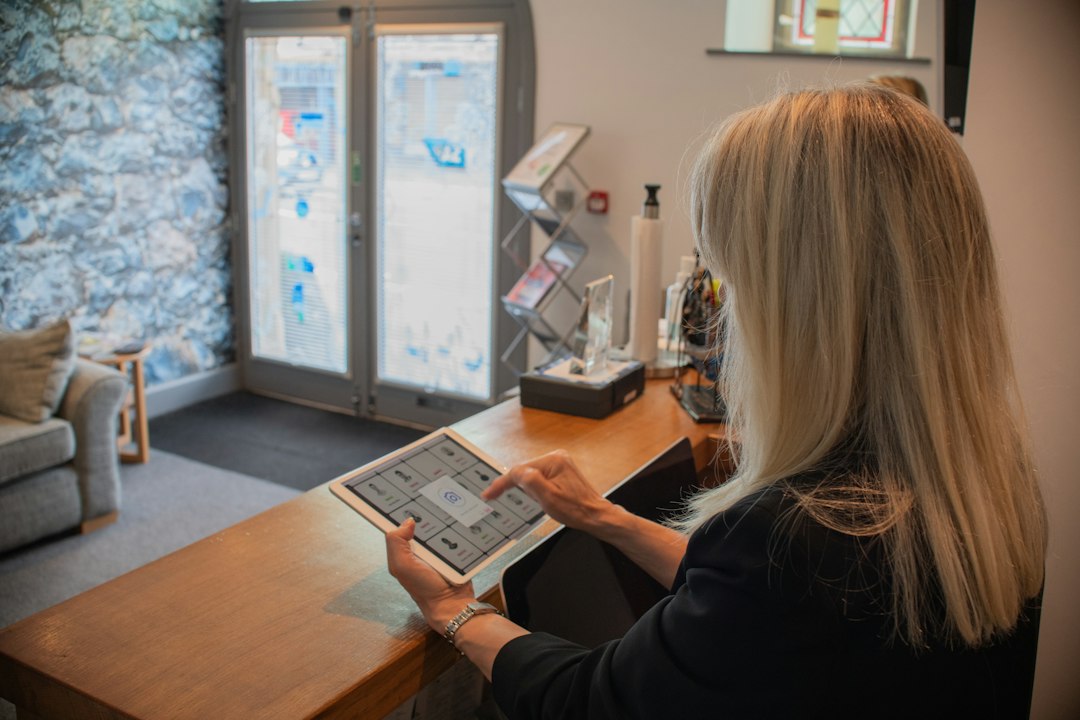
SignAll is not just a cute mobile app. It is built more for structured communication. Think service desks, workplaces, and public spaces. Its systems have worked with cameras, screens, and software to help translate between ASL and English in set situations.
This makes it feel more “pro.” It is not the thing you casually open while waiting for pizza.
Best for:
- Reception desks.
- Customer service counters.
- Airports or public buildings.
- Companies trying to improve access.
Where it shines: It is made for real service moments. That is a big deal. A deaf visitor can ask for help without writing everything down. Staff can give simple replies. The flow feels prepared.
Where it gets annoying: It may need special hardware or setup. That is not fun if you just wanted an app in 10 seconds. Expect to spend more time setting it up than you would with Hand Talk.
AI translation tools: exciting, weird, and not quite ready
AI sign language tools are popping up everywhere. Some use your phone camera. Some use computer vision. Some try to detect hand shapes. Others turn spoken words into signed avatar animations.
This is exciting. It is also messy.
AI can be good at spotting clear hand movements in good lighting. But sign language is not just hands. Facial expression can change meaning. Body position matters. Speed matters. Regional signs matter too.
It drives me a little mad when apps act like sign language is just “English with hand moves.” It is not. That mistake leads to clunky output.
Best for:
- Early testing.
- Learning single signs.
- Building prototypes.
- Fun demos.
Not best for:
- Medical advice.
- Legal talks.
- Job interviews.
- Emergency calls.
Quick comparison
| Tool | Best use | Main problem |
|---|---|---|
| Hand Talk | Learning and quick phrases | Can feel too simple |
| SignAll | Offices and service desks | Setup can be heavier |
| AI tools | Tests, demos, simple practice | Accuracy is uneven |
Which one should you choose?
Choose Hand Talk if you want something easy today. It is the most casual option. It works well for short content. It is also fun for practice.
Choose SignAll if access is part of your business. A public counter needs more than a cute app. It needs a system people can trust.
Try AI translation tools if you are curious. Just keep your hopes realistic. Use them for practice, not for high-risk choices.
My simple ranking
- Best for daily users: Hand Talk.
- Best for organizations: SignAll.
- Best for future potential: AI translation tools.
Here is the honest answer. Apps can help. They can reduce awkward moments. They can make first contact easier. That is great.
But they do not replace deaf people, sign language teachers, or trained interpreters. Use apps as bridges. Not as the whole road.
If you want quick learning, open Hand Talk. If you need public access, check SignAll. If you love shiny tech, test AI tools, but double-check everything that matters.