
Teams that need more than rows, columns, and filtered views should compare ClickUp, monday.com, Smartsheet, and Notion before choosing between Airtable and Microsoft Lists. Microsoft Lists works well for Microsoft 365 users because it connects with Teams, SharePoint, and Power Automate [source: Microsoft], while Airtable feels better for lightweight databases, content calendars, and custom workflows.
TLDR: Airtable is strong for visual database work, and Microsoft Lists is useful for companies already deep in Microsoft 365. Still, teams often need better task ownership, dashboards, approvals, or workload views. For example, a 25-person operations team managing 300 monthly requests may save hours each week by moving from a shared list to Smartsheet or ClickUp with automated status updates. monday.com is the friendliest pick for mixed teams that hate complicated setup.
Why Teams Look Beyond Airtable and Microsoft Lists
Airtable and Microsoft Lists are both useful. They also hit limits fast.
Airtable can become messy when many bases, automations, permissions, and interfaces pile up. Honestly, it feels like a simple tracker can turn into a mini software project by Friday afternoon. Microsoft Lists has the opposite problem. It is clean and practical, but it can feel stiff when teams need rich project views, client portals, or detailed workload planning.
The best alternative depends on the work style. Some teams need project management. Some need a database. Others need forms, approvals, reports, and clean handoffs.
1. ClickUp: Best for Teams That Want Tasks, Docs, Goals, and Dashboards Together
ClickUp is a strong Airtable and Microsoft Lists alternative for teams that want one place for work tracking. It supports lists, boards, calendars, Gantt charts, docs, whiteboards, goals, and dashboards.
It suits marketing teams, agencies, product teams, and internal operations groups. A team can track requests, assign owners, add due dates, write briefs, and report progress without switching tools every ten minutes.
- Best for: task-heavy teams and cross-functional project work.
- Pros: many views, strong automation, built-in docs, detailed dashboards.
- Cons: setup can feel crowded. New users may need training.
ClickUp is not as database-first as Airtable. Still, it is better when work needs firm ownership and clear next steps. It is also useful for teams reviewing other software options, much like those comparing video infrastructure platforms or tools for internal programs.
2. monday.com: Best for Simple Visual Workflows
monday.com is one of the easiest tools for teams that want colorful boards, simple automations, and clear status tracking. It works well for sales pipelines, editorial calendars, campaign planning, recruiting, and client projects.
The interface is friendly. People usually understand it quickly. That matters. A tool can have every feature in the world, but if staff avoid it, the whole system breaks.
- Best for: teams that want fast adoption and visual planning.
- Pros: clean boards, automation recipes, forms, dashboards, templates.
- Cons: complex database relationships are limited compared with Airtable.
The catch is that costs can rise as more teams join. Some advanced features sit on higher paid plans. Still, for many companies, monday.com is easier to roll out than a custom Airtable base or a SharePoint-backed Lists setup.
3. Smartsheet: Best for Spreadsheet Fans Who Need Enterprise Controls
Smartsheet is a strong choice for teams that like spreadsheets but need project controls, approvals, reports, and portfolio views. It is popular with operations, construction, IT, finance, and enterprise project teams.
Smartsheet feels familiar because it uses a grid layout. Yet it adds Gantt charts, card views, forms, automation, dependencies, and reporting. That makes it more structured than Airtable in some cases and more project-ready than Microsoft Lists.
- Best for: enterprise project tracking and formal operations workflows.
- Pros: strong reporting, approvals, spreadsheet-style layout, good governance.
- Cons: less playful than Airtable, and not as casual as monday.com.
Expect to spend time on setup if the workflow has many teams, approvals, and reporting layers. The payoff is cleaner control once the system is built.
4. Notion: Best for Docs, Wikis, and Lightweight Databases
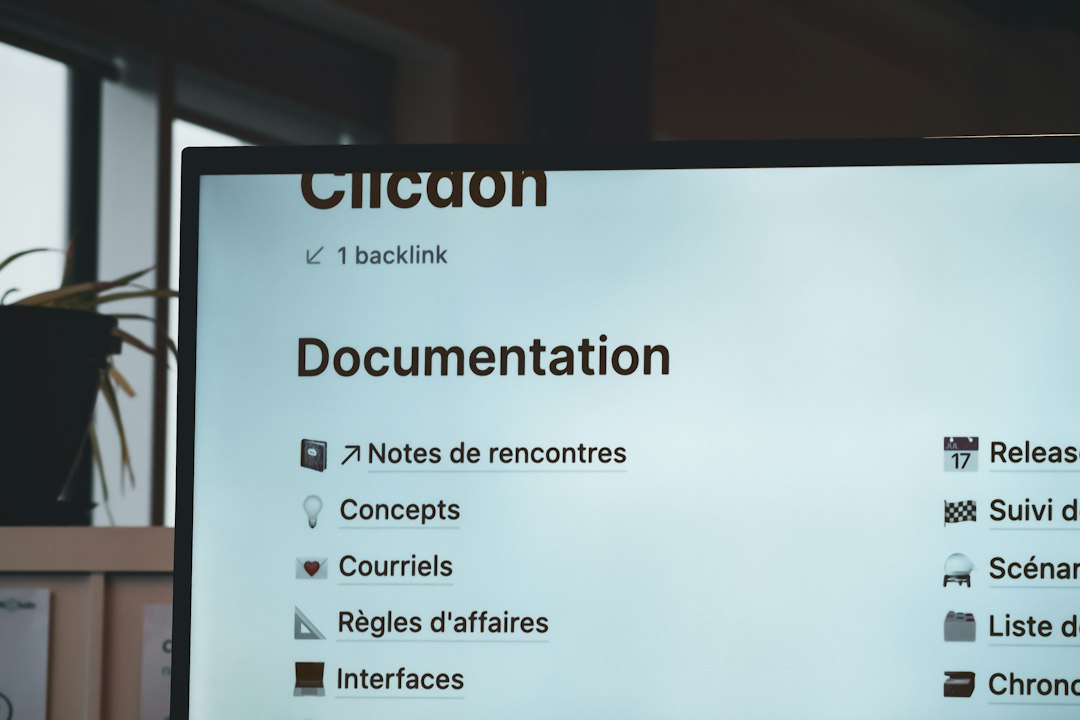
Notion is best for teams that mix notes, docs, wikis, tables, and project trackers. It is flexible, clean, and popular with startups, creators, consultants, and small teams.
Notion databases can handle kanban boards, calendars, galleries, tables, and simple relations. It is not a full Airtable clone. It is also not as structured as Microsoft Lists. Its strength is the way written knowledge sits next to work tracking.
- Best for: knowledge-heavy teams and lightweight project tracking.
- Pros: great docs, clean pages, flexible databases, easy sharing.
- Cons: reporting and automation are weaker than dedicated work platforms.
Notion works well when a team needs a company wiki, meeting notes, project plans, and simple trackers in one place. It is less ideal for heavy operations teams that need strict approvals and advanced dashboards.
How to Choose the Right Alternative
The choice starts with the real pain, not the feature list.
- Choose ClickUp if work needs tasks, docs, owners, goals, and dashboards.
- Choose monday.com if adoption and visual tracking matter most.
- Choose Smartsheet if spreadsheet users need stronger project control.
- Choose Notion if documents and shared knowledge are just as important as task tracking.
Teams that manage employee programs, rewards, or care-related workflows may also benefit from wider software comparisons, such as platforms for employee rewards and incentives or provider discovery and scheduling. The same rule applies: the best tool is the one that removes daily friction.
FAQ
Is Airtable better than Microsoft Lists?
Airtable is usually better for visual databases and flexible views. Microsoft Lists is better for Microsoft 365 teams that need simple tracking inside the Microsoft system.
What is the best Airtable alternative?
ClickUp is best for task-heavy teams. monday.com is best for simple visual workflows. Smartsheet is best for enterprise project tracking.
What is the best Microsoft Lists alternative?
Smartsheet is a strong replacement for structured list and spreadsheet work. monday.com is better when teams want something easier and more visual.
Which tool is best for small teams?
Notion and monday.com are often best for small teams. They are easy to start with and do not require a complex setup.
Which platform is best for reporting?
Smartsheet and ClickUp offer stronger reporting than Notion. Airtable can also report well, but it may need more setup.