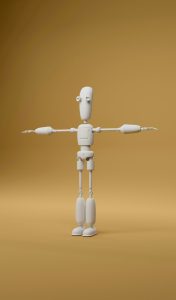
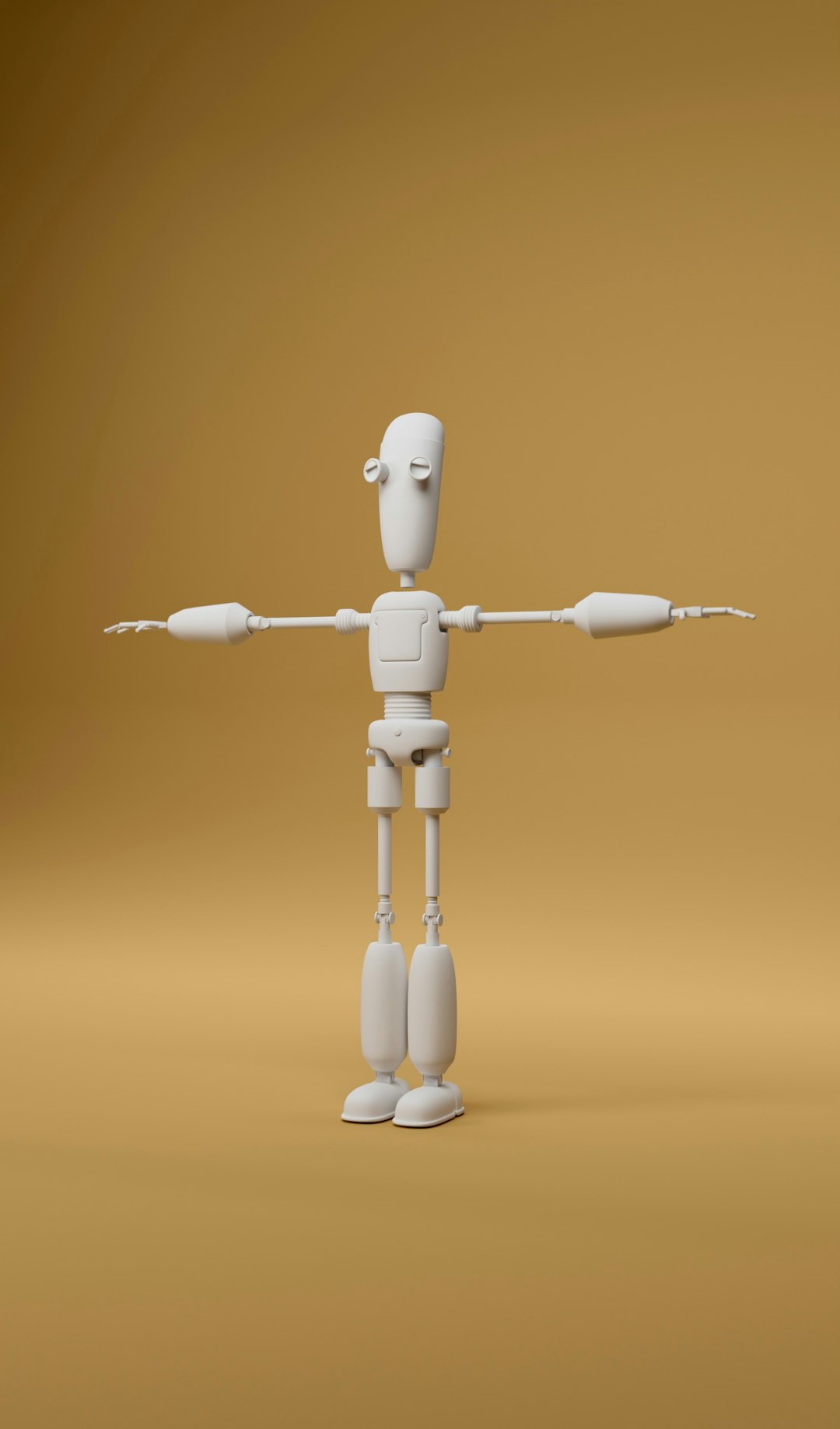
Blockbench is the best first pick for low-poly game assets, Blender is the strongest all-rounder, and MagicaVoxel is the fastest path to voxel art. A small team should usually choose by output, not hype: Minecraft-style models go to Blockbench, polished game props go to Blender, and cube-based worlds go to MagicaVoxel. Blockbench also runs on desktop and in the browser, which makes it handy for quick edits across machines [source: Blockbench].
TLDR: For a 48-hour game jam, Blockbench can help a character artist finish a simple animated creature in under a day, while Blender may take longer but gives cleaner export control. MagicaVoxel is ideal when the whole art style is voxel-based, such as a 32 x 32 x 32 shop, tree, or vehicle. A smart workflow might use MagicaVoxel for blocky concepts, Blockbench for game-ready low-poly mobs, and Blender for final cleanup, UVs, and exports.
1. Blockbench: Best for low-poly models and Minecraft-style assets
Blockbench wins when the asset needs to be simple, readable, and ready for a game engine. It is popular with Minecraft creators, but it is not only for Minecraft. Artists can build low-poly creatures, weapons, props, and small vehicles without dealing with a heavy interface.
The best part is speed. Cubes, texture painting, basic rigging, and animation sit close together. That matters when a designer needs ten enemy variants by Friday. The annoying part is scale. For large scenes or complex meshes, Blockbench starts to feel cramped.
- Best for: low-poly props, mobs, stylized characters
- Weak spot: advanced modeling and scene work
- Ideal user: modders, beginners, small game teams
2. Blender: Best full 3D toolkit for game development
Blender is the most powerful tool in this group. It handles modeling, sculpting, rigging, UV mapping, animation, rendering, and export. That is great for game development because one artist can make a prop, unwrap it, bake maps, and send it to Unity, Godot, or Unreal.
Honestly, it feels like Blender asks for three extra clicks before it lets a beginner do one simple thing. The interface can scare new users. Still, once the basics click, it becomes the safest long-term choice. It can produce low-poly art, voxel-inspired meshes, mobile game props, and full animated characters.
- Best for: complete game asset pipelines
- Weak spot: steeper learning curve
- Ideal user: serious indie teams, 3D generalists, technical artists
3. MagicaVoxel: Best for voxel art
MagicaVoxel is loved because it gets out of the way. Users place colored cubes, shape the model, and preview it with nice lighting. It is quick, charming, and perfect for tiny houses, robots, trees, icons, and blocky maps.
The catch is export cleanup. A model can look great inside MagicaVoxel, then need extra work in Blender before it behaves well in a game. This is common with voxel meshes. Faces, scale, and materials can get messy if the asset grows too large.
- Best for: voxel art, dioramas, small stylized props
- Weak spot: game-ready mesh optimization
- Ideal user: voxel artists, solo devs, pixel art fans

4. Goxel: Good open-source voxel modeling
Goxel is another voxel editor worth testing. It is open-source and works well for simple voxel objects. It is not as polished as MagicaVoxel in feel, but it has a clean toolset and can suit artists who want a lighter app.
It works best for small assets. Think crates, gems, furniture, and signs. For large scenes, artists may miss the smoother workflow and rendering style of MagicaVoxel.
- Best for: basic voxel assets
- Weak spot: fewer comfort features
- Ideal user: hobbyists and open-source fans
5. Crocotile 3D: Best for tileset-based 3D scenes
Crocotile 3D takes a different route. It lets artists paint 3D scenes with 2D tiles. This makes it useful for retro games, PS1-style worlds, dungeon rooms, and stylized environments. It feels closer to level art than classic modeling.
It is not the tool for character rigs or detailed props. But for old-school rooms and low-poly backgrounds, it can be fast and fun. It also helps pixel artists move into 3D without throwing away their 2D skills.
- Best for: tiled 3D environments
- Weak spot: character and organic modeling
- Ideal user: pixel artists, retro game developers
6. KenShape: Best for turning pixel art into simple 3D
KenShape is built around a neat idea: draw pixel art, then convert it into a 3D model. It is great for fast icons, coins, swords, shields, signs, and simple game props. The results are clean, cute, and often ready for quick tests.
It is not made for deep modeling. That is fine. Its value is speed. A developer can sketch a 16 x 16 potion bottle and turn it into a chunky 3D pickup in minutes.
Image not found in postmetaWhich tool should a team choose?
- Choose Blockbench for low-poly mobs, simple rigs, modding, and fast game assets.
- Choose Blender when the project needs full control, clean exports, and long-term growth.
- Choose MagicaVoxel when the art style is pure voxel and speed matters.
- Choose Goxel for a free, simple voxel workflow.
- Choose Crocotile 3D for tiled worlds and retro 3D rooms.
- Choose KenShape for quick pixel-to-3D props.
For most game teams, the strongest setup is not one tool. It is two. Blockbench plus Blender covers many low-poly needs. MagicaVoxel plus Blender works well for voxel games that still need clean mesh exports.
FAQ
Is Blockbench better than Blender?
Blockbench is better for simple low-poly models and Minecraft-style assets. Blender is better for advanced 3D work, animation, UV mapping, and full game production.
Is MagicaVoxel good for game development?
Yes, especially for voxel games. Artists may still need Blender to clean, reduce, or prepare models for a game engine.
Which tool is best for beginners?
Blockbench is usually the easiest for low-poly 3D. MagicaVoxel is the easiest for voxel art. Blender takes more time but offers the most room to grow.
Can these tools export to Unity or Unreal?
Yes, but results vary. Blender gives the most control over formats, materials, scale, and cleanup before import.
What is the best free option?
Blender is the strongest free all-purpose choice. Blockbench and MagicaVoxel are also excellent, depending on the art style.