DeepSeek R1 free models have become a practical option for developers, students, analysts, and research teams that need strong reasoning support without immediately committing to paid AI infrastructure. Because several R1 and distilled R1 models are available through free chat access, open model hubs, or local runners, they can assist with coding, debugging, technical writing, literature review, and data interpretation at a relatively low cost.
TLDR: DeepSeek R1 free models can be used through web chat, local tools such as Ollama or LM Studio, and developer workflows that connect the model to code editors or notebooks. For example, a small research group could use a local 7B or 14B distilled model to summarize 50 papers, generate extraction tables, and draft Python analysis scripts while reducing paid API usage by 60–80%. The best results come from clear prompts, small focused tasks, verification, and careful handling of private data.
What Makes DeepSeek R1 Useful?
DeepSeek R1 is known for its reasoning-oriented behavior, meaning it is designed to work through multi-step problems more effectively than many general chat models. The free ecosystem usually refers to publicly accessible versions, including DeepSeek R1 Distill models based on architectures such as Qwen or Llama. These smaller distilled models are not identical to the largest R1 model, but they are often good enough for everyday coding and research support.
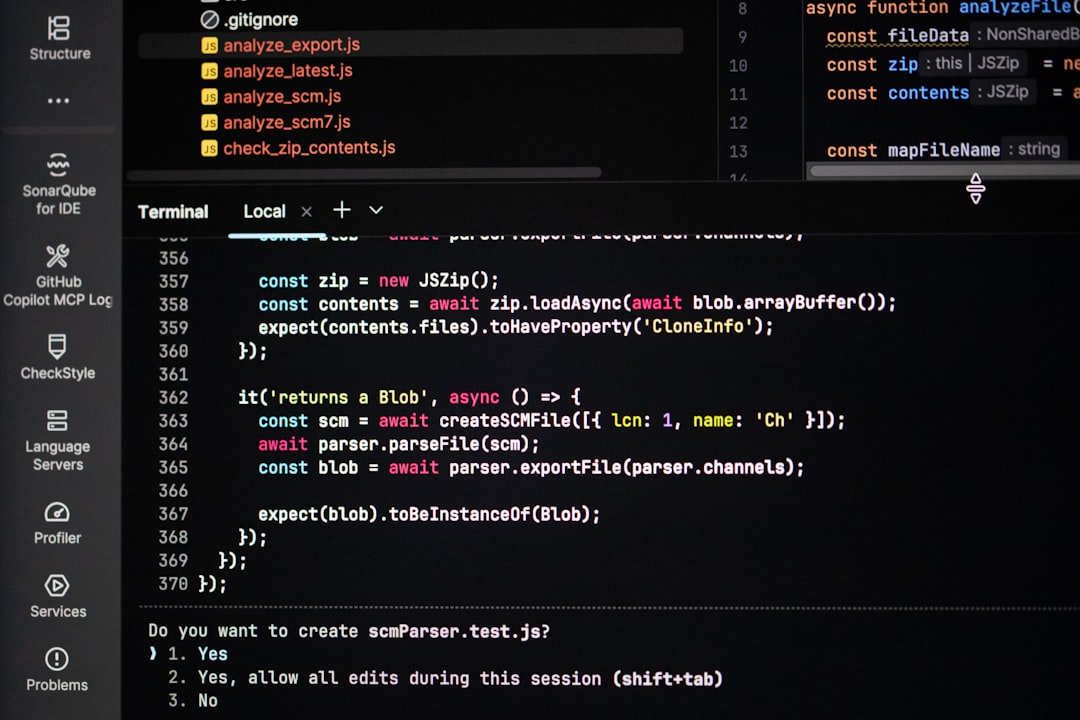
For coding, the model can explain unfamiliar functions, suggest refactors, create test cases, identify likely bugs, and translate logic between languages. For research, it can summarize articles, compare arguments, organize notes, generate outlines, and help turn messy datasets into structured analysis plans.

Ways to Access Free DeepSeek R1 Models
- Web chat: The simplest option is a browser-based chat interface when free access is available. This is useful for quick explanations, brainstorming, and non-sensitive work.
- Local model runners: Tools such as Ollama, LM Studio, and similar desktop applications can run distilled R1 models on personal hardware. This provides more control and better privacy for local files.
- Model hubs: Open model repositories often host quantized versions that reduce memory requirements. A 7B model can often run on a capable laptop, while 14B or larger versions may require stronger GPUs or more RAM.
- Notebook workflows: Researchers can connect a local model to Python notebooks for summarization, classification, or code generation tasks, while still manually validating the output.
How Developers Can Use It for Coding
A practical coding workflow begins with a focused prompt. Instead of asking the model to “fix this app,” a developer should provide the error message, relevant function, expected behavior, runtime environment, and constraints. The model performs better when the task is narrow and measurable.
For example, a developer might provide a failing Python function and ask DeepSeek R1 to identify edge cases, propose a corrected version, and generate three unit tests. This can shorten debugging time, especially when the developer is working with unfamiliar libraries or inherited code.
Useful coding tasks include:
- Bug investigation: The model can list possible causes and rank them by likelihood.
- Code explanation: It can explain legacy code in plain language for onboarding or documentation.
- Test generation: It can create unit tests, integration test ideas, and edge case checklists.
- Refactoring: It can suggest cleaner structure while preserving behavior.
- Learning support: It can compare frameworks, explain algorithms, and provide practice exercises.
However, generated code should not be pasted directly into production. Developers should run tests, review security implications, check package versions, and confirm that the logic matches the project’s requirements.
How Researchers Can Use It
For research, DeepSeek R1 free models work best as assistants for organization and reasoning, not as automatic fact machines. A researcher can ask the model to summarize a paper, extract methods and limitations, compare theories, or draft a literature review outline. If the model is used locally, source text can be pasted or loaded from files with better control over privacy.
A strong research prompt should include the field, objective, citation style, desired format, and rules for uncertainty. For instance, a graduate student studying renewable energy could ask the model to create a table with columns for research question, dataset, method, key finding, limitation, and follow-up idea. This turns reading notes into a structured review matrix.
Researchers can also use the model to generate Python or R scripts for data cleaning, statistical summaries, visualizations, or reproducible reports. The safest method is to ask for small scripts, inspect each line, and run them on sample data before applying them to the full dataset.

Best Practices for Better Results
- Use specific context: Include language versions, libraries, paper abstracts, dataset descriptions, or output requirements.
- Request structured output: Tables, bullet lists, JSON-like fields, or numbered steps are easier to verify.
- Ask for assumptions: The model should state what it is assuming before giving a final answer.
- Break large tasks into stages: Summarize first, analyze second, draft third, and verify last.
- Keep a human review loop: All code, references, statistics, and conclusions should be checked by a knowledgeable person.
Privacy, Accuracy, and Limitations
Free models can be powerful, but they are not perfect. They may produce incorrect code, invented citations, weak statistical reasoning, or confident explanations that need correction. Sensitive data, unpublished research, client files, credentials, and proprietary code should not be entered into public chat systems unless the user has confirmed the relevant privacy policy and organizational rules.
Local deployment reduces some privacy concerns, but it does not remove the need for careful validation. The model’s responses should be treated as drafts, suggestions, or analytical starting points, not final authority.
FAQ
Are DeepSeek R1 free models completely free?
Some access methods are free, such as limited web chat or locally running open model weights. However, hardware, electricity, cloud hosting, or higher-volume API access may still create costs.
Which model size should beginners choose?
Beginners often start with a smaller distilled model, such as a 7B or 8B version, because it is easier to run locally. Larger models may produce better reasoning but require more memory and stronger hardware.
Can DeepSeek R1 write production-ready code?
It can produce useful code drafts, but production use requires human review, testing, security checks, and compatibility validation. It should be viewed as a coding assistant rather than a replacement for engineering judgment.
Is it reliable for academic research?
It is reliable for organizing ideas, summarizing provided text, and creating research workflows. It should not be trusted to invent citations or verify facts without external sources.
What is the best use case for a free local model?
The best use case is repetitive, private, medium-complexity work: explaining code, drafting tests, summarizing documents, cleaning notes, or preparing analysis scripts where the user can verify every result.