TrackMate is a widely used object tracking plugin for Fiji/ImageJ, designed for researchers who need to detect, follow, and analyze moving objects in image sequences. It is especially common in microscopy, where scientists track cells, vesicles, nuclei, bacteria, beads, or other small structures over time. Its reputation comes from a strong balance of usability, transparency, and scientific flexibility: users can inspect each step of the workflow rather than treating tracking as a black box.
TLDR: TrackMate is a reliable, open-source tracking tool for Fiji/ImageJ that supports object detection, track linking, filtering, visualization, and quantitative export. In a typical cell migration study, a lab might track 300 cells across 120 time frames and extract speed, displacement, and directionality metrics for statistical comparison. It is strongest when image quality is good and objects are reasonably separable, though complex overlap or dense samples may require careful tuning or segmentation support. For biology, materials science, and particle tracking, it remains one of the most practical research-grade options.
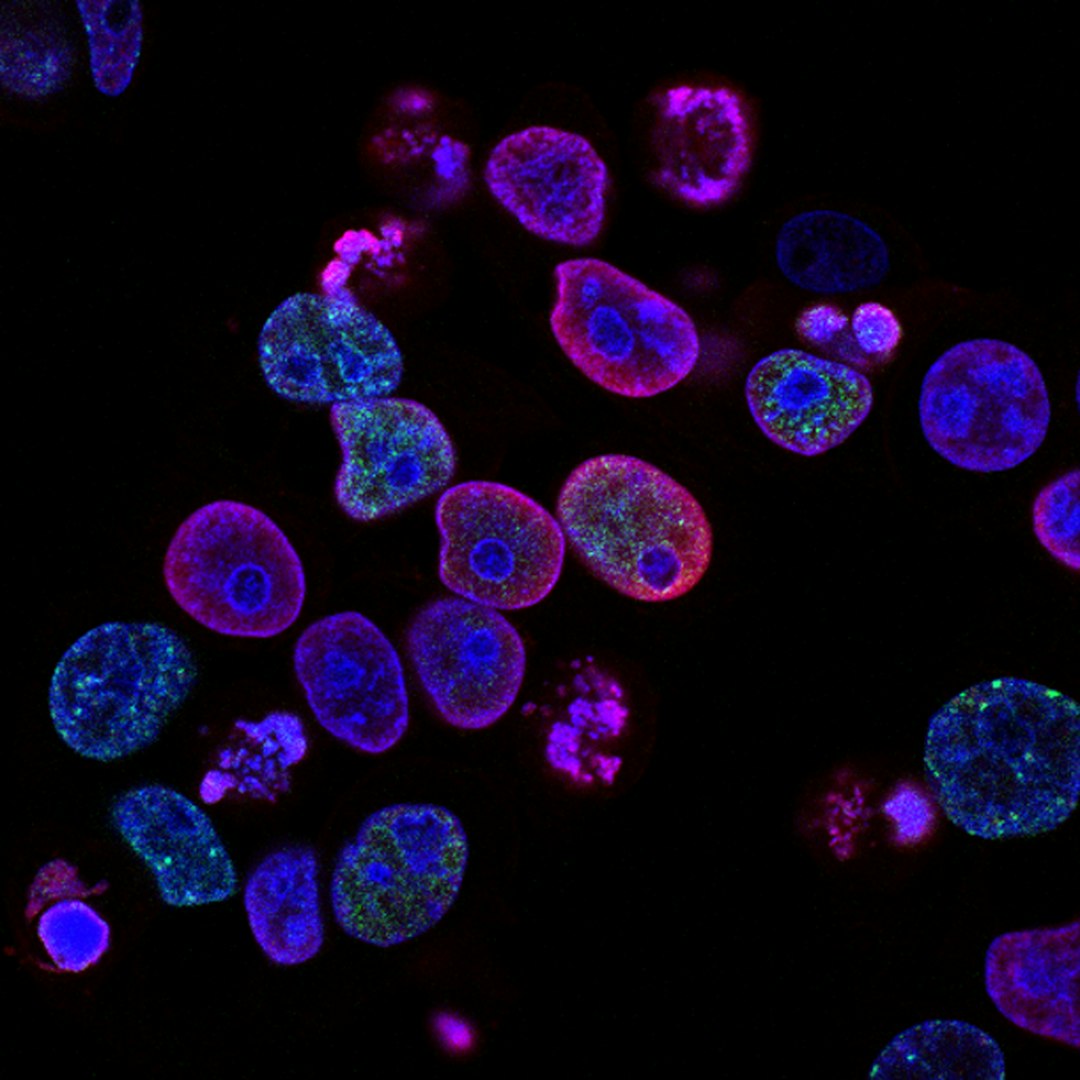
What TrackMate Does
At its core, TrackMate performs two related tasks: object detection and object linking. Detection identifies objects in each frame of an image sequence. Linking then connects detections across frames to form tracks, representing movement over time. This workflow is valuable because many research questions depend not only on where objects are, but how they move, divide, stop, accelerate, or interact.
TrackMate is integrated into Fiji, which gives it access to a mature ecosystem for image processing. Researchers can preprocess images, adjust contrast, subtract background, segment regions, and then launch TrackMate within the same environment. This is useful for reproducibility because the entire analysis can often be documented through ImageJ macros, saved settings, and exported results.
Key Object Tracking Features
TrackMate offers a guided interface that walks users through detection, filtering, tracking, and analysis. This structure is one of its main strengths: it lowers the technical barrier while still allowing advanced control.
- Multiple detection methods: TrackMate supports several detectors, including blob-based approaches such as Laplacian of Gaussian detection, which works well for bright or dark round objects. Newer workflows can also integrate segmentation-based inputs, improving performance for irregular shapes.
- Quality filtering: Users can filter detections by size, intensity, signal quality, or other measurements. This helps remove noise, debris, or false positives before track linking.
- Track linking algorithms: TrackMate includes linking methods such as the Linear Assignment Problem tracker and Kalman-based approaches. These can handle gaps, object disappearance, and moderate frame-to-frame motion.
- Interactive review: Tracks are displayed over the image sequence, allowing users to visually inspect results. This is essential for serious research because automated tracking should always be validated.
- Quantitative outputs: TrackMate calculates measurements such as velocity, displacement, track duration, branching, intensity, and spot size. Results can be exported for analysis in R, Python, Excel, or statistical software.
Workflow and Usability
The standard workflow begins with opening a time-lapse image stack in Fiji. After launching TrackMate, the user selects a detector and estimates object diameter. This parameter is important: if it is too small, a single object may be split into multiple detections; if it is too large, nearby objects may merge. TrackMate then previews detections, allowing the user to adjust thresholds before committing to the next step.
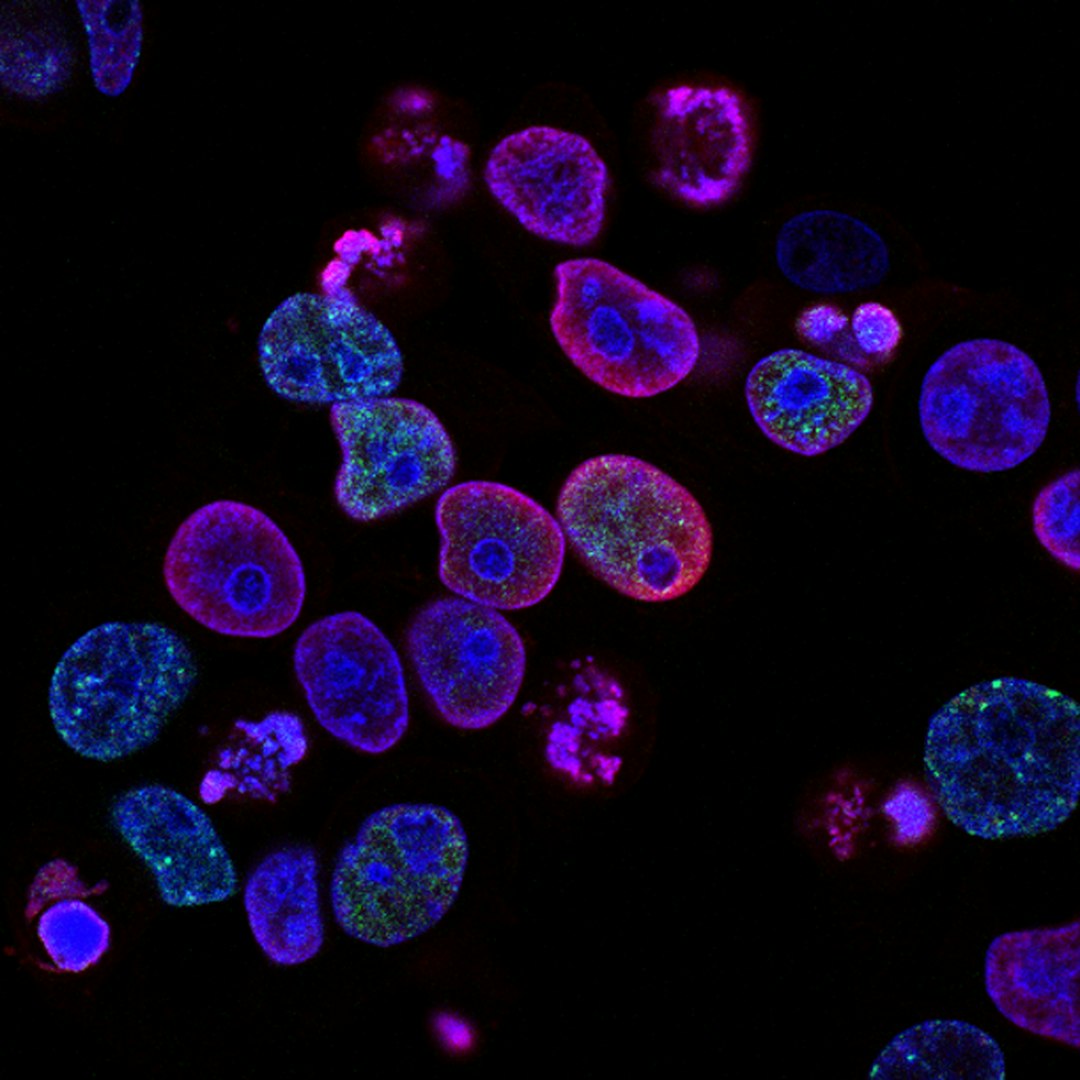
After detection, TrackMate allows spot filtering. For example, a researcher studying fluorescently labeled nuclei may remove low-intensity detections likely caused by background noise. The tracking step then connects spots across frames using distance, motion prediction, and gap-closing settings. Finally, tracks can be filtered by duration, displacement, or quality to focus the analysis on meaningful trajectories.

The interface is generally clear, but it still requires scientific judgment. TrackMate is not a one-click solution for every dataset. Users must understand their image resolution, frame rate, signal-to-noise ratio, and biological assumptions. For example, a fast-moving bacterium may require a larger linking distance than a slowly migrating mammalian cell. Poor parameter choices can produce convincing-looking but incorrect tracks.
Research Applications
TrackMate is most prominent in life sciences, but its usefulness extends beyond cell biology. In microscopy-based research, it supports many quantitative workflows that would be slow or inconsistent if performed manually.
- Cell migration: Researchers can measure how fast cells move, whether they move directionally, and how treatments affect motility.
- Developmental biology: TrackMate can help follow nuclei or cells during tissue formation, embryo development, or wound healing assays.
- Intracellular transport: Vesicles, endosomes, mitochondria, and protein aggregates can be tracked to study transport mechanisms.
- Microbiology: Bacterial or yeast movement can be quantified under different chemical, genetic, or environmental conditions.
- Materials and particle analysis: Fluorescent beads, colloids, droplets, or synthetic particles can be tracked in physical or engineering experiments.
A practical example would be a wound healing assay where cells are imaged every 10 minutes for 24 hours. TrackMate can track hundreds of individual cells and produce metrics such as mean speed, net displacement, and persistence. If treated cells show a 28% reduction in average migration speed compared with controls, TrackMate provides the quantitative foundation for further statistical testing and biological interpretation.
Strengths of TrackMate
One major advantage is transparency. Because users can view detections and tracks directly on the image, errors are easier to identify. This matters in peer-reviewed research, where analysis methods must be defensible.
Another strength is interoperability. Fiji is already used in many laboratories, and TrackMate fits naturally into existing image analysis routines. Data export is straightforward, and results can be processed with external tools for advanced statistics or visualization.
TrackMate is also supported by an active scientific community. Documentation, tutorials, and published examples make it easier for new users to learn acceptable workflows. Since it is open source, researchers can inspect methods more readily than with many proprietary systems.
Limitations and Considerations
TrackMate performs best when objects are visually distinguishable and image quality is stable. Very dense samples, frequent object overlap, abrupt changes in appearance, or substantial three-dimensional movement can challenge standard tracking. In these cases, users may need better segmentation, improved image acquisition, manual correction, or alternative specialized tools.
The software also depends on appropriate preprocessing. Background subtraction, denoising, drift correction, and channel selection can significantly affect tracking accuracy. A weak dataset cannot always be rescued by software settings. For rigorous studies, researchers should report key parameters, validate a sample of tracks manually, and consider sensitivity analysis to determine whether conclusions depend on chosen thresholds.

Overall Assessment
TrackMate is a serious and dependable tool for researchers who need reproducible object tracking without building a custom pipeline from scratch. Its combination of interactive control, quantitative exports, and strong Fiji integration makes it particularly valuable for microscopy-based studies. While it requires careful parameter tuning and validation, that is a strength rather than a weakness: reliable tracking depends on informed decisions.
For laboratories studying movement, transport, growth, or particle behavior, TrackMate offers an effective balance between accessibility and analytical depth. It is best viewed as a research instrument, not simply a plugin. Used carefully, it can convert time-lapse images into measurable evidence and help researchers move from visual observation to defensible quantitative conclusions.