KORONA POS is a cloud-based point-of-sale system built mainly for retail businesses that need strong inventory control, flexible payment processing, and reliable multi-location management. It is often considered by liquor stores, convenience stores, smoke shops, gift shops, museums, ticketing venues, and specialty retailers that want more than a basic checkout app without committing to an enterprise retail suite.
TLDR: KORONA POS is a serious retail POS option for stores that need detailed inventory tools, employee controls, and processor flexibility. For example, a two-location liquor store with 8,000 SKUs could use its stock alerts, product reporting, and age verification features to reduce stockouts and improve compliance. Pricing typically starts around $59 per month per terminal, with higher plans for advanced retail and multi-store features. It is less ideal for very small sellers that only need simple payments and a free starter POS.
What Is KORONA POS?
KORONA POS is developed by COMBASE USA and is designed as a scalable retail checkout and business management platform. Unlike some POS providers that require you to use their in-house payment processing, KORONA is payment processor agnostic. This means retailers can often shop around for better processing rates instead of being locked into one provider.
The system is cloud-based, so managers can access reporting, inventory, and store data remotely. However, it also supports offline functionality, allowing sales to continue if the internet connection drops. That is an important feature for retailers where checkout interruptions can quickly affect revenue and customer trust.
Retail Features
KORONA POS is strongest when used by retailers with active inventory needs, multiple product categories, and a need for detailed operational oversight. Its feature set goes beyond basic checkout and includes tools for inventory, promotions, customer management, reporting, and employee permissions.
Inventory Management
Inventory is one of KORONA’s most important advantages. Retailers can track product quantities, monitor stock movement, manage suppliers, and set reorder points. The platform also supports product variations, barcode scanning, price changes, and stock transfers between locations.
- Low-stock alerts help prevent missed sales due to empty shelves.
- Supplier management simplifies ordering and vendor tracking.
- Product performance reports show which items sell quickly and which tie up cash.
- Multi-location inventory allows owners to compare stock across stores.
For retailers with thousands of SKUs, these tools can make a measurable difference. Better stock visibility can reduce over-ordering, improve cash flow, and help identify slow-moving items before they become a long-term problem.
Image not found in postmetaCheckout and Register Tools
The register interface is designed to be practical rather than flashy. Cashiers can process sales, returns, discounts, exchanges, and store credits. KORONA POS also supports barcode scanners, receipt printers, cash drawers, customer displays, and other standard retail hardware.
For regulated retail categories, KORONA offers useful compliance-related features. Liquor stores, vape shops, and smoke shops may benefit from age verification prompts, cashier permissions, and product-level restrictions. These features do not replace legal compliance procedures, but they can reduce staff errors at checkout.
Promotions and Loyalty
KORONA includes promotional pricing tools that allow retailers to create discounts, coupons, mix-and-match offers, and loyalty programs. This is helpful for stores that rely on repeat customers or seasonal promotions.
For example, a gift shop could run a “buy two, get one 50% off” promotion during the holidays, while a convenience store could create loyalty rewards for frequent beverage purchases. These tools are especially useful when promotions need to be tracked clearly in sales reports.
Reporting and Analytics
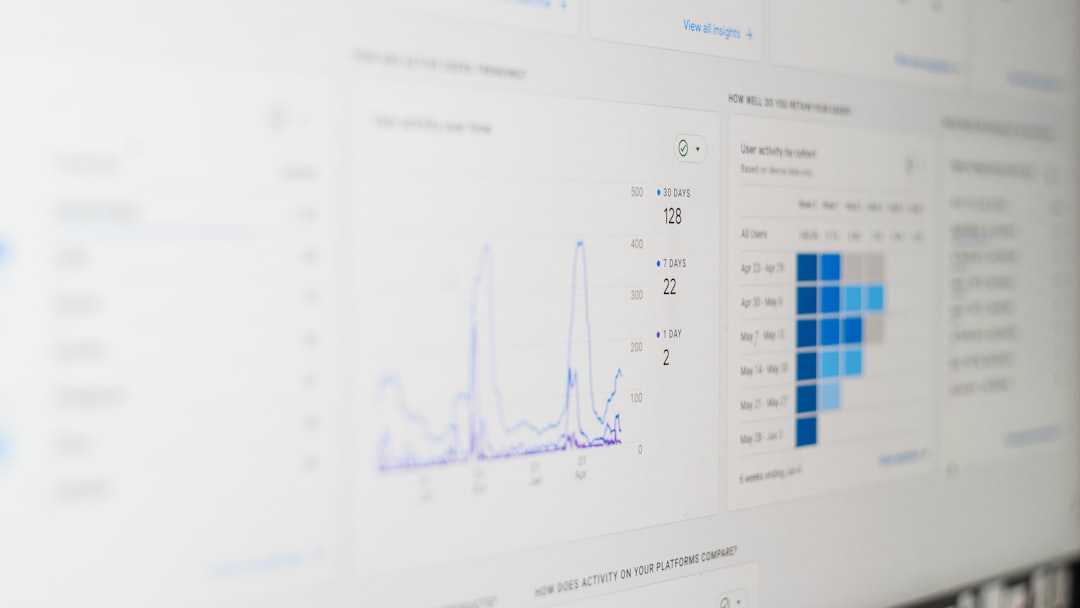
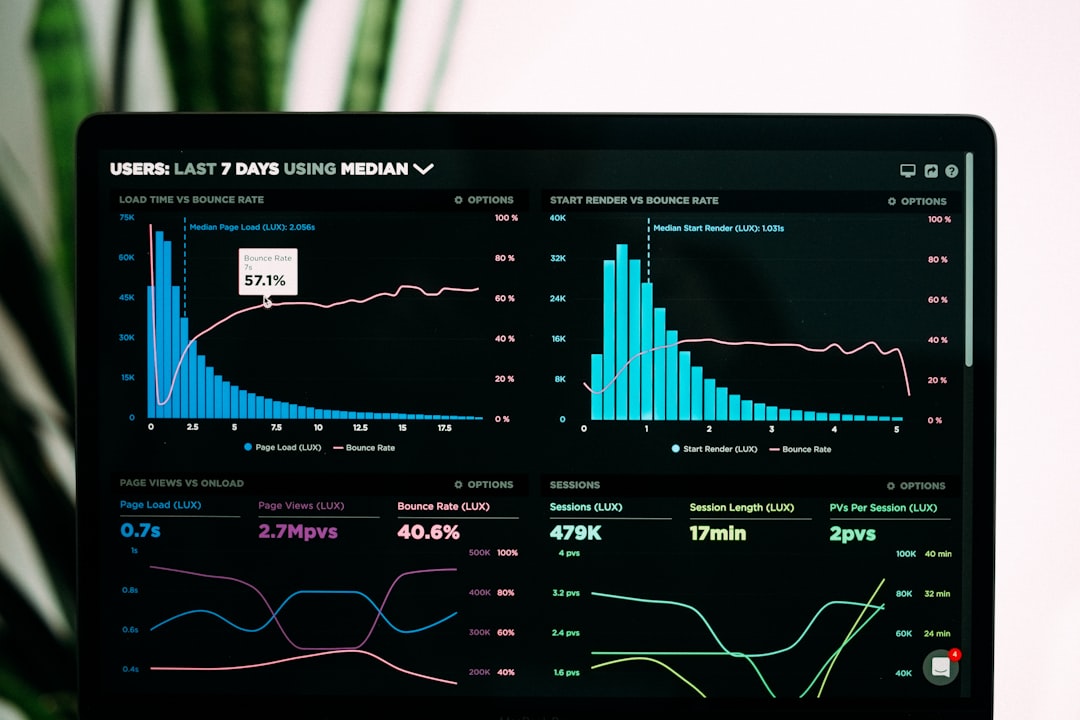
KORONA POS offers detailed reporting on sales, inventory, cash flow, employee activity, and product performance. Managers can review data by location, terminal, cashier, product group, or time period. This makes it easier to identify trends and make operational decisions based on actual sales data rather than assumptions.
Useful reports include:
- Sales by product or category
- Cashier performance
- Inventory valuation
- Refunds and voids
- Hourly and daily sales trends
These analytics are particularly valuable for owners who are not always on-site. A manager can log in remotely and see whether revenue is tracking normally, whether discounts are being overused, or whether inventory levels need attention.
Employee Management and Security
KORONA POS allows business owners to assign role-based permissions to employees. This means a cashier, assistant manager, and store owner can each have different access levels. Sensitive actions such as refunds, voids, discounts, and cash drawer changes can be restricted or tracked.
This type of oversight is important for reducing shrinkage and maintaining accountability. In retail, small losses from unauthorized discounts or poorly managed returns can add up quickly over time.
KORONA POS Pricing
KORONA POS pricing is subscription-based and generally charged per terminal. Exact pricing can change, so businesses should verify current rates directly with KORONA before signing up. However, typical published pricing has often been structured around the following levels:
- Core: Around $59 per month per terminal, suitable for basic POS functions.
- Retail: Around $69 per month per terminal, adding stronger inventory and retail management tools.
- Plus: Around $89 per month per terminal, often used for more advanced features such as loyalty, promotions, or multi-store needs.
- Enterprise: Custom pricing for larger or more complex businesses.
KORONA usually promotes no long-term contracts, no hidden fees, and the ability to use third-party payment processors. Hardware is typically separate, and costs will depend on whether the business needs tablets, terminals, barcode scanners, cash drawers, receipt printers, or customer displays.
Pros and Cons
Pros
- Processor flexibility: Businesses are not forced into one payment processor.
- Strong inventory tools: Good for retailers with large or complex product catalogs.
- Useful reporting: Managers can track performance across products, employees, and locations.
- Retail-specific functions: Age verification, promotions, loyalty, and multi-location support are valuable for many store types.
- No required long-term contract: This lowers risk for businesses testing the platform.
Cons
- Not the cheapest option: Very small businesses may prefer a free or lower-cost POS.
- Interface is practical, not highly modern: Some competitors offer a more polished user experience.
- Hardware costs can add up: A full register setup may require additional investment.
- Advanced features may require higher plans: Retailers should confirm which tools are included before choosing a package.
Best Use Cases
KORONA POS is best suited for retail businesses that need control, flexibility, and detailed tracking. It is especially relevant for:
- Liquor stores
- Convenience stores
- Smoke and vape shops
- Specialty retail stores
- Museums and attractions with ticketing needs
- Multi-location retailers
A single boutique with a small catalog may not use the full depth of KORONA’s features. But a retailer with frequent price changes, thousands of SKUs, multiple cashiers, and strict inventory requirements may find the system much more valuable.
Alternatives to KORONA POS
Before choosing KORONA, it is worth comparing it with other serious retail POS platforms.
- Square for Retail: Best for small businesses that want a simple setup, built-in payments, and a free entry-level plan. It is easier to start with, but less flexible on payment processing.
- Shopify POS: Best for retailers that sell both online and in-store. Its ecommerce integration is excellent, though costs can rise with apps and advanced features.
- Lightspeed Retail: Best for inventory-heavy retailers that want advanced analytics and supplier catalogs. It is powerful, but often more expensive than KORONA.
- Clover: Best for businesses that want attractive hardware and a broad app marketplace. However, many Clover setups are tied to specific payment processors.
- Vend by Lightspeed: Best for retailers that want a clean interface and strong store management tools, though pricing and feature availability should be reviewed carefully.
Final Verdict
KORONA POS is a reliable and capable retail POS system for businesses that need more than simple payment acceptance. Its biggest strengths are inventory management, reporting, employee controls, and payment processor flexibility. These features make it especially attractive to retailers with complex product catalogs or multiple locations.
It may not be the best fit for microbusinesses looking for a free POS or for merchants that prioritize the most modern-looking interface. Still, for serious retailers that want operational control and the ability to avoid processor lock-in, KORONA POS deserves strong consideration. The best next step is to request a demo, confirm current pricing, and compare total costs against expected savings in inventory accuracy, processing fees, and staff oversight.