The web browser used to be simple. You typed a URL. You clicked links. You opened too many tabs. That was it. But things are changing fast. Artificial intelligence is now built directly into modern browsers. Your browser can write, summarize, research, organize, and even think with you. It feels less like a tool and more like a smart assistant.
TLDR: AI-powered browsers are transforming how we search, read, write, and work online. They can summarize long pages, answer questions, organize tabs, and even generate content. The top players right now are Arc Browser, Microsoft Edge with Copilot, Opera One, Brave with Leo AI, and SigmaOS. These browsers save time, reduce stress, and make the web feel smarter and more personal.
Let’s explore the top 5 AI-powered browsers that are changing the future of web browsing.
1. Arc Browser – The Organized Genius
Arc is not just a browser. It is a new way to think about browsing. It was designed from the ground up to feel modern and calm.
Arc uses AI in subtle but powerful ways. One of its standout features is instant page summaries. Open a long article. Click summarize. Boom. You get the key points in seconds.
Arc also helps you manage tabs. No more tab chaos. It organizes your workflow into Spaces. Work space. School space. Personal space. Each one stays clean and focused.
Arc’s AI can:
- Summarize articles and documents
- Explain complex text in simple terms
- Generate quick replies to emails
- Help debug code directly in the browser
What makes Arc special is how natural everything feels. The AI does not interrupt you. It supports you. Quietly and efficiently.
Why it matters: Arc reduces mental clutter. It turns your browser into a focused workspace instead of a messy tab jungle.
2. Microsoft Edge with Copilot – The Built-In помощник
Microsoft Edge has transformed itself. It is no longer just “the Windows browser.” With Copilot AI built in, it becomes a powerful research partner.
Copilot lives inside the sidebar. Ask it anything. It reads the page you are on. It understands context. And it responds instantly.
Reading a complex financial report? Ask for a summary.
Shopping for a laptop? Ask for comparisons.
Looking at recipes? Ask to adjust for fewer calories.
Edge with Copilot can:
- Answer questions based on the current webpage
- Summarize PDFs and long articles
- Generate social media posts
- Draft emails and blog posts
- Create images from text prompts
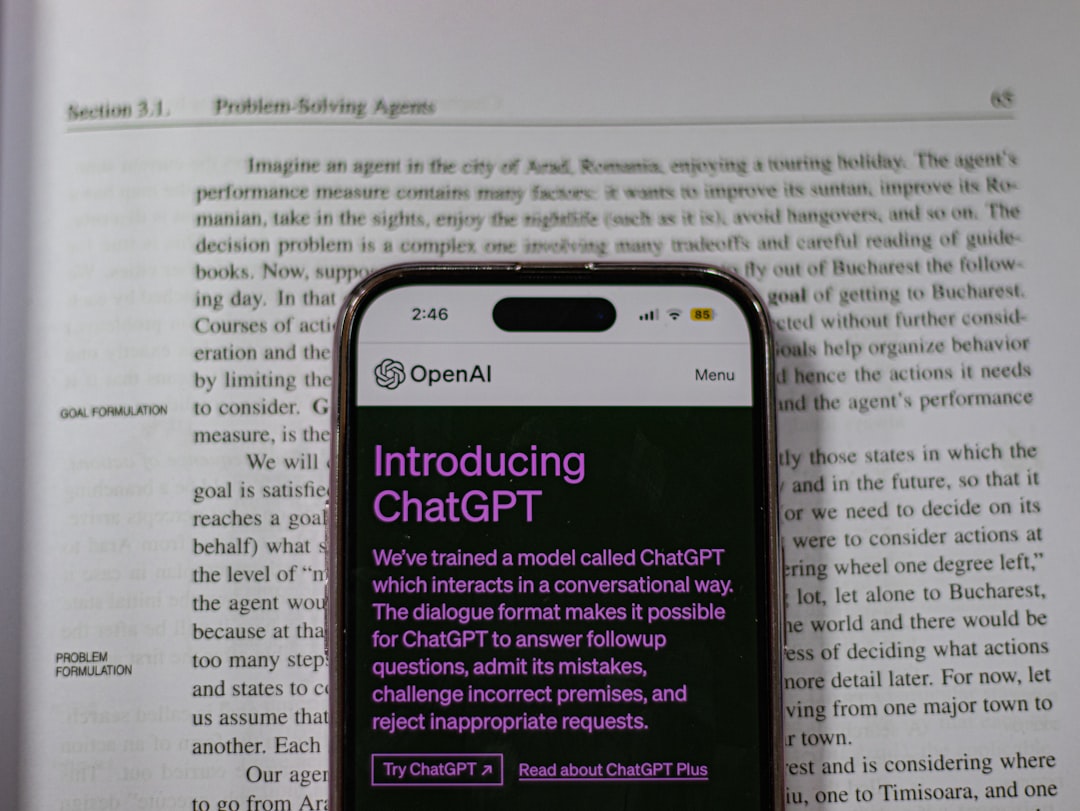
One of the coolest features is context awareness. Copilot knows what you are reading. You do not need to copy and paste everything into a separate AI tool.
Why it matters: It turns browsing into a conversation. You do not just read the web. You interact with it.
3. Opera One – The Multitasking Master
Opera has always been innovative. Free VPN. Built-in messengers. Battery saver mode. But Opera One takes things further with integrated AI.
Opera includes Aria, its native AI assistant. Aria is powered by advanced language models and is available right in the browser.
Aria can:
- Answer real-time web-related questions
- Help brainstorm ideas
- Generate text and code
- Provide live web information
Opera One also introduces a feature called Tab Islands. Tabs automatically group themselves by topic. Research tabs stay together. Shopping tabs stay together. Work stays separate from fun.
This browser feels dynamic. Smooth. Almost playful.
For content creators, Opera is powerful. You can open AI, generate ideas, and publish faster. All without leaving the browser.
Why it matters: Opera blends AI help with elegant tab management. It boosts productivity without making things complicated.
4. Brave with Leo AI – Privacy Meets Intelligence
Brave is famous for privacy. Built-in ad blocking. Tracker blocking. Strong security. But now Brave adds intelligence with Leo AI.
Leo lives inside Brave’s sidebar. Just like other AI assistants. But here is the twist. Leo is designed with privacy first.
Brave claims interactions are not logged or stored. That means you can ask sensitive questions without worrying about data tracking.
Leo can:
- Summarize webpages and videos
- Answer complex questions
- Translate text
- Generate creative writing
Brave also integrates AI into search. Brave Search can generate AI-powered answers at the top of results. It feels similar to having a smart assistant embedded into your search engine.
Why it matters: You do not have to trade privacy for smart features. Brave tries to give you both.
5. SigmaOS – The Browser That Thinks Like You
SigmaOS is different. It is designed for power users. Founders. Researchers. Students. People who live online.
Instead of traditional tabs, Sigma uses a vertical list structure. Pages feel more like organized documents than random tabs.
Its AI features focus on workflow. Efficiency. Automation.
SigmaOS helps you:
- Create smart workspaces instantly
- Turn webpages into tasks
- Summarize research
- Automate repeated browsing actions
One standout idea is treating the browser like an operating system. Everything lives in organized folders. Everything is searchable. Everything is structured.
For heavy internet users, this is powerful. It feels like upgrading from a bike to a sports car.
Why it matters: SigmaOS blends AI and extreme organization. It is built for deep focus and complex projects.
What Makes AI Browsers So Powerful?
Traditional browsers were gateways. AI browsers are collaborators.
Here is what is changing:
- Passive reading → Active interaction
- Manual research → AI-assisted insights
- Tab chaos → Smart organization
- Separate AI tools → Built-in intelligence
You no longer need to open ten tabs to compare products. AI does it for you. You no longer need to read a 5,000-word article. AI summarizes it. You no longer start writing from scratch. AI gives you a draft.
This saves time. It saves energy. It reduces decision fatigue.
Are AI Browsers the Future?
Short answer? Yes.
The line between browser and assistant is disappearing. Soon, your browser may:
- Book appointments for you
- Negotiate prices
- Monitor subscriptions
- Automatically handle emails
- Create full research reports
Instead of searching the web, you will delegate to your browser.
But there are challenges. Privacy concerns. Data transparency. Over-reliance on AI. These tools are powerful, but they must be used wisely.
Still, one thing is clear. Static browsing is fading away. Intelligent browsing is here.
How to Choose the Right AI Browser
Not every browser fits every person. Here is a quick guide:
- Want calm design and smooth organization? Try Arc.
- Need deep AI research tools? Choose Edge with Copilot.
- Love multitasking and customization? Go with Opera One.
- Care deeply about privacy? Brave is your friend.
- Work on complex projects daily? SigmaOS might be perfect.
Most are free to try. Test them. Spend a week with each. See how it feels.
Final Thoughts
The browser used to be invisible. Just a window to the internet.
Now it is becoming your co-pilot. Your editor. Your researcher. Your organizer.
The Top 5 AI-powered browsers are not just adding flashy features. They are redefining how we interact with information.
We are moving from browsing pages to collaborating with intelligence.
And honestly? That is exciting.
The future of the web is not more tabs. It is smarter tools. Faster decisions. Less stress. And a browser that understands what you need before you even ask.
Welcome to the new era of browsing.