If you’re part of an operations (Ops) team, you know how crucial it is to stay ahead of crashes and sudden KPI changes. You want your apps running smoothly. You want metrics when they matter — not an hour later. And you definitely don’t want to build everything yourself on top of Countly.
TLDR: Skip building custom analytics dashboards from scratch. There are faster, smarter tools made just for real-time crash detection and KPI monitoring. We’ve picked five of the best. Easy to set up, easier to love.
Why Not Build on Countly?
Countly is good. It’s open-source. It’s flexible. But it’s also complex, needs maintenance, and often lacks true real-time alerting unless you set it up yourself. Which means:
- You need a team to manage and scale it
- Custom KPIs? You’ll write code and cron jobs
- Crash analytics? Possible — but not effortless
So instead of building everything in-house, many Ops teams pick tools that are real-time, SaaS-based, and alert-ready. Let’s explore the top 5.
1. Datadog – Real-time Magic with All the Graphs
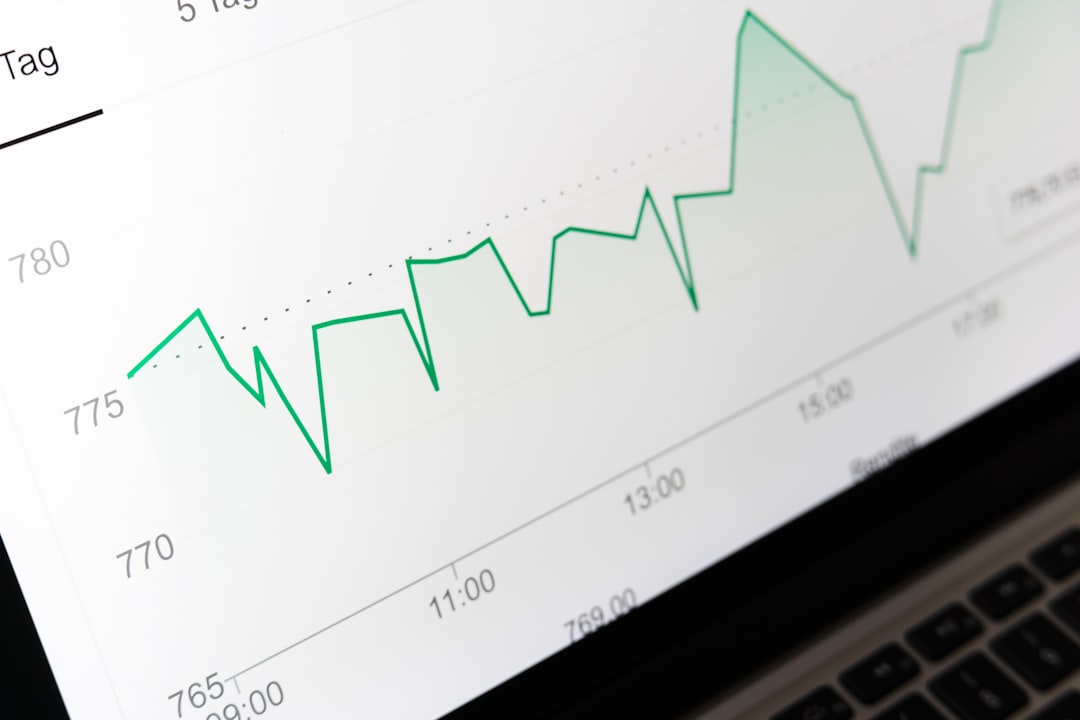
Datadog almost needs no intro. It’s the ops darling for real-time data, integrated alerts, and smart dashboards. With more than 400 integrations, it hooks into everything — apps, servers, logs, databases.
Best parts:
- Set alerts based on thresholds, anomalies, or changes
- Built-in crash analytics for apps and containers
- Super easy to create dashboards — drag, drop, done
Bonus: Their anomaly detection uses machine learning. So you get smarter alerts, not more noise.
Drawbacks? It gets pricey fast as you add logs or hosts. Still, many teams swear by it.
2. New Relic – The Classic That Just Keeps Getting Better
For many dev and ops teams, New Relic was the first analytics tool they ever used. It started with APM – Application Performance Monitoring. Now it does a lot more.
What it does well:
- Auto-detects app crashes and errors
- Custom dashboards for KPIs – CPU, latency, throughput
- “NRQL” – their query language – is like SQL for your metrics
And the alerts? Dead simple. You set them via a UI, and get pinged on email, Slack, or even via PagerDuty.
Why ops teams love it: Even junior engineers can start monitoring in minutes. Plus, it has a really straightforward UI.
3. Sentry – Crash Reporting for Code Nerds
Sentry is all about crashes and error tracking. Whether you have a web app, mobile app, or backend — Sentry catches and records every exception.
Best features for Ops:
- Real-time error alerts — get notified the moment something breaks
- Error aggregation — no more alert storms from a single bug
- Release tracking — see if new deploys break things
Ops teams love its simplicity. It tells you where and why something failed. And if you combine it with a logging tool, you get deep context on what happened.

Little downside: It’s focused on exceptions, not broad KPIs. So you may need a second tool to cover all your metrics.
4. Grafana Cloud – Visual, Flexible, Lovable
Grafana is well known for its slick visual dashboards. And Grafana Cloud makes setup much easier — no servers to manage, and everything connected out of the box.
Why ops teams use it:
- Visualize metrics from Prometheus, Loki, or your custom source
- Set dynamic alerts on anything — percentiles, spikes, ratios
- Use Grafana plugins for logs, traces, and even business KPIs
It’s great if you already use Prometheus or InfluxDB. But even cloud-only teams can go full Grafana with its hosted data sources.
Top perk: You craft dashboards like a digital artist. It’s beautiful, fast, and responsive.
Caution: It has a bit of a learning curve if you’ve never touched a metric before.
5. Amplitude – Product Analytics Meets Ops
Amplitude is a surprise pick — it’s mainly known for product analytics. But don’t ignore it. With real-time funnels, anomaly alerts, and user segmentation tools, it’s a secret weapon for KPI tracking.
For Ops, Amplitude gives you this:
- Live dashboards that show user behavior spikes — within seconds
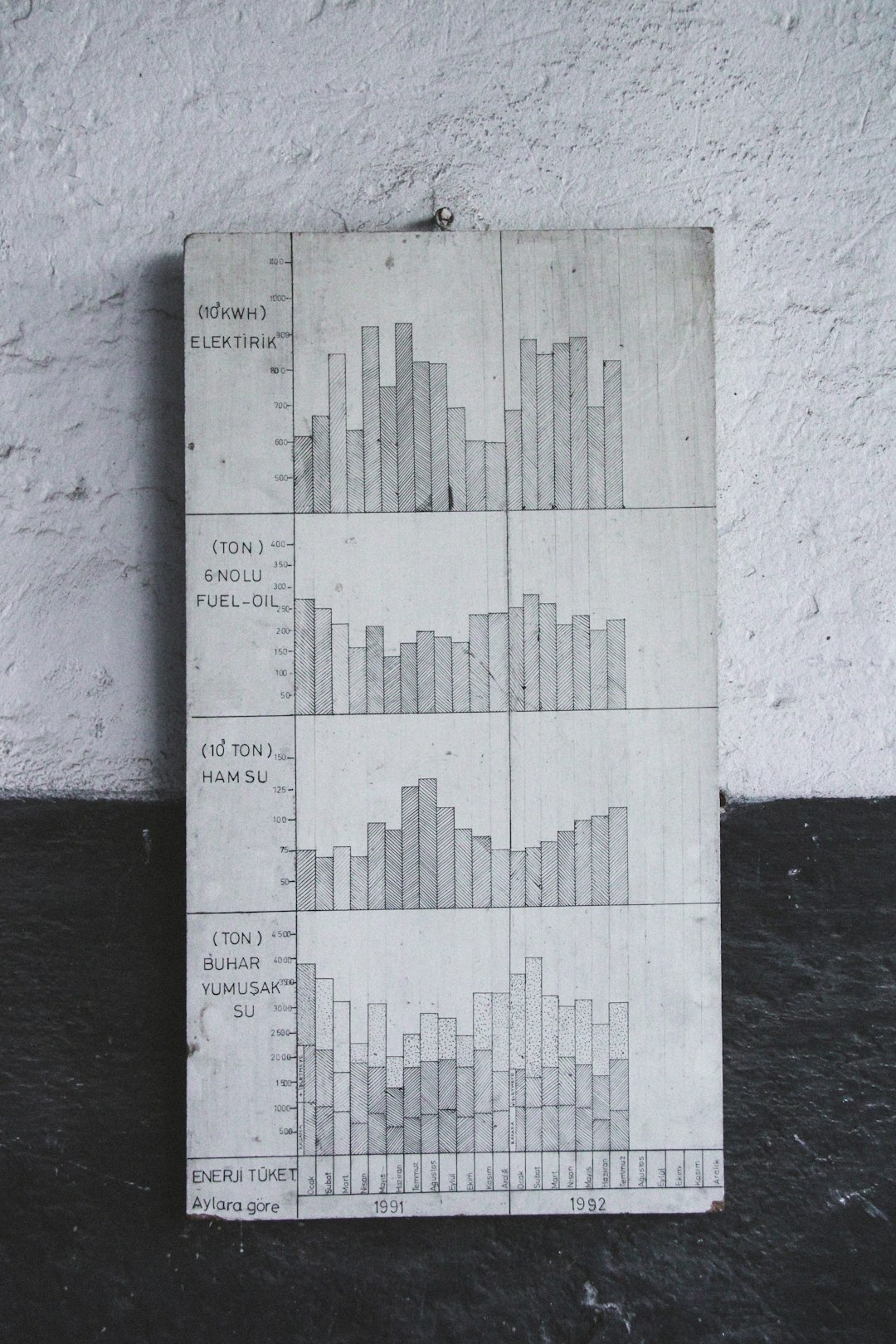
- Alerts when retention drops or users churn suddenly
- Correlation tools — what caused that weird bump?
If your KPIs are tied to user actions — click-through rates, signups, error screens — Amplitude tracks it all and helps connect the dots.
Downside: It’s not designed for infrastructure monitoring. But paired with something like Sentry or Grafana — it completes the story.
Bonus Tips for Picking the Right Tool
Picking a tool can be overwhelming. Here’s how to decide:
- Need crash info first? Go with Sentry or New Relic
- Mostly watching infrastructure & systems? Datadog or Grafana
- Want KPI insights tied to users? Amplitude is your MVP
And don’t feel bad combining 2 tools. It’s common to use Sentry for crash logs and Datadog for infra metrics. Or Amplitude alongside Grafana for full KPI coverage.
Real-Time > Real-Late
Let’s face it — when your site is crashing or your KPIs spike, every minute counts. That’s why real-time alerts and fast dashboards aren’t just nice-to-haves. They’re your shield against bad deploys and angry users.
Countly is solid. But building on it costs time, requires effort, and doesn’t give instant wins. These 5 tools do. They’re popular for good reason — because they help you fix problems faster than anyone else.
So next time someone says, “Should we just build this on Countly?” say, “Nah. We’ve got better things to do.”
Quick Recap
- Datadog – All-in-one power tool, great for infra and code
- New Relic – Easy alerts, solid APM, good for full-stack apps
- Sentry – Best for crash reporting and release monitoring
- Grafana Cloud – Beautiful charts, powerful KPI alerts
- Amplitude – For user-focused KPI changes you need to catch fast
Pick one, or mix and match. Either way, your ops team will thank you.