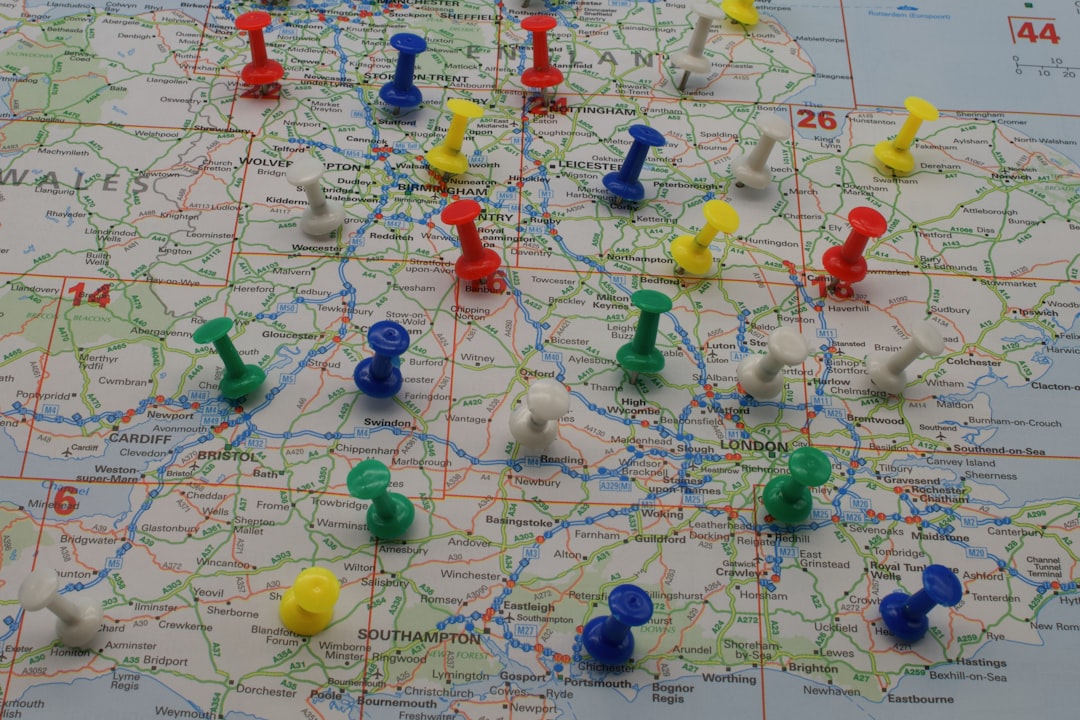
Small and mid-sized local businesses rely on precision and speed, especially when it comes to logistics and delivery operations. One of the key components in ensuring smoother day-to-day operations is efficient route planning. Thankfully, Google Sheets has become more than just a spreadsheet tool—it can now act as a lightweight geo-mapping platform thanks to various add-ons and integrations. Whether a dry-cleaning service is optimizing pick-ups and drop-offs or a mobile pet grooming company is plotting customer stops, having the right tools makes all the difference.
TL;DR: Local businesses that depend on route planning are turning to Google Sheets add-ons that bring mapping and address validation features directly into their spreadsheets. Tools like Geocode by AwesomeTable, Geocodio Add-On, Mapline Sheets, and the versatile Google Maps API Sheets Connector can save hours of manual work. They clean up addresses, provide accurate GPS coordinates, and visually map routes to streamline transportation efforts. This article explores these four tools, comparing features, strengths, and ideal use cases.
1. Geocode by AwesomeTable: Lightweight and No-Fuss Address Geocoding
Geocode by AwesomeTable is a practical add-on created for Google Sheets users who want to convert street addresses into geographic coordinates with minimal setup. It’s an excellent choice for small businesses that don’t need extensive customization but do need quick address-to-latitude-longitude conversion.
Top Features:
- Free for up to 1,000 geocodes/month
- One-click geocoding from within Sheets
- No Google Cloud billing account required
Pros:
- Easy to install and use, perfect for beginners
- Works seamlessly with existing Google Sheets workflows
Cons:
- Limited monthly quota unless upgraded
- Minimal API customization options
This tool is best for business owners who don’t want to deal with APIs or coding. With a few clicks, addresses in your spreadsheet turn into mappable coordinates.

2. Geocodio Add-On: Accurate US & Canada Address Enhancement
Geocodio is a standout tool designed especially for North American businesses. It offers more than just geocoding—it also corrects, normalizes, and enriches addresses with legislative districts, time zones, and even census tract data. For local delivery services in the US and Canada, Geocodio is a powerful ally in route planning.
Top Features:
- Batch geocoding of tens of thousands of addresses
- Data enrichment: demographics, school districts, and more
- Verification with USPS standardization
Pros:
- Comprehensive address validation
- Integrates neatly into Sheets through add-on
Cons:
- Primarily focused on the US and Canada
- Requires a free Geocodio API key
Businesses interested in verifying addresses before sending out fleets—such as local meal kit services or mobile medical testing—benefit from the dependability of Geocodio’s results.
3. Mapline Sheets: Data Visualization Meets Route Strategy
Mapline Sheets is ideal for visualizing location data directly in map format. Designed for teams and SMBs that need more than just coordinates, Mapline is strong on visual territory management, making it useful for businesses with multiple service zones or delivery regions.
Top Features:
- Live synchronization with Mapline accounts
- Advanced mapping styles and conditional formatting
- Export routes to external systems or mobile devices
Pros:
- Highly customizable visual maps
- Route optimization features built-in
Cons:
- Requires Mapline subscription for full features
- Learning curve slightly steeper than basic tools
If you need more than basic geocoding and want to design territories or assign stops to different drivers visually, Mapline might be worth the investment.

4. Google Maps API Sheets Connector: Advanced Customization for Power Users
For businesses that want complete control and flexibility, the Google Maps API Sheets Connector offers the deepest feature set. This solution allows direct use of several Google Maps APIs (Geocoding API, Directions API, Distance Matrix API) right within Google Sheets.
Top Features:
- Real-time route planning using driving, biking, or walking modes
- Calculate distances and estimated travel times between locations
- Custom script compatibility for automation
Pros:
- Highly accurate and detailed outputs
- Advanced route optimization possible via scripting
Cons:
- Requires Google Cloud Platform project setup and billing
- Some coding or script experience may be needed
This is the go-to option for tech-savvy teams or businesses with IT support. It’s ideal for sectors like plumbing services or home cleaning, where optimized travel time can lead directly to larger daily capacity.
Conclusion: Picking the Right Tool for Your Business
The ideal geo-mapping and address validation tool depends on the size, type, and needs of the business. For startups or businesses just venturing into route management, Geocode by AwesomeTable offers simplicity. Geocodio is fantastic for US and Canadian customers seeking accurate, enriched information. Companies with focus on visual mapping will love Mapline Sheets, while advanced users needing smart routing should seriously consider the Google Maps API Sheet Connector.

Route optimization might seem like a challenge at first, but with the right tools integrated right into spreadsheets businesses are already using, it becomes both accessible and powerful.
Frequently Asked Questions (FAQ)
-
Q: Which tool is best for businesses outside the US and Canada?
A: The Google Maps API Sheets Connector is the most globally versatile since it uses Google’s comprehensive datasets. -
Q: Do I need to know how to code to use these tools?
A: Not for all of them. Tools like Geocode by AwesomeTable and Geocodio require no coding. However, the Google Maps API Connector may involve scripting for more advanced features. -
Q: What happens if my address has typos or missing info?
A: Tools like Geocodio include address correction capabilities, improving geocoding success even with minor input issues. -
Q: Are these tools free to use?
A: Many have free tiers. For example, Geocode by AwesomeTable offers up to 1,000 free geocodings per month. Others may require a subscription or API billing setup. -
Q: Can I use more than one tool at a time?
A: Technically, yes. You can keep different tools installed and use them as needed based on your workflow. Just ensure your spreadsheet doesn’t get too cluttered with conflicting formulas or results.