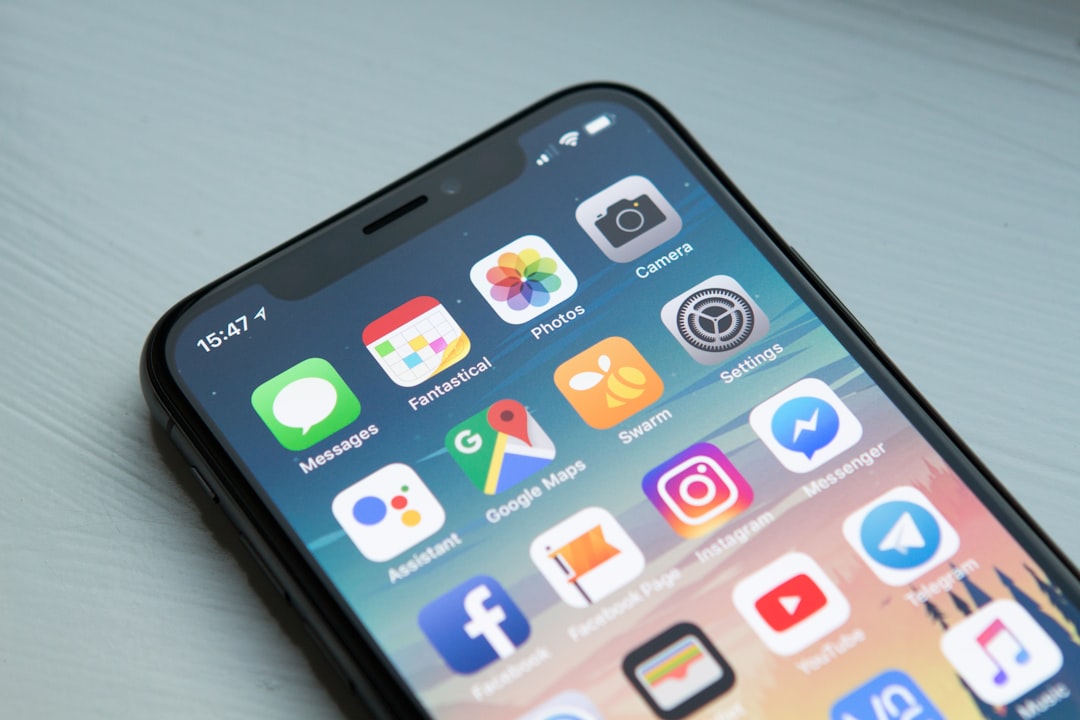
Finding a reliable place to download iOS IPA files in 2026 requires more caution than ever. Apple has expanded sideloading options in some regions, community app stores have matured, and open source developers increasingly publish signed or unsigned builds for testing. Still, the IPA ecosystem also attracts fake mirrors, cracked app libraries, expired certificates, and malware. The safest approach is to use sources that are transparent, developer friendly, and respectful of software licensing.
TLDR: The best IPA download sources in 2026 are official developer websites and GitHub Releases, AltStore and SideStore source listings, AppDB, and, for users who understand the risks, Signulous. Avoid sites that advertise cracked paid apps, modified banking apps, or “premium unlocked” downloads. Always verify the developer, check release history, read permissions carefully, and use legal sideloading methods where available.
What Makes an IPA Download Site Trustworthy?
An IPA file is an iOS application package. In legitimate use, IPA files are distributed for testing, open source projects, internal company apps, personal backups, or alternative app marketplaces where local law and Apple policy allow them. However, because IPA files can also be modified and redistributed, users need to treat unknown downloads with caution.
A trustworthy IPA source should meet several standards:
- Clear attribution: The site should identify the developer, project page, version number, and release date.
- No piracy: Avoid websites offering paid App Store apps for free or “modded” subscriptions.
- Transparent update history: Reliable sources show changelogs, Git commits, or release notes.
- Security signals: Hashes, signatures, community reviews, and active moderation are valuable.
- Legal distribution: The site should not encourage bypassing DRM, stealing paid apps, or installing malicious profiles.
The goal is not simply to find any IPA file. The goal is to find the correct IPA file from a source that has a reason to be trusted.
1. Official Developer Websites and GitHub Releases
Best for: open source apps, emulators where legal, utilities, beta builds, research tools, and apps not available in every App Store region.
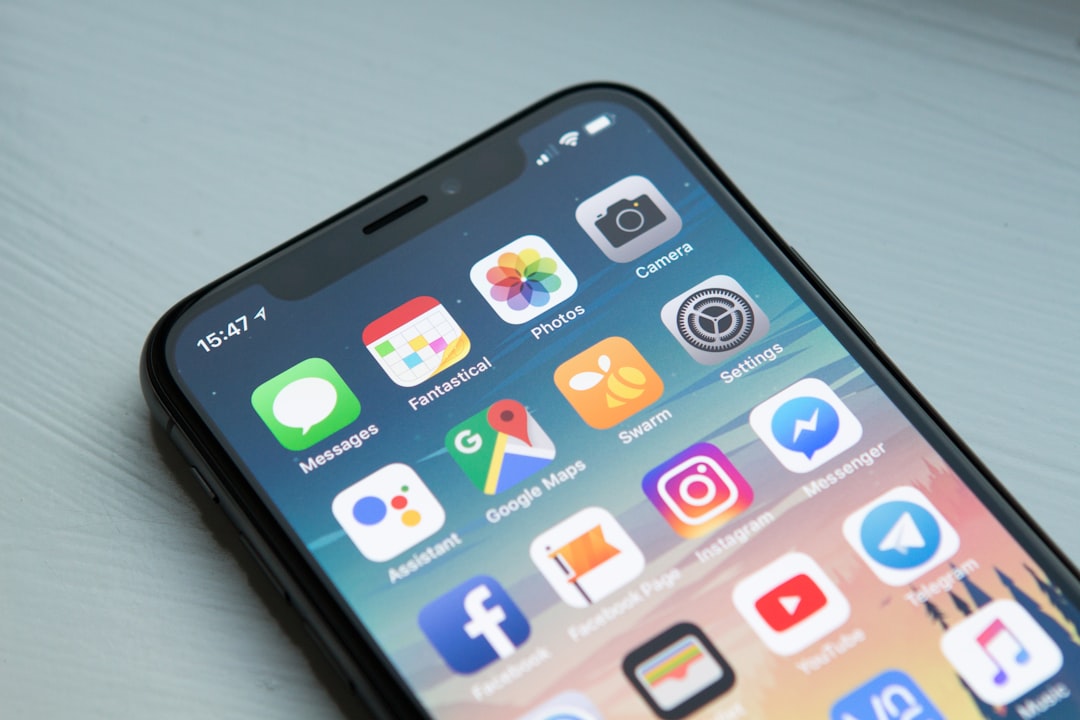
The most trustworthy IPA source in 2026 is still the original developer. Many independent iOS developers publish IPA files on their own websites, documentation pages, or GitHub release sections. This is especially common for open source projects, developer tools, experimental apps, and privacy focused utilities.
GitHub Releases are particularly useful because they usually provide version history, source code, issue discussions, and contributor activity. If a project has been active for years, has public code, and has a consistent release record, it is easier to evaluate than an anonymous file host.
Why it is reliable:
- You can often inspect the source code or at least review the project’s activity.
- Release notes help you understand what changed between versions.
- Community issues can reveal bugs, security concerns, or fake copies.
- Downloads are usually linked directly by the developer rather than by a third party.
What to watch for: GitHub is also used by impersonators, so check that the repository is the official one. Look at stars, contributors, linked websites, and whether known developers reference that repository from their own pages. If a project is popular but the repository was created yesterday, be skeptical.
For serious users, this should be the first place to search. If the developer does not offer an IPA directly, they may provide an official AltStore source, TestFlight link, or App Store listing instead. That is usually safer than downloading a copy from an unknown mirror.
2. AltStore and SideStore Source Listings
Best for: users who want a structured sideloading experience with community maintained app sources.
AltStore and SideStore remain important names in the iOS sideloading space in 2026. They are not simply random download pages; they use app sources that behave more like curated feeds. Developers can publish apps through structured source files, including app metadata, icons, version numbers, and update links.
AltStore has become especially relevant because alternative app distribution has expanded in certain regions, while the traditional AltStore workflow still exists for users outside those regions. SideStore follows a similar idea and is popular among users who want an on device sideloading style after initial setup.
Why it is reliable:
- App sources can be reviewed before being added.
- Updates are more organized than downloading random IPA files manually.
- Many developers link their official AltStore source from their own websites.
- The ecosystem has an established community that often flags suspicious sources.
What to watch for: Not every source is equally trustworthy. A source is only as safe as the person maintaining it. Prefer official sources from developers, well known community repositories, and listings with clear documentation. Avoid feeds that advertise cracked apps, tweaked social media clients with suspicious login behavior, or modified financial applications.
AltStore and SideStore are good choices for people who want a more organized experience than manually collecting IPA files. They are also useful because they make version management easier. Still, users should remember that convenience does not replace verification.
3. AppDB
Best for: discovering IPA listings, tracking app availability, and researching iOS apps outside the App Store environment.
AppDB has been one of the best known names in the IPA and sideloading community for many years. In 2026, it remains a major directory for iOS apps, alternative distribution information, and community submitted listings. Its biggest advantage is breadth: users can search, compare versions, and find information about apps that may not be easy to locate elsewhere.
AppDB can be useful as a discovery tool, but it should be used carefully. Because broad directories may include links or references from different uploaders, the quality of listings can vary. A listing on a directory is not the same as an endorsement from the original developer.
Why it is useful:
- Large database of iOS apps and IPA related information.
- Community visibility can help identify outdated or suspicious files.
- Useful for researching versions, compatibility, and availability.
- Longstanding presence in the sideloading ecosystem.
What to watch for: Treat AppDB as a powerful index, not as automatic proof that every download is safe. Prefer links that point to official developers, verified sources, or transparent release pages. Be cautious with apps that claim to unlock paid features, remove subscriptions, or modify services in ways that violate terms of use.
For experienced users, AppDB can be valuable. For beginners, it is best used alongside additional checks: search for the developer’s official website, compare version numbers, and read recent comments or reports before installing anything.
4. Signulous
Best for: users looking for a paid signing service with an app library and a simpler installation process.
Signulous is another well known service in the iOS sideloading space. It combines app signing features with access to a library of apps. Some users choose it because it reduces the technical complexity of signing IPA files manually. In 2026, services like this continue to appeal to people who want convenience, especially when dealing with apps not distributed through the standard App Store.
Why users consider it:
- Simpler installation flow than manual sideloading tools.
- Paid model may offer more stability than free certificate based sites.
- Recognized name in the sideloading community.
- Useful for users who already understand the limitations of certificate based app signing.
What to watch for: Paid does not automatically mean safe. Users should still avoid pirated apps, modified paid apps, and anything requesting unnecessary access. Also remember that certificate based services can be affected by Apple policy changes, revocations, regional rules, and account restrictions.
Signulous may be suitable for users who understand what they are buying and who use it for legitimate apps. It is not a reason to ignore basic security checks. If an app looks suspicious in a free library, it can still be suspicious in a paid signing service.
Bonus Option: TestFlight and Public Beta Pages
Best for: legitimate beta testing directly from developers.
Although TestFlight is not usually described as an IPA download site, it deserves mention because it is one of the safest ways to access pre release iOS apps. Developers use TestFlight to distribute beta versions under Apple’s testing framework. Many developers also publish public beta links on their websites, social channels, or documentation pages.
The main benefit is trust. You are not manually installing an unknown file from a file sharing site. You are joining a controlled beta program where the app is associated with a developer account and managed through Apple’s system.
The limitation is availability. TestFlight slots can be full, beta links may expire, and not every app offers public testing. Still, when available, TestFlight is usually preferable to downloading unofficial IPA mirrors.
Sites and Downloads to Avoid
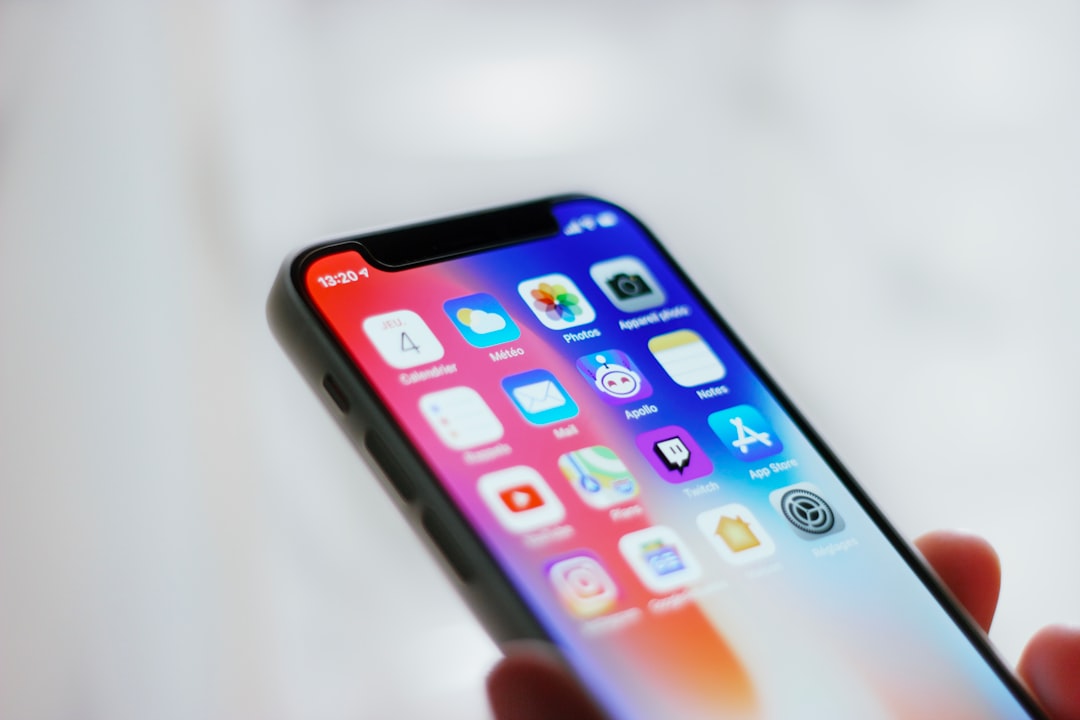
Some IPA websites use aggressive promises to attract clicks. They may claim to offer unlimited free apps, unlocked subscriptions, hacked games, modified social media clients, or banking apps with “extra features.” These are red flags. Even if the app installs, it may expose your account credentials, device information, or personal data.
Avoid IPA sources that:
- Offer paid App Store apps for free without developer permission.
- Require installing unknown configuration profiles without clear explanation.
- Use excessive pop ups, fake download buttons, or forced surveys.
- Do not show version numbers, developer names, or update history.
- Host “modified” versions of messaging, banking, crypto, or email apps.
- Ask for Apple ID credentials outside Apple’s official login flow.
If a website’s main selling point is that everything is free, unlocked, or hacked, it is not a trustworthy source.
How to Check an IPA Before Installing
Before installing an IPA from any source, take a few minutes to verify it. This is especially important if you use the same device for banking, work email, password managers, or private photos.
- Confirm the source: Look for the app on the developer’s official website first.
- Compare versions: Make sure the version number matches the latest official release.
- Read changelogs: Serious developers explain what changed.
- Check community feedback: Search for recent complaints, security warnings, or impersonation reports.
- Avoid unnecessary permissions: Be suspicious if a simple app asks for contacts, location, microphone, or account access without a clear reason.
- Use a separate test device when possible: This is the safest approach for experimental apps.
Final Recommendation
For most users in 2026, the best IPA download strategy is simple: start with official developer websites and GitHub Releases, then consider AltStore or SideStore sources when the developer supports them. Use AppDB mainly as a research and discovery platform, and consider Signulous only if you understand paid signing services and their limitations.
The IPA ecosystem can be useful, especially for open source software, beta testing, and apps that are not available through ordinary channels. But it also requires judgment. Trustworthy sources are transparent, legal, and traceable. Untrustworthy sources rely on anonymity, piracy, and unrealistic promises. If you stay with reputable download sites and verify each app before installing it, you can reduce risk while still benefiting from the flexibility that IPA distribution offers.